Big thanks to Artlist Studio for sponsoring this video.
AI avatar tools are improving at a wild pace, but the real question is still the same: which one actually gives you the best results for your project? In this comparison, we’re looking at four avatar models available inside Artlist’s AI Avatars: HeyGen Avatar 4, OmniHuman 1.5, Fabric 1.0, and Aurora.
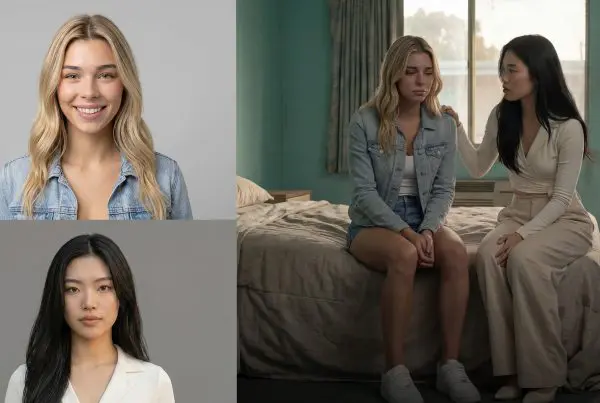
What makes this test useful is that it’s not based on marketing examples. It’s based on the same starting images and the same audio prompts pushed through each model, so you can see where each one looks great, where it breaks, and where it gives you the best value for your credits.
AI Avatars vs. Standard AI Video Models
Before getting into winners and losers, it helps to understand what these tools are really built to do.
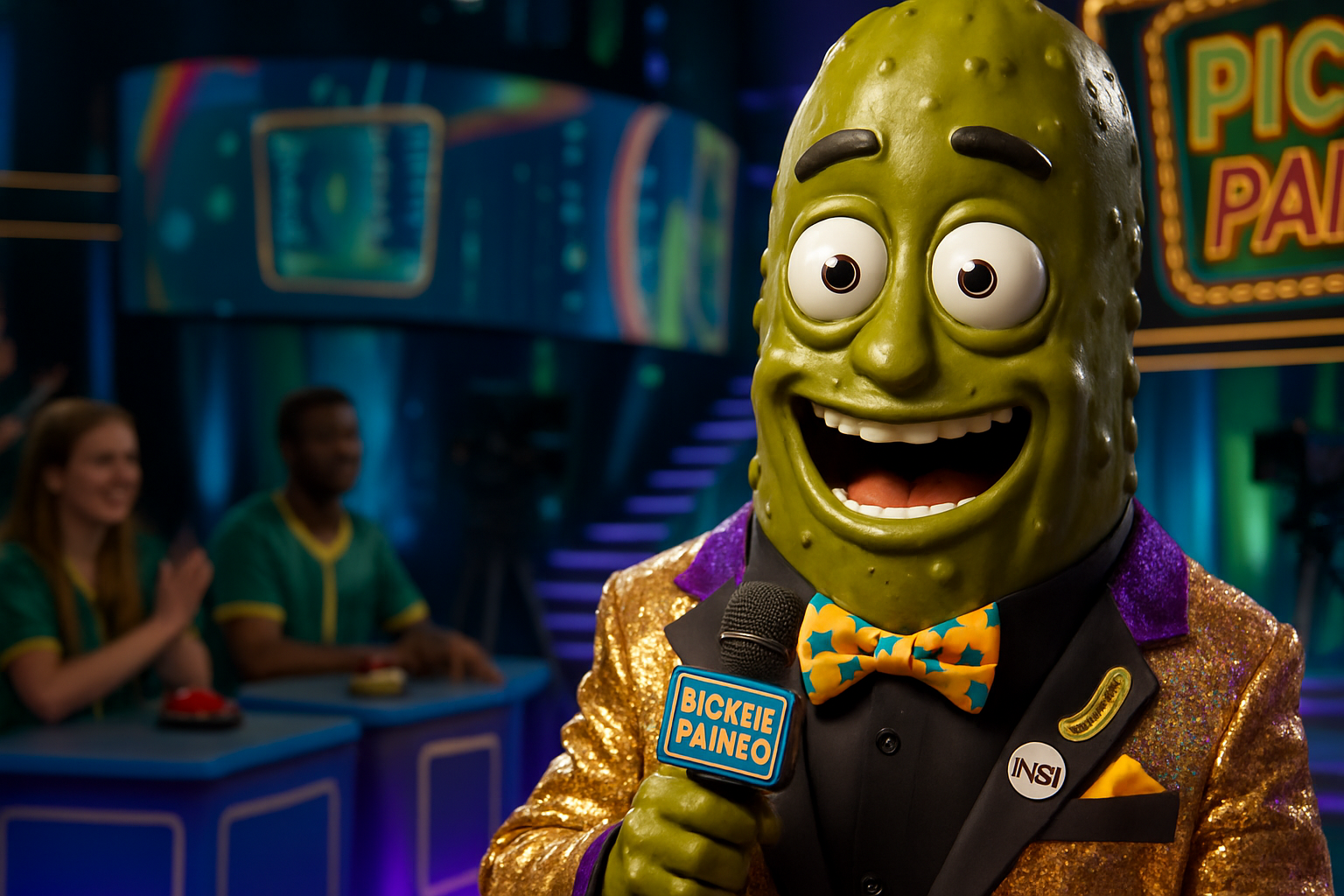
AI avatar models are designed to animate a subject from a still image using voice or audio. They focus on performance: lip sync, facial motion, expression, and in some cases body movement. That’s different from general AI video models, which are trying to generate an entire scene from scratch.
If your goal is a speaking character, an avatar model will usually be more reliable than a full scene generator.
That’s also why the details matter so much here. A model can look impressive in a quick demo, but if the mouth falls apart, the teeth go strange, the hands melt, or the character starts drifting from shot to shot, it becomes much harder to use in a real edit.
What Artlist’s Avatar Models Are Good At
Artlist’s avatar toolset covers a few different needs, which is why this comparison matters. According to Artlist, these models are meant for everything from talking-head explainers to stylized character performances, multilingual content, and short-form social videos. Some prioritize realism, some prioritize expressiveness, and some are simply more efficient with credits than others.
| Model | Best Use Case | Strength | Potential Weakness |
|---|---|---|---|
| HeyGen Avatar 4 | Longer explainers, demos, presenter videos | Natural expression and longer output support | Can cost more for some workflows |
| OmniHuman 1.5 | Dynamic performances, motion-heavy shots | Strong body motion and expressive animation | Can be less consistent depending on shot complexity |
| Fabric 1.0 | Talking heads, UGC-style content, dubbing | Clean lip sync and strong value | Less ideal for cinematic body performance |
| Aurora | Expressive character-driven content | Good facial and body animation balance | May not be the top pick in every realism test |
What the Tests Reveal
Lip Sync, Teeth, and Facial Motion
This is where a lot of avatar models win or lose immediately. If the mouth shape doesn’t match the audio, the illusion is gone fast.
Across this kind of testing, Fabric 1.0 stands out for lip sync accuracy. That matches what Artlist has highlighted about Fabric as a strong option for precise speaking performances and dubbed content. If your main goal is a spokesperson video, a clean talking head, or something UGC-style where the face needs to carry the whole shot, Fabric makes a strong case for itself.
HeyGen Avatar 4 also performs well here, but its advantage tends to be in the broader facial performance. It doesn’t just move the mouth convincingly; it often feels more expressive overall, which can help in product demos, educational content, or any video where the speaker needs a little more personality.
OmniHuman 1.5 and Aurora can both look excellent in certain shots, especially when there’s more happening than just a locked-off front-facing delivery. But once angles get tougher or the image setup gets less ideal, consistency becomes a bigger concern.
Hands, Body Motion, and Background Behavior
This is one of the clearest dividing lines between the models.
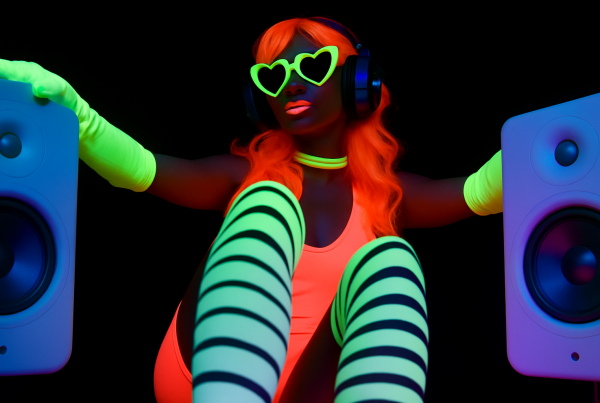
If you want more than a face talking into camera, OmniHuman 1.5 becomes really interesting. The model is built around expressive full-body and gesture-aware motion, and that shows up when the scene asks for movement beyond the mouth and eyes. It can feel more alive than a traditional avatar in the right setup.
That said, more motion also means more opportunities for errors. Hands are still one of the easiest places for AI to break immersion, and backgrounds can sometimes move in ways that feel a little too active or unstable. So while OmniHuman can create more dynamic results, it may also require more selective use.
Aurora sits somewhere in that same conversation. It’s useful when you want a stronger performance than a basic talking head, but not every result will beat the cleaner, more controlled look of Fabric in a straight presenter setup.
Best AI Avatar Model for Different Projects
There probably isn’t one perfect model for everyone, but there is a best model depending on what you’re making.
| Project Type | Best Pick | Why |
|---|---|---|
| Talking-head YouTube content | Fabric 1.0 | Strong lip sync, efficient, reliable for speaking shots |
| Product demos and explainers | HeyGen Avatar 4 | Expressive delivery and support for longer videos |
| Dynamic social clips | OmniHuman 1.5 | Better gesture and body motion in energetic scenes |
| Stylized or performance-led content | Aurora | Balanced facial and body animation for more animated characters |
Resolution, Length, and Credit Value Matter More Than You Think
One of the easiest mistakes with AI avatars is choosing a model only by how impressive it looks in a single clip. In practice, cost and output limits matter just as much as quality.
Artlist’s AI tools run on a credit system, and credit usage varies based on the model, duration, output settings, and resolution. That means the best model isn’t always the one with the flashiest result. Sometimes the better choice is the one that gives you solid quality while letting you create more versions, more tests, or more final outputs without burning through your plan too quickly. You can learn more about that inside Artlist’s AI credits documentation.
That’s one reason Fabric is so compelling. If it gets you a strong speaking performance at a lower effective cost for your workflow, it may be the smarter production choice even if another model occasionally produces a more cinematic result.
Tips to Get Better AI Avatar Results
1. Start with the right image
A clean, high-quality source image still makes a huge difference. Front-facing shots usually work best, especially if your priority is reliable lip sync and facial consistency.
2. Use the model for what it does best
Don’t force a talking-head model into a body-performance job, and don’t expect a motion-heavy model to always be the most stable for close-up delivery.
3. Keep clips shorter when testing
Before committing to a long render, test short sections. It’s the easiest way to spot weird teeth, drifting identity, bad hand motion, or unstable background animation before spending more credits.
4. Edit around the strengths
If one model looks great from the front but struggles on side angles, build your edit around that. AI avatars still benefit from smart shot selection just like real footage does.
5. Think in terms of workflow, not just single shots
The winner isn’t necessarily the model with the best one-off clip. It’s the one that gives you repeatable results for your actual content pipeline.
So Which AI Avatar Generator Is Best?
If you want the short version, here it is:
Fabric 1.0 is likely the best all-around pick for many creators, especially if you care about lip sync, talking-head performance, and overall value. HeyGen Avatar 4 is a great option when you want more expressive presenter content and longer outputs. OmniHuman 1.5 is the one to watch for dynamic motion and more ambitious performance shots. Aurora is a strong creative option when you want more stylized expressive animation.
That’s really the takeaway from this comparison: the most hyped or most expensive model isn’t always the one you’ll use the most. The best AI avatar tool is the one that fits your content style, holds up under real testing, and gives you results you can actually use in an edit.
If you want to explore the models yourself, you can check out Artlist AI Avatars and see which one matches your workflow best.