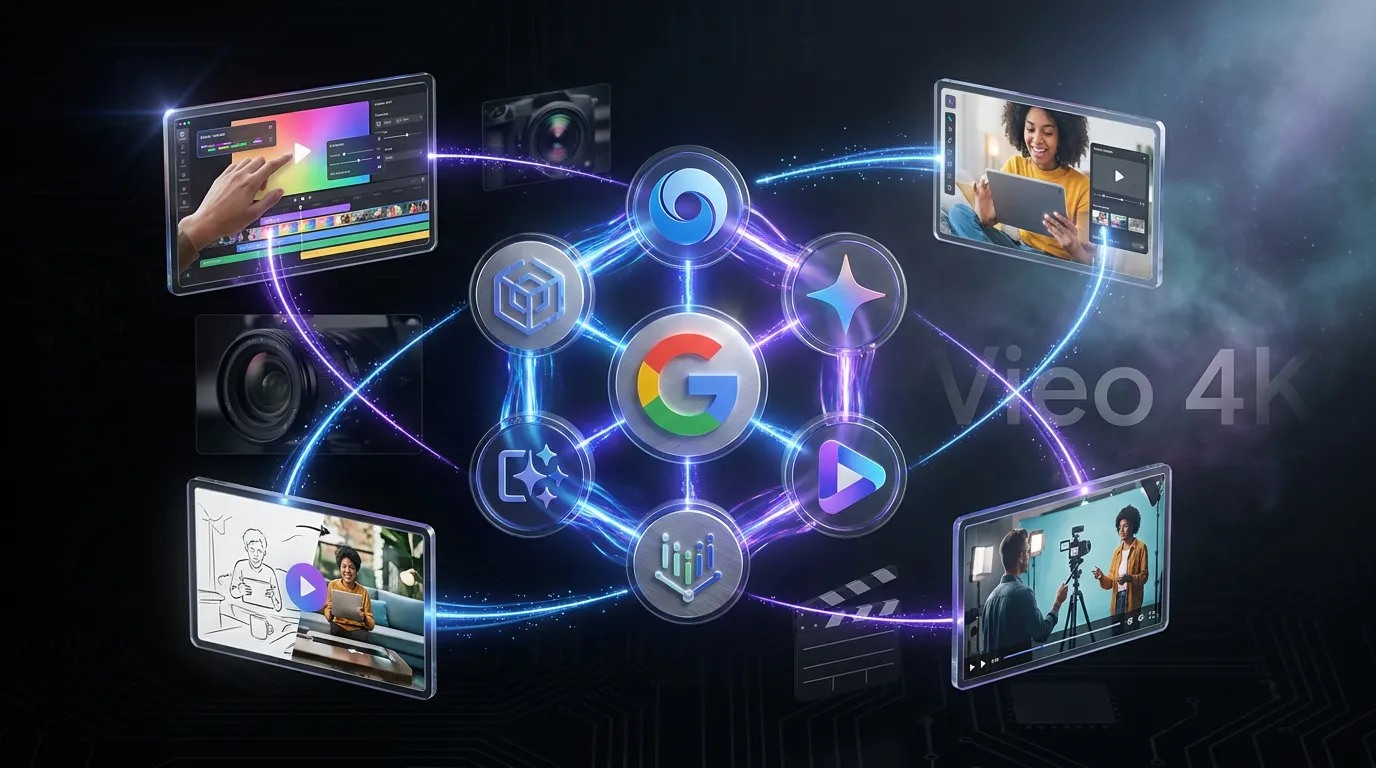
Google’s latest Veo story is not a “Veo 4” launch. What’s live and documented right now is Veo 3.1, and the move that matters is not a mythical 4K-only cinematic monster. It is that Veo is getting embedded into the places creators already work, while the API surface in Vertex AI keeps maturing for teams who build automation pipelines. Start with the official Veo model overview from DeepMind here.
The post you’re reading is an edit for accuracy and signal: an earlier draft claimed Google unveiled “Veo 4” with native 4K generation, “world-state memory,” and granular cinematic camera controls. Those specific claims are not backed by Google’s public docs or announcements. The real news is still strong, just more practical and less sci-fi: Veo 3.1 is expanding across Gemini, Google AI Studio, Google Vids, and Vertex AI, with workflow improvements like native vertical video, reference-based control, and production-facing API parameters.

The creator reality check: the most important gen-video breakthroughs right now are not “4K.” They are repeatability, format correctness, and getting the tool out of the demo tab and into the software your team actually opens on Monday morning.
What’s actually shipped
Here’s what we can point to without rumor energy:
- Veo is publicly positioned as Google DeepMind’s generative video model for high-fidelity text-to-video (and, depending on surface, image-to-video) creation.
- Veo on Vertex AI has a documented API with configurable parameters (duration, aspect ratio, resolution options depending on model family, safety settings, and long-running generation).
- Veo 3.1 has been rolling into creator-facing surfaces with emphasis on social formats, notably native vertical.
For developers and pipeline folks, Google Cloud’s Veo model reference is the most concrete “what can I call today” page: Veo on Vertex AI video generation API.
Veo’s real headline: distribution
If you’re expecting one giant model drop to settle the “best video model” debate, Veo’s recent momentum is heading in a different direction: availability by default. Google is steadily turning Veo into a capability that shows up across its ecosystem, especially inside products non-technical teams already use.
The cleanest example: Veo 3.1 showing up inside Google’s lightweight editor, Vids. Google’s own post covering the Vids update (including Veo and Lyria) is here: Google Vids updates with Lyria and Veo.
If you want the COEY take on what that embedding means for everyday creators, we covered the rollout here: Veo 3.1 Goes Free in Google Vids.
Why creators should care
This kind of embedding changes the purchase decision. Instead of “should we adopt a new AI video tool,” it becomes “it’s already in our stack, should we ignore it?” That is how tools go mainstream: not with the best demo, but with the least friction.
Control is getting practical
Let’s talk about the stuff creators feel in edits, not theoretical features.
Vertical is no longer optional
One of the most meaningful shifts in Veo 3.1 is native 9:16 support. That is not a spec flex. That is “your subject stays in frame” and “you do not spend your life cropping widescreen into a phone rectangle like it is 2016.”
Google’s developer announcement for Veo 3.1 and its new creative capabilities is here: Introducing Veo 3.1 and new creative capabilities.
Reference inputs matter more than vibes
The fastest path to “usable” gen video is not writing longer prompts. It is giving the model anchors: reference images, frame constraints, and consistent style cues. In Vertex AI, that shows up as support for workflows like using images as inputs and reference images for guidance, model and method dependent.
Importantly: this is where a lot of the internet starts inventing terms like “world-state memory.” The real, boring truth is that continuity is usually achieved through conditioning inputs and structured prompting, not a magic persistent memory switch you toggle on.
Vertex AI: the pipeline angle
If AI Studio is where creators experiment, Vertex AI is where teams operationalize. The Veo API uses long-running operations (because video takes time), and its parameters are designed for programmatic generation: set aspect ratio, duration, resolution options (model-dependent), audio generation (model-dependent), safety controls, and output handling.
Important spec reality check: in the current Vertex AI Veo model reference, supported aspect ratios are 16:9 and 9:16. For Veo 3 family models, the documented resolution parameter is 720p or 1080p (default 720p), and durations are short (Veo 3: 4, 6, or 8 seconds; Veo 2: typically 5 to 8 seconds). Audio generation is a Veo 3 feature in the Vertex docs (not Veo 2).
That matters if you’re doing any of the following at scale:
- Variant generation (hooks, intros, end cards)
- Localization (regional visuals, different on-screen languages)
- Catalog creative (hundreds of products, consistent pacing)
- Automated story assembly (template-based sequences)
| Need | What Veo enables | What still takes work |
|---|---|---|
| High output volume | Batchable generation via API | QC, review, rejects, retries |
| Format correctness | Native aspect ratios (16:9 and 9:16) | Safe zones, overlays, platform UI clearance |
| Continuity | Reference-driven consistency tools | Character drift across shots still happens |
So, where did “Veo 4” come from?
“Veo 4” chatter is floating around the web, but it is largely fueled by non-official pages and speculation loops. The risk is not just being wrong on a version number. It is building your workflow expectations around features that may not exist (native 4K generation, named “world-state memory,” granular cinematography controls exposed as first-class UI parameters, and so on).
Creators do not need another rumor to track. They need to know what buttons are real today, and what those buttons change in production.
The grounded expectation
Based on what Google has shipped and documented, the next meaningful improvements to watch are not “4K.” They are:
- Better identity stability across multiple shots
- Longer and more coherent sequences with fewer resets
- More deterministic controls (the stuff that lets teams storyboard instead of lottery-prompt)
- Tighter integration into editing and collaboration surfaces
The meta-shift: AI video is moving from “generator” to “infrastructure.” Once it is inside Workspace tools and callable via Vertex, the differentiator becomes consistency-per-dollar, not cinematic adjectives.
What this means now
If you’re a solo creator: Veo’s biggest advantage is that it is increasingly close to where you already write (Gemini) and close to where you already assemble (Vids). That reduces the export to reupload to reformat loop that kills most AI drafts.
If you’re a team: Veo’s Vertex AI footprint is the real lever. The API is what turns gen video from a fun experiment into a system, where you can define inputs, generate outputs, track costs, and keep your process sane.
And if you came here for “Google unveils Veo 4”: the better news is you do not need a new number to get meaningful progress. Veo 3.1’s direction, native social formats, wider distribution, and a serious API backbone, is exactly how gen video becomes something creators actually use, not just something they retweet.