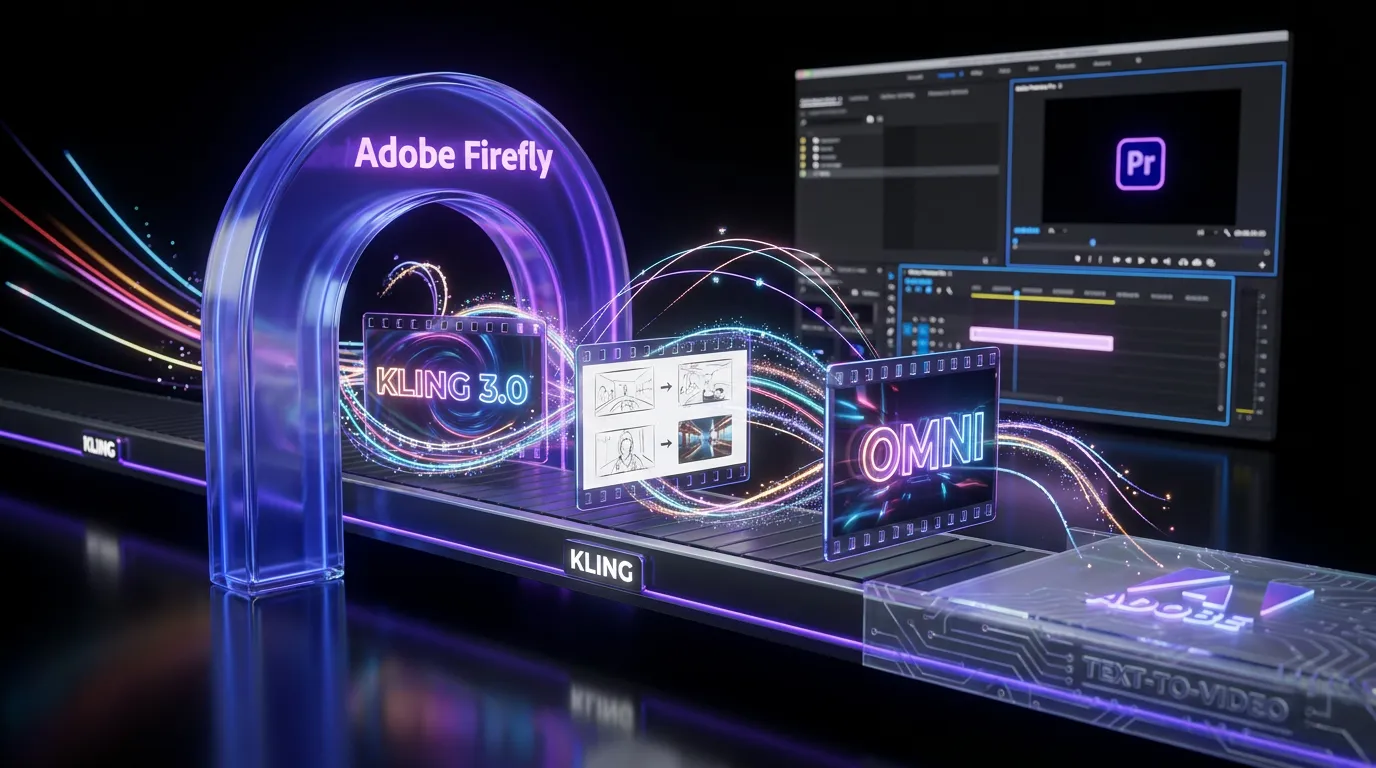
Adobe just made a very “we ship creative for a living” move: Kling 3.0 (including the Omni variant) is now available directly inside Adobe Firefly as a text-to-video option, turning what used to be a multi-tab, export-heavy ritual into something closer to a standard Creative Cloud workflow.
The clean starting point is Adobe’s announcement on its blog: Adobe extends leadership in video.

This is not “Adobe launches another shiny model.” It’s Adobe continuing a pattern: Firefly becomes the hub, partner models become selectable engines, and Premiere Pro becomes the place those drafts turn into deliverables. If you’re a creator, an in-house team, or an agency trying to move faster without turning your asset pipeline into spaghetti, this integration is the kind of change you’ll actually feel on Monday morning.
What actually shipped
Firefly now surfaces Kling 3.0 and Kling 3.0 Omni as built-in video generation choices as partner models you can pick in Firefly. The practical shift is simple: instead of generating in a separate Kling interface (or any third-party tool), downloading files, and then re-importing them into your real editing project, you generate inside Firefly and keep moving downstream inside Adobe’s ecosystem.
Adobe is positioning this as a production workflow upgrade more than a novelty feature, and the integration ties into Firefly’s broader multi-model direction: choose the best engine for the job without leaving the workspace.
The real win isn’t that you can generate video.
It’s that you can generate video without blowing up your workflow.
Kling inside Firefly
Kling’s reputation in gen-video has been built around motion quality and consistency. With Firefly hosting Kling 3.0, Adobe is basically saying: you can keep your existing Creative Cloud habits, but get access to a high-performing video model in the same place you already concept and iterate.
What Kling 3.0 brings
Kling 3.0 is aimed at the stuff creators notice immediately when gen-video fails: temporal coherence, stable subjects, and camera motion that does not look like your scene is melting mid-pan. In Firefly, this matters because Firefly is often where teams do early-stage exploration: style, vibe, story beats, before they commit to editorial polish.
What Omni changes
Kling 3.0 Omni is positioned by Adobe as the more directable option: better consistency and more control for specific shot intent. Think of it as the version you pick when “make it cinematic” is not enough and you need something closer to shot intent and continuity that survives review.
Premiere handoff gets real
The integration’s biggest operational payoff is what happens after the generation: Firefly video output can be imported into Premiere Pro via Firefly-to-Premiere workflows. Firefly is where you generate, Premiere is where you edit and finish.
If you want related COEY context on Adobe pulling Firefly deeper into real editing workflows, see: Firefly Video Arrives in Premiere Pro Editing Workflow.
Here’s why that’s not just a convenience:
- Less asset wrangling: fewer downloads, fewer “where is the latest version,” fewer broken links.
- Faster iteration loops: generate, review, regenerate, then cut into the timeline with less tool-hopping.
- Cleaner collaboration: Creative Cloud workflows are designed for shared projects; random external generators are not.
If you’ve ever lost time to “wait, which MP4 did you download?” you already understand the value.
Commercial use expectations
Adobe is clearly framing this integration for professional teams, which means the conversation quickly turns from “cool” to “can we use this in client work without creating a legal scavenger hunt?”
Firefly’s positioning is that it’s built for commercial workflows, and the surrounding infrastructure (account controls, enterprise options, and metadata) exists specifically because agencies and brands need traceability.
One practical element Adobe keeps leaning into across Firefly is Content Credentials, the metadata layer used to indicate how content was made and what tools were involved. Adobe’s official overview is here: Content Credentials overview.
Important creator takeaway: this integration is designed to behave like a Creative Cloud feature, not a side quest. That’s the difference between “we tried AI video once” and “AI video is now part of the pipeline.”
Where teams feel it first
This update is most valuable for people shipping a lot of content, especially when timelines are tight and revision cycles are brutal.
Agencies in pitch mode
When you’re pitching, speed isn’t just speed, it’s credibility. Kling inside Firefly lets teams create motion drafts that feel closer to a real concept than a static board, and then assemble a cut in Premiere without detouring through external tools.
Social and performance teams
These teams don’t need a single perfect clip. They need volume: variants, hooks, different moods, different camera vibes, different pacing. The integration reduces the friction that normally kills that experimentation.
In-house brand teams
Brand teams care about repeatability: consistent output, controlled access, and fewer mystery tools inside the workflow. Keeping generation inside Adobe’s environment makes adoption easier for organizations that already standardize on Creative Cloud.
Workflow snapshot
Here’s the practical “before vs after” that actually matters if you’re producing at scale.
| Workflow moment | Before | Now |
|---|---|---|
| Text-to-video draft | Generate off-platform | Generate in Firefly with Kling |
| Edit prep | Download + rename + import | Import into Premiere via Firefly workflow |
| Team review | Links + exports everywhere | Assets stay in Creative Cloud context |
This is the quiet way platforms win: not with the loudest model demo, but with the lowest workflow tax.
What to watch next
This integration also signals what Adobe is optimizing for long-term: models will keep changing, but the workflow surface stays stable. Firefly is increasingly acting like the control layer where different engines can be swapped in as needed.
Two practical questions will determine how big this is in daily use:
Does it hold up under revisions?
Creators don’t ship the first generation. They ship the fifth, after feedback, constraints, and the inevitable “can we make it feel more premium but also more fun?” If Kling 3.0 Omni stays stable while you iterate, it becomes a real production tool, not just a concept machine.
Can it survive the pipeline?
The end goal isn’t “generate a clip.” It’s generate, edit, version, export, deliver. Adobe is betting that Kling inside Firefly, paired with Firefly-to-Premiere workflows, moves gen-video closer to that normal production loop.
Bottom line
By integrating Kling 3.0 and Kling 3.0 Omni directly into Firefly, Adobe is doing what it’s been doing across Creative Cloud lately: turning generative AI from a separate experiment into a built-in production capability. The headline isn’t just better video generation, it’s fewer handoffs, faster iteration, and a shorter distance between a prompt and an edit that can actually ship.
If your work lives in campaigns, social, or rapid prototyping, this is the kind of update that doesn’t just add features. It adds momentum.