

MiniMax’s video generation docs just got a lot more relevant, because MiniMax is rolling out MiniMax H3 (also branded as Hailuo 3.0): a generative video model that aims to ship what creators keep asking for in one render, 2K video output plus synchronized stereo audio. Early access testing is already spilling across creator circles, and the headline is simple: fewer pipeline steps, more usable clips, and a stronger shot at repeatable brand work without babysitting every frame.
H3 lands in a crowded “make it move” moment, but it’s not trying to win with vibes alone. The spec choices, 2K by default, audio baked in, and stronger reference workflows, are basically an attempt to turn AI video from a fancy storyboard tool into something closer to a production ingredient. Not the final edit. But something you can actually hand to an editor (or a template automation) without apologizing first.
What launched
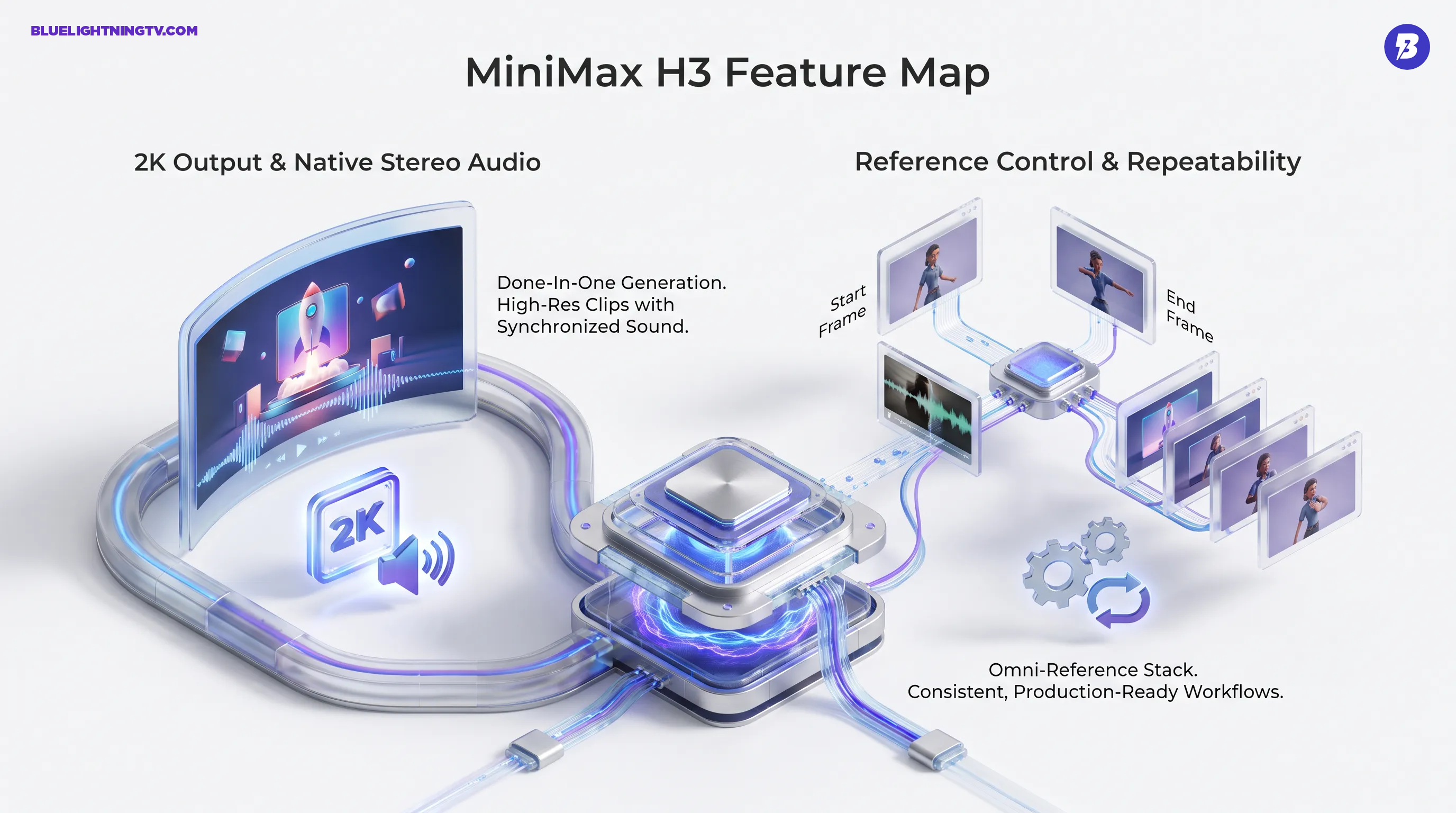
MiniMax H3 is a multimodal video generation model: it can be conditioned with a mix of text plus references (community and partner-tool docs describe support for images, video snippets, and audio references) and produces short-form video clips (community testing commonly cites about 4 to 15 seconds) with native stereo sound.
Big signal: “Video plus audio together” is the point. MiniMax is betting creators don’t want another tool in the chain, they want fewer tools total.
Specs creators will notice
MiniMax hasn’t published a single, fully unified “one-sheet” spec across every surface yet, but current creator reports and partner listings line up on a few key capabilities.
| Capability | What H3 offers | Why it matters |
|---|---|---|
| Resolution | 2K output (commonly described as 1440 px on the short edge) | Less immediate upscaling, sharper social crops, more legible product detail |
| Duration | Short clips (commonly reported as about 4 to 15 seconds) | Long enough for ad hooks, product beats, and cuttable sequences |
| Audio | Native stereo audio generated with the clip | Stops the “silent movie” workflow where sound design becomes a second project |
The stereo-audio detail is the real workflow changer. Plenty of teams already generate visuals with one model and patch in VO, music, or SFX elsewhere. That works, until you’re doing volume. H3 is pushing toward a world where you can generate a cut-ready draft in one go, then do taste-level fixes instead of technical assembly.
Reference control gets real
H3’s most useful upgrade isn’t just higher pixels. It’s the move toward repeatability, which is the difference between “cool demo” and “we can run this every week for clients.”
First and last frames
MiniMax’s platform docs describe a first and last frame workflow for video generation, where you provide a start frame, an end frame, and a prompt, and the model generates the motion between them (API reference here). Even if your team never touches the API directly, this mode maps cleanly to real production needs: match a key pose, hit a final product hero shot, or force a transition to land where the editor needs it.
Omni reference stacks
Early testing around H3 emphasizes “omni reference” behavior, blending multiple assets (images, video snippets, and audio cues) into one generation. That’s a quiet superpower for brand teams. Not because it guarantees perfect logo placement every time (nothing does), but because it increases the odds that a batch of outputs shares enough common DNA to feel like a campaign, not a roulette wheel.
Generative video is entering its template era: the winners won’t just look good once, they’ll look consistent on the 30th run.
Who benefits first
H3’s feature set screams “content ops.” Not in a soulless way, more in the “we have a calendar and deliverables” way.
Performance creative teams
If you’re iterating paid social, H3’s value is speed plus spec: higher-res clips that survive platform compression a little better, plus audio that lets you test hooks without waiting on a separate sound pass. The best-case scenario isn’t that H3 outputs a final ad. It’s that you get 10 viable directions faster, then edit two into real winners.
Ecommerce and product
Product video lives and dies on clarity: surfaces, textures, UI screens, packaging details. 2K output helps here, and reference workflows matter because product content tends to be consistent by design. You want the same object, same angles, same background language, just remixed for new promos.
Agencies doing volume
Agencies are juggling brand constraints, turnaround times, and the reality that clients love “options.” A model that can keep a subject more stable, land key frames, and output audio in the same clip is basically a direct attack on the most annoying part of AI video work: stitching together tools that weren’t designed to cooperate.
Access and rollout
H3 availability is currently split across surfaces. It is live in the Hailuo product ecosystem and partner platforms (for example, API marketplaces and creative tooling partners), while MiniMax’s own public API docs may not yet list H3 as a selectable model ID in the same way older Hailuo video models are listed. MiniMax’s platform documentation remains the best place to watch for standardized model naming, endpoints, and predictable usage patterns as things settle (text-to-video API reference).
This kind of rollout has a predictable effect: the community benchmarks show up before the official spec sheet feels complete. That’s not inherently bad, creator testing tends to reveal the true constraints quickly. It just means teams that need procurement-grade clarity (model IDs, rate limits, stable pricing) may wait a beat before committing H3 to anything mission-critical.
For related context and early rollout signals, see our coverage: Hailuo 3 Enters the Crowded AI Video Arena.
Open weights pressure
One of the spiciest details circulating around H3 is the “open weights” angle. Multiple reports describe H3 as open-weights soon, but as of today, clear, primary-source links to the released weights and the exact license terms are not consistently published across official MiniMax surfaces. If MiniMax follows through in a meaningful way, it changes who gets to build on top of H3, and how locked-in creators will feel.
Why open weights matter
For tool builders, open weights can mean:
- Private deployments for sensitive brand assets or internal workflows
- Customization toward specific verticals (product shots, fashion motion loops, UI demos)
- Cost predictability at scale, depending on infra and licensing realities
For creators, it can mean a new wave of “H3-powered” apps that compete on UX, not just model access. And yes, it also means the model’s strengths and weaknesses will become extremely legible, extremely fast, because nothing stress-tests a model like thousands of developers trying to bend it into their favorite workflow.
What changes in practice
H3’s 2K plus stereo combo points to a pragmatic shift: generative video is inching away from “silent clip generator” toward draft scene generator. That affects how teams plan work.
Fewer pipeline hops
If your current flow is “generate clip, upscale, generate VO, add music, sync, export,” H3 is trying to collapse that to “generate, edit.” You’ll still edit. But you may stop doing so much technical assembly just to get to a watchable draft.
More batchable creativity
Reference modes, especially first and last frames, make outputs easier to standardize. That’s the key for automation: you can design a repeatable prompt plus asset package and run it weekly, instead of treating every generation like a one-off experiment that needs handholding.
MiniMax H3 isn’t here to end the era of editors, shoots, or craft. It’s here to make the “first draft” of video, motion, framing, and now audio, arrive faster and in a more usable format. In a market full of flashy model drops, that’s a grounded kind of upgrade: less hype, more throughput.