Adobe’s Photoshop 27.6 update is live, and the headline is not some sci-fi “AI replaces designers” flex. It’s tighter, more production-friendly AI where creators actually feel it: Generative Fill gets a quality bump via Firefly Image Model 5, plus new tools that aim straight at daily workflow pain like Rotate Object and improved cleanup via the Remove tool’s Find Distractions (including a broader “general distractions” category). Adobe’s official announcement is here: Photoshop v27.6 is live.
If your day-to-day is thumbnails, product shots, campaign variants, or “can you just move that thing over a bit?” requests, 27.6 is built for you. Not in a magical way. In a less time spent undoing weird AI choices way.
What shipped in 27.6
Photoshop 27.6 is a bundle of practical upgrades that share the same goal: reduce friction between first draft and final delivery.
Here’s what matters most for generative workflows:
- Generative Fill can use Firefly Image Model 5 for sharper, more realistic results
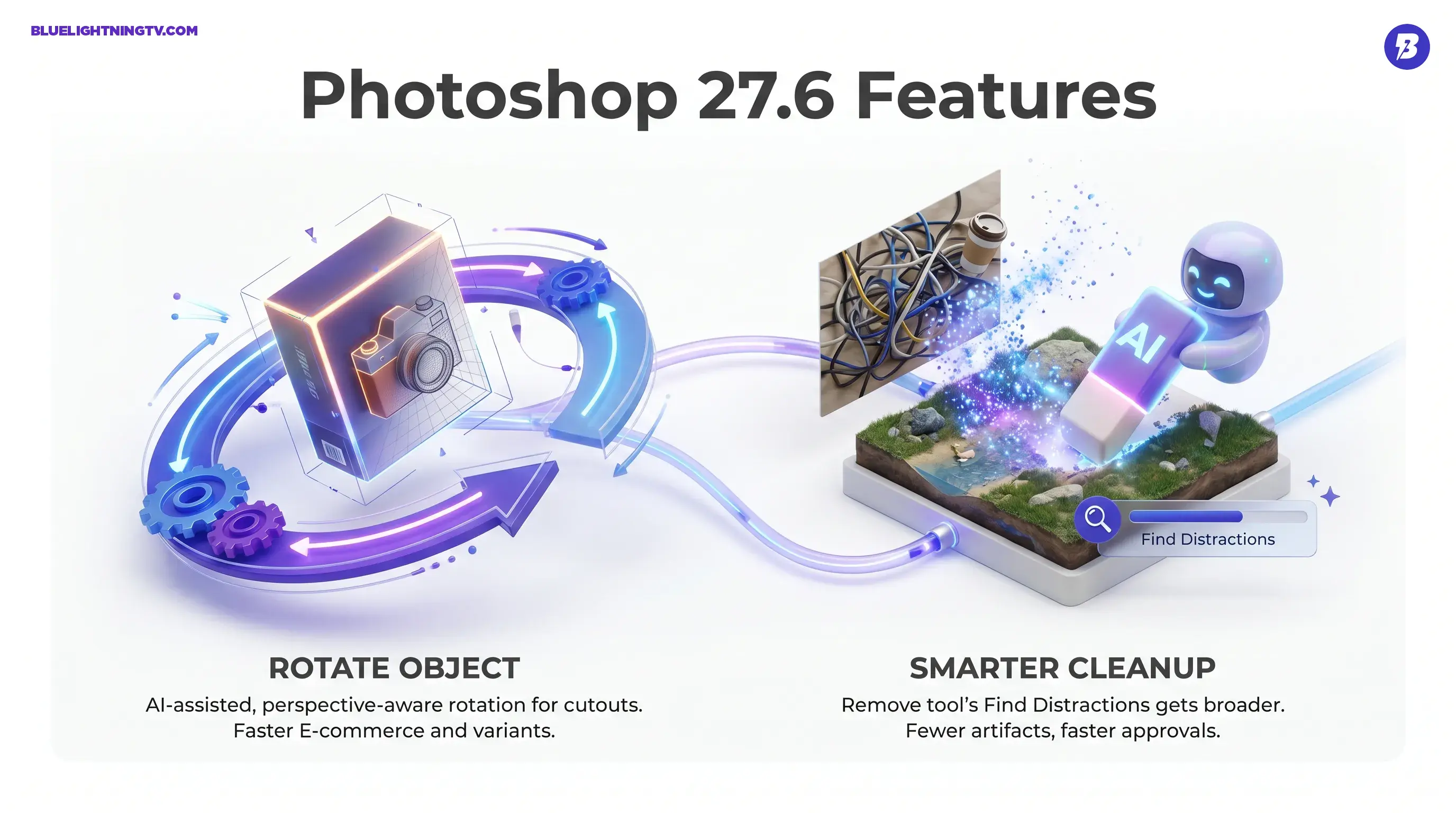
- Rotate Object for AI-assisted, perspective-aware rotation for cutouts
- Find Distractions inside the Remove tool, including a broader general distractions category
- Supporting workflow updates like Layer Cleanup and other UI and workflow refinements
A solid third-party rundown that lines up with what Adobe is describing is here: CG Channel: Adobe releases Photoshop 27.6.
Generative Fill gets sharper
The biggest change in 27.6 is under the hood: Firefly Image Model 5 is now available as a Generative Fill model option. Adobe has been steadily moving Firefly from “cool demo output” toward “usable pixels you can actually keep,” and this update continues that trajectory.
What improves in practice:
- Cleaner edges where generations meet real pixels, with fewer obvious seams
- Better texture continuity across fabric, hair, grass, skin, and product surfaces
- More believable lighting and perspective matching in scene extensions and object swaps
That does not mean every generation is suddenly perfect. It means the average result is less likely to require the same boring cleanup steps.
The real win is not that it generates new pixels. It is that those pixels survive the next step: retouching, layout, and review.
The model picker signal
Photoshop’s Generative Fill is now explicitly multi-model. You can choose between different AI models, and those choices can affect both results and generative credit usage. Adobe documents model selection here: Adobe Help: Select an AI model.
For creators, the implication is simple: Photoshop is positioning itself as the workflow surface, not “one model forever.” That is pragmatic and it is how pro pipelines usually win.
Rotate Object lands
Rotate Object is the most “wait, that’s actually useful” addition for production teams. It is designed for rotating a subject as though it has depth, more like a quick AI-assisted pseudo-3D turn than a flat Transform and Rotate.
Per Adobe and third-party coverage, the tool works best when your layer is essentially one isolated object on transparency, meaning a cutout. You rotate on-canvas with a preview, then Photoshop finalizes the render.
Where it helps immediately
Rotate Object is not for everything, but it is built for common creator scenarios:
- E-commerce: rotate product cutouts to fit layouts without reshooting
- Social variants: tweak angle and posture of an element to make “Version B” feel meaningfully different
- Compositing: adjust the orientation of a subject to better match a background plate
The reality check
Because Rotate Object is AI-assisted, it is not the same as a mathematically “true” 3D rotation. It is a best-guess reconstruction. That is fine for fast iteration and marketing layouts, but you still want human eyeballs on:
- text and logos on packaging where accuracy matters
- repeating patterns and symmetry
- hard-surface edges that must stay mechanically consistent
In other words, it is a speed tool, not a CAD tool.
Distraction Removal gets broader
Photoshop’s Remove tool keeps getting smarter, and 27.6 pushes it further with Find Distractions, which now includes a broader general distractions category.
This matters because creators do not only remove obvious stuff. They remove:
- background clutter that competes with a subject
- awkward highlights, stray objects, messy edges
- little “why is that there?” artifacts that slow approvals
This is the kind of feature that quietly saves the most time because it is a task you repeat constantly.
Small workflow upgrades add up
27.6 also includes updates that do not trend on social media, but do improve daily work:
- Layer Cleanup to detect and remove empty layers and auto-rename layers, with undo support
- assorted UI and workflow tweaks that reduce clicks
These are the “eat your vegetables” updates. They are not exciting. They are also exactly how Adobe keeps Photoshop usable as files get more complex and team-based.
What changes for teams
Photoshop updates matter differently at scale. For teams, the ROI is not “did it generate something cool?” It is:
- Did it reduce cycle time per asset
- Did it reduce manual cleanup
- Did it make variants faster without breaking brand standards
Here is the 27.6 impact in a simple snapshot:
| Workflow moment | What 27.6 improves | What still needs humans |
|---|---|---|
| Variant creation | Faster rotations plus cleaner fills | Brand accuracy, typography, product truth |
| Cleanup and retouching | Better automated removal | Hard edges, reflections, complex patterns |
| Approval rounds | Higher first-pass usability | QA, consistency across a full set |
The broader context is clear: Adobe is optimizing for high-volume content production, not just individual artistry. The tools are built to make “generate then refine then ship” less of a slog.
If you want related COEY context on Adobe’s broader “ask for the edit” direction, see: Photoshop’s New AI Assistant Lets You Edit by Asking.
Bottom line
Photoshop 27.6 is Adobe doing the unsexy work that actually moves creator workflows forward: sharper Generative Fill via Firefly Image Model 5, a genuinely time-saving Rotate Object feature, and a smarter Remove tool with Find Distractions that now covers broader “general distractions.”
It is not hype-worthy. It is useful. And in 2026, useful is the feature that pays rent.