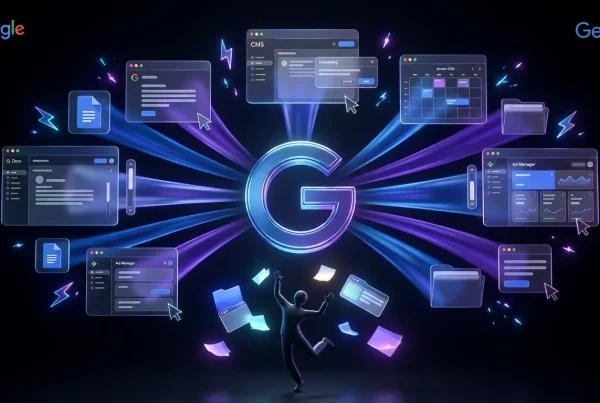
Google’s Gemini Canvas is Google’s clearest statement yet that “chat” is not the endgame. Canvas is a built-in workspace where Gemini doesn’t just answer you, it helps you produce an artifact you can hand to someone else without the classic copy paste shuffle. Google’s official overview is here: Gemini Canvas overview.
If you’ve ever watched a great AI output die in transit, lost in Slack, mangled in a doc, or trapped in one person’s browser tab, Canvas is Google trying to fix that. It’s a move toward collaborative, remixable work surfaces: drafts that are already structured, already editable, and increasingly designed to survive a team workflow.
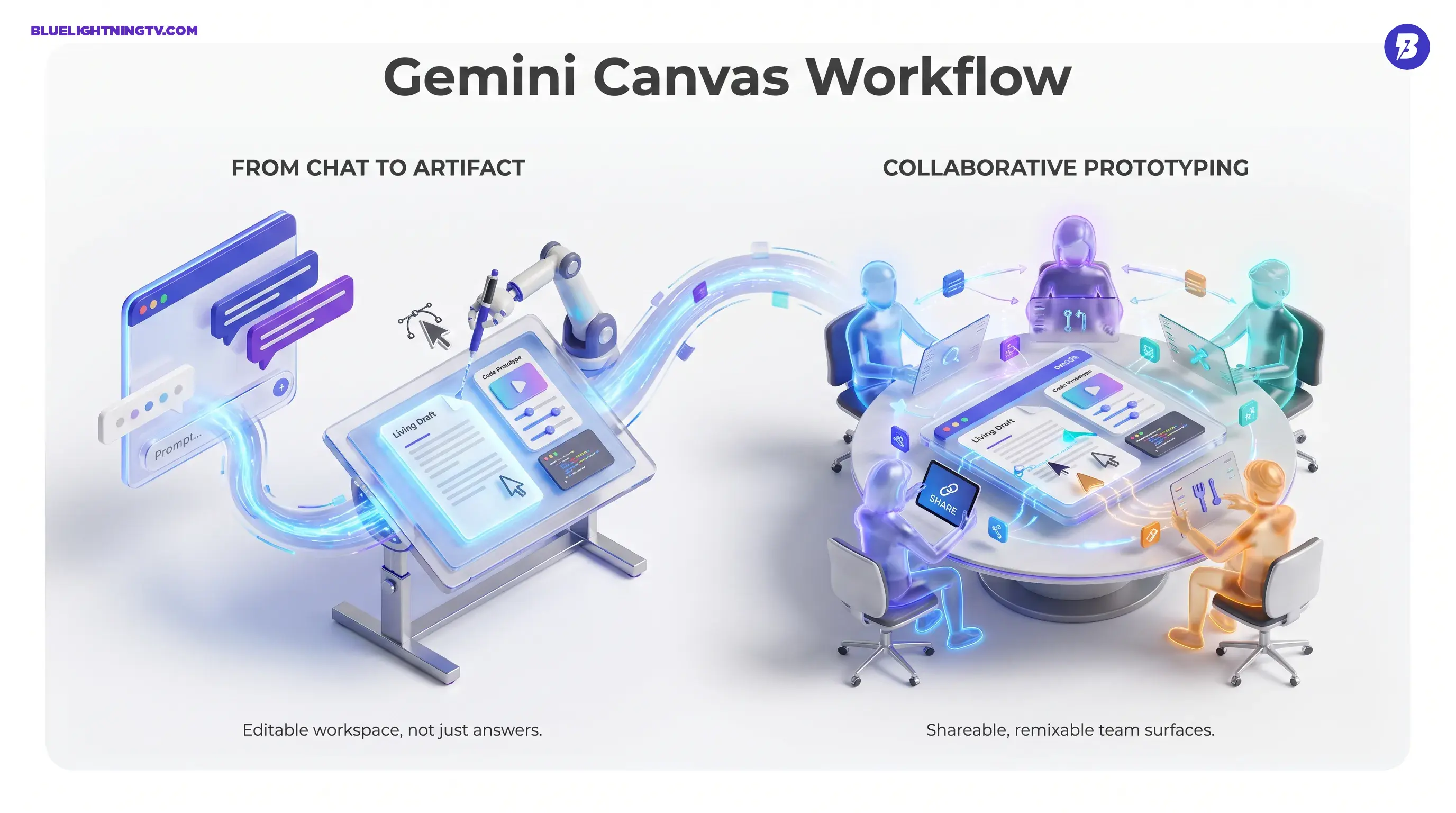
Creator translation: Canvas isn’t a better chatbot. It’s Google making Gemini feel like a place where work actually lives.
What Canvas actually is
Canvas is an interactive panel inside Gemini where you can generate and iterate on documents and code, including small app style prototypes (Google describes it as “create docs, apps & more”). Instead of producing a response you then relocate into the real tool, Canvas keeps the work in an editable space, closer to a doc editor or a prototyping sandbox than a chat transcript.
Google has been positioning Canvas as part of a broader Gemini collaboration push, alongside features like Audio Overview. The clearest product framing is in Google’s own announcement post: New Gemini features: Canvas and Audio Overview.
Chat output vs. Canvas artifacts
In practice, the shift is simple: Canvas outputs are meant to be worked on. That means they’re easier to revise, extend, and share without turning your draft into a brittle blob of pasted text.
A Canvas can function like:
- a living doc draft (with structure you can keep refining)
- a code forward prototype (with an edit loop that stays close to the output)
- an interactive concept someone else can open, copy, and continue
Why sharing is the headline
The most important Canvas feature isn’t that it can generate things. Most tools can do that now. The headline is that Canvas is designed for distribution inside a team.
Google supports sharing Canvas creations through shareable links, and recipients can open the shared item and make their own copy to iterate. Google documents the share and copy workflow here: Create docs, apps & more with Canvas.
One important nuance from Google’s own help docs: if you’re signed in with a work or school account, you may not be able to share Canvas content via link (you can still copy contents and use export options). Also, shared Canvas links open in the web version of Gemini, not inside the Gemini mobile app.
This matters because generative AI has had a persistent workflow problem: outputs are easy to create, hard to operationalize. Canvas attacks that problem by making the thing you made more portable and more collaborative.
Remixing changes the workflow behavior
When copy and continue is built into the surface, teams stop treating AI like a one person magic trick and start treating it like a shared draft engine.
That has ripple effects:
- Faster stakeholder feedback: people can react to something tangible, not a description of a thing
- Less bottlenecking: the AI person isn’t the only one who can move the draft forward
- Better iteration hygiene: forks and remixes are cleaner than version_FINAL_v7_REALLYFINAL files
The real unlock: Canvas makes early work legible to collaborators. That’s how you speed up decisions.
What you can produce in Canvas
Google’s positioning is intentionally broad: create docs, apps & more. In the real world, the sweet spot is high velocity first drafts, things that benefit from structure and rapid iteration, not things that require a full production pipeline on day one.
Here’s the practical range creators and teams are actually likely to use:
Documents that don’t feel disposable
Canvas is well suited for structured writing where you’ll revise several times:
- creative briefs
- outlines and scripts
- SOPs and internal playbooks
- client facing drafts that need multiple passes
The key is that Canvas encourages a draft to refine loop without constantly re prompting from scratch.
Code prototypes with less ceremony
Canvas is also used for quick coding artifacts, especially small web prototypes or UI drafts. The point isn’t that Gemini replaces your engineering stack. It’s that Canvas makes it easier to get from idea to clickable ish without turning your day into a tooling migration.
One important reality check: export is not the same as production readiness. Canvas can get you to a working sketch faster, but the last mile still lives in your real repo, your real review process, and your real QA.
The limits that matter
Canvas is a workflow upgrade, not a cheat code. A few constraints matter if you’re evaluating it for real team use.
Sharing isn’t universal across accounts
Google notes that some sharing behaviors depend on account type and restrictions. For example, work and school accounts may have public sharing restricted, and Google also documents age related constraints for some shared Canvas behaviors. The details live in the Canvas help documentation: Canvas sharing & export details.
Translation: don’t assume the feature behaves identically across consumer Gemini and managed environments. If your workflow depends on link sharing, test it with the exact account types your team uses.
Export is still a friction point
Canvas includes export options that Google documents in its help center. For example, you can export documents to Google Docs, and for certain app and code flows (like Python), Google documents exporting to Colab on desktop. Sharing and export options can vary by surface (web vs. mobile) and account type, so teams often still end up doing some amount of manual transfer for code heavy artifacts.
That’s not fatal, most prototype tools live with this tradeoff, but it does shape the realistic use case: Canvas is strongest as an ideation to prototype bridge, not a one prompt to production deploy pipeline.
How Canvas fits Google’s bigger push
Canvas doesn’t land in isolation. It’s part of Google’s larger strategy to make Gemini feel less like a chat app and more like a creative operating layer.
You can see the pattern across recent Gemini moves:
- more artifact like outputs (interactive objects, not just text)
- more persistent work contexts (projects that don’t reset every session)
- more surfaces where Gemini shows up (not only in one app)
If you want the COEY take on the persistence side of this shift, see: Gemini Notebooks: Persistent Workspaces for Real Projects.
Notably, Canvas has expanded into other Google experiences, including appearing inside Search’s AI Mode in the U.S. (English). TechCrunch reported that on March 4, 2026, Google rolled out Canvas in Search AI Mode to all U.S. users (English): Google Search rolls out Gemini’s Canvas in AI Mode.
That expansion matters because distribution is destiny. A tool that lives where work already happens wins more often than the tool that’s better, but buried behind an extra login and a dead end export.
Quick snapshot table
| What Canvas changes | Before | Now |
|---|---|---|
| Output format | Chat response you copy elsewhere | Editable artifact in a workspace |
| Collaboration | Share text snippets plus context manually | Share a link when available, copy, remix |
| Iteration speed | Re prompt, re format, re paste | Edit in place, refine faster |
| Best fit | Solo drafting | Team prototyping plus review cycles |
What this means for creators and teams
Canvas is a practical step toward something bigger: AI as a shared production surface, not a private brainstorm tool. That’s the direction most creator workflows are already moving, especially as teams try to standardize prompts, reuse systems, and avoid rebuilding how we do things every time someone new joins a project.
The balanced take: Canvas doesn’t magically eliminate human review, and it doesn’t turn prototypes into production systems by default. But it does reduce one of the most persistent taxes in genAI work: the handoff tax.
If AI is going to help teams ship more, it has to survive the moment work leaves the person who prompted it. Canvas is built for that moment.