Google is rolling out Notebooks inside the Gemini app, pushing the product past “smart chat” and closer to “your team’s ongoing workbench.” Instead of starting every session like it’s Groundhog Day (re-pasting brand voice notes, re-uploading the same brief, re-explaining the campaign again), Notebooks are designed to keep context, files, and instructions together in a long-lived space you can return to.
Google’s Canvas feature is the other half of the story, an interactive creation surface for writing and building that’s already live inside Gemini. If you want Google’s official overview of Canvas (and Audio Overview), start here: New Gemini features: Canvas and Audio Overview. Together, Canvas plus Notebooks reads like a clear strategy: Gemini isn’t trying to be your smartest tab. It’s trying to be the tab you never close.

What’s actually new
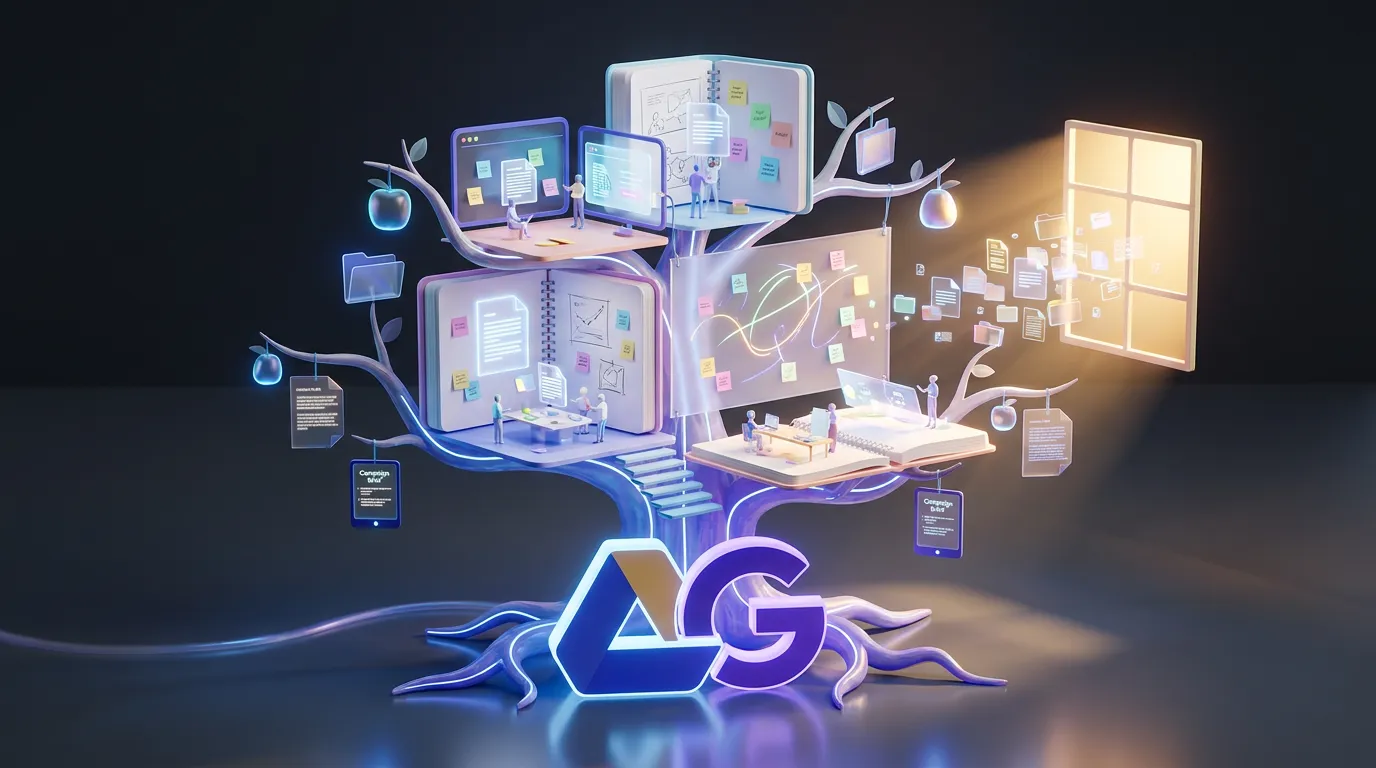
Gemini’s Notebooks are essentially persistent project spaces where you can keep related materials together over time. Instead of one-off conversations that drift into the archive, Notebooks aim to hold:
- Ongoing context (your goal, audience, constraints)
- Files and references you want Gemini to use repeatedly
- Work-in-progress outputs you can keep refining
The shift is subtle but huge. Lots of assistants can generate text. The bottleneck for teams has been continuity.
Creator translation: Notebooks aren’t about making Gemini more “creative.” They’re about making Gemini less forgetful so your work compounds instead of resetting.
Canvas meets persistence
Canvas is Gemini’s interactive workspace for drafting and iterating, including writing, editing, and prototyping code with a more document-like feel than chat bubbles. Google has also expanded where Canvas shows up, including inside Google Search’s AI Mode for U.S. users (in English), per TechCrunch: Google Search rolls out Gemini’s Canvas in AI Mode to all US users.
What Notebooks add is the missing layer: a place where Canvas work can live with durable context. For content teams, that’s the difference between:
- “We made a good draft once”
- and “We have a working campaign workspace we can keep shipping from.”
Why this matters in practice
In real production, your deliverables are never just one file. They’re a pile:
- a brief
- positioning notes
- past versions
- stakeholder feedback
- channel-specific variants
Notebooks are Google trying to make that pile usable inside Gemini, not just stored elsewhere while Gemini pretends it hasn’t met you.
Deliverables, not vibes
It’s easy to oversell “project memory” as magic. The more practical framing: Notebooks are meant to reduce the setup tax that makes AI feel slower than it should for teams.
When the assistant can keep your core context nearby, you spend less time doing:
- re-onboarding the model
- re-locating the right reference doc
- re-formatting outputs for the same recurring use case
And you spend more time doing the thing creators actually care about: making decisions and shipping assets.
| Workflow moment | Old friction | With Notebooks |
|---|---|---|
| Recurring campaigns | Re-paste context every time | Context stays attached to the project |
| Team handoffs | “Where’s the latest?” chaos | Shared workspace as the reference point |
| Weekly production | Rebuild the same template | Reuse the same Notebook structure |
Where teams feel it
Notebooks are most valuable when your work is repeatable. If you’re using Gemini once a week for a random brainstorm, you might not care. If you’re producing content at volume, you will.
Content ops and marketing
The big win is consistency. Once you load a Notebook with:
- brand voice rules
- audience personas
- product positioning
- format requirements (length, structure, CTA style)
Gemini can stay inside those rails across sessions, instead of drifting into “generic marketing copy #47.”
Agencies and client work
Client work lives and dies on context. Notebooks provide a cleaner separation between accounts and campaigns, at least conceptually, so you’re less likely to accidentally blend two brands because you were working too fast (we’ve all seen the “wrong client name in the deck” horror story).
Collaborative production
Gemini is also getting better at understanding what you’re doing across Google Workspace apps. Google has been rolling out a broader cross-app context layer that connects activity across Gmail, Docs, Sheets, Slides, Calendar, Chat, and Drive. If you want the COEY take on how that changes day-to-day operations for teams, see: Workspace Intelligence Makes Gemini a Real Teammate.
Notebooks fit neatly into that direction: less “AI helper,” more “AI embedded in the actual workflow.”
Reality checks
Persistent workspaces are the right direction, but they don’t automatically solve the hard parts.
Persistence isn’t perfection
Even with a Notebook, you’ll still need to sanity-check outputs. A persistent workspace reduces repetition, it doesn’t eliminate review, especially when you’re publishing externally.
Structure still matters
A Notebook stuffed with random docs is basically a digital junk drawer with better branding. The teams who benefit most will be the ones who treat Notebooks like:
- a campaign folder with standards
- a production template
- a living brief, not a dumping ground
Rollouts will be uneven
Google does ship in stages across plans, regions, and account types, and that applies here. Notebooks first rolled out on the web to paid Gemini tiers, then expanded more broadly, while mobile availability and some account categories have been more uneven. In particular, expect some “it’s in my account but not my teammate’s” weirdness during rollout.
Why this signals momentum
Zoom out and the pattern is clear: assistants are competing on workflow gravity, not just model quality. Canvas made Gemini feel more like a place to build. Notebooks make it feel more like a place to return to.
The bigger implication: the winning assistant won’t be the one that writes the best paragraph. It’ll be the one that keeps your projects moving without making you reassemble context from scratch every morning.
For content teams already living inside Google’s ecosystem, Notebooks plus Canvas is a practical step toward a unified creation loop: ideate, draft, revise, and keep the whole project’s brain intact over time. It’s not flashy. It’s the kind of update that quietly changes how much work you can actually get done in a week which, for creators, is the only benchmark that matters.