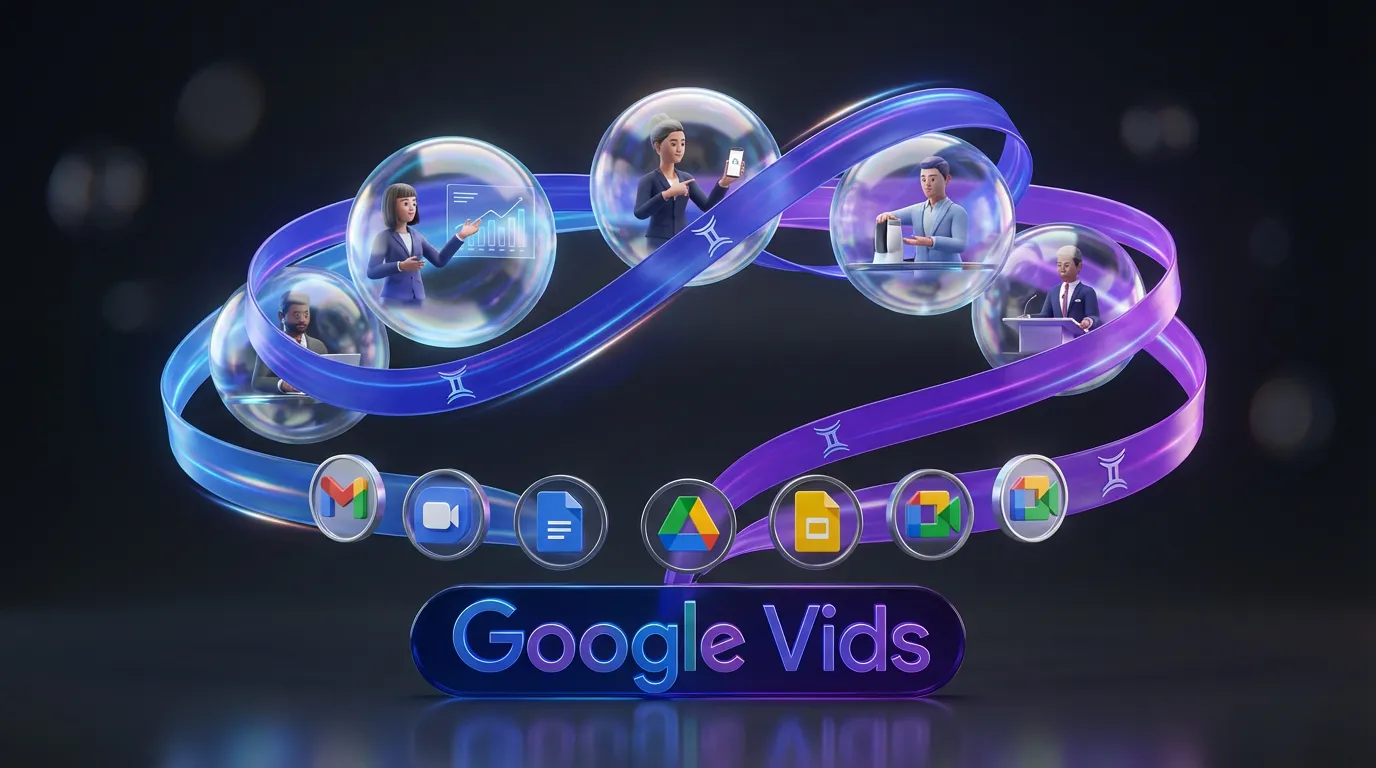
Google Vids is doubling down on its original promise: make workplace video feel as fast as making a slide deck. The official product page is here: Google Vids.
This update matters because it targets the most common video bottleneck in teams: getting someone on camera, or even just getting them to record a clean voiceover, when the content itself is routine. Training, onboarding, product updates, internal comms, quick explainers. Vids is not trying to replace your brand film. It is trying to replace the “Can someone please record this by 3pm?” Slack thread.
What changed: Vids supports AI avatars that deliver your script, plus a tighter Gemini loop for scripting and editing, so a first draft can go from outline to narrated video without leaving Workspace.
What shipped in Vids
The headline addition is AI avatars, but the real story is that Google is stacking multiple “get to first cut” accelerators into one place.
AI presenter avatars
Vids can generate a talking on-screen presenter from your text. You write or paste a script, pick an avatar, and Vids produces a clip with that avatar delivering the lines. No camera, no mic, no reshoots.
Google introduced the avatar feature through Workspace Updates here: Deliver your message with AI avatars in Google Vids.
The practical upside is painfully obvious if you have ever shipped internal training: your “talent” is now a dropdown.
Prompt-directed avatars
Google is also pushing beyond “read this script” into “stage this presenter.” Coverage of the prompt-direction capability is here: TechCrunch: direct avatars through prompts.
That matters because it nudges avatars from “generic talking head” toward “presenter inside a scene,” which is closer to how modern explainers and demos are actually cut.
Gemini assistance, end-to-end
Vids already leaned on Gemini for getting started, but the integration is becoming more “always there” than “one-time wizard.” Google’s framing is consistent across its Vids updates: reduce blank-page time, then reduce polish time.
Google’s broader update roundup that includes Vids’ newest generation features is here: Google: Vids updates (Veo + more).
Why avatars matter now
AI avatars are not new. What is new is where they are landing: directly inside the software non-video people already use at work.
That changes adoption. Instead of:
- write in Docs
- rewrite in ChatGPT
- record in Loom
- edit in Premiere
- upload to Drive
The vibe shift: video becomes “a document you can watch,” not “a production you schedule.”
What’s actually useful (and what’s not)
AI presenters are a productivity tool, not a taste generator.
Where this is a win
High-frequency, low-drama videos where consistency beats charisma:
- onboarding modules
- tool walkthroughs
- product release notes
- internal updates
- sales enablement snippets
- compliance refreshers
Where it can fall flat
Anything where you need:
- real emotion (founder story, brand anthem)
- nuanced performance (comedy, persuasion-heavy creative)
- authenticity as the point (community updates, creator-to-audience talking head content)
Avatars can deliver information cleanly. They do not magically deliver you.
Limits and rollout reality
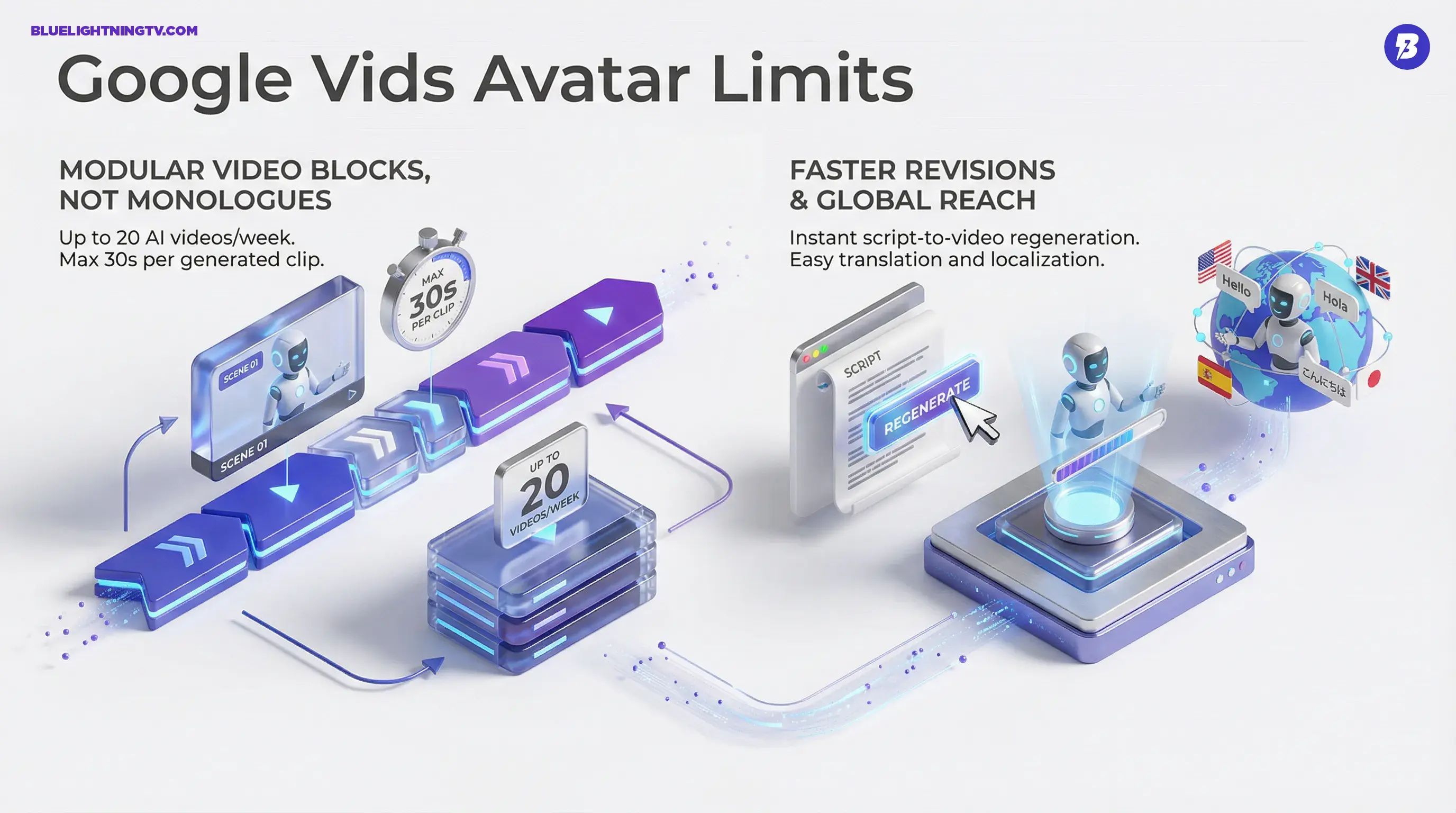
Like most Workspace launches, this is staged and plan-dependent. The avatar feature started as a Workspace rollout with usage limits. From Google’s Workspace update post, early limits include up to 20 AI avatar videos per week and up to 30 seconds per generated avatar video. Source
Creator-relevant translation: Vids is optimized for modular video blocks, not 20-minute monologues. If you think in scenes, that is fine. If you think in long takes, you will feel the ceiling.
What this changes in workflows
The biggest impact is revision speed. When the presenter is generated, the reshoot tax disappears.
Faster iteration loops
If the script changes, you regenerate the segment instead of:
- re-booking the speaker
- re-recording audio
- patching continuity issues
That turns video into something teams can update like a doc, especially for content that ages fast (tools, UI walkthroughs, internal processes).
Cleaner localization path
Avatars plus script swapping is a straightforward localization story: translate, regenerate, replace. Google has also expanded language coverage for avatars and voiceovers in Vids via Workspace Updates. Workspace Updates: expanded languages
Quick feature snapshot
| Capability | What it does | Best fit |
|---|---|---|
| AI avatars | Turns script into presenter-led clips | Training, onboarding, internal comms |
| Prompt-directed staging | Adds more control over avatar scene behavior | Explainers, more “produced” updates |
| Gemini scripting help | Drafts, rewrites, tightens scripts | Teams without dedicated writers or editors |
The bigger signal
Google is not just adding avatars. It is building a workplace generative media stack: Vids for assembly, Gemini for scripting, and (in the wider ecosystem) Veo for generation. The endgame is obvious: a repeatable content pipeline where “making a video update” is as normal as sending a deck.
If you want a deeper baseline on how Vids fits into the broader “fast collaborative video” push, see our earlier coverage: Google Vids Adds GenAI for Fast, Collaborative Video Creation.