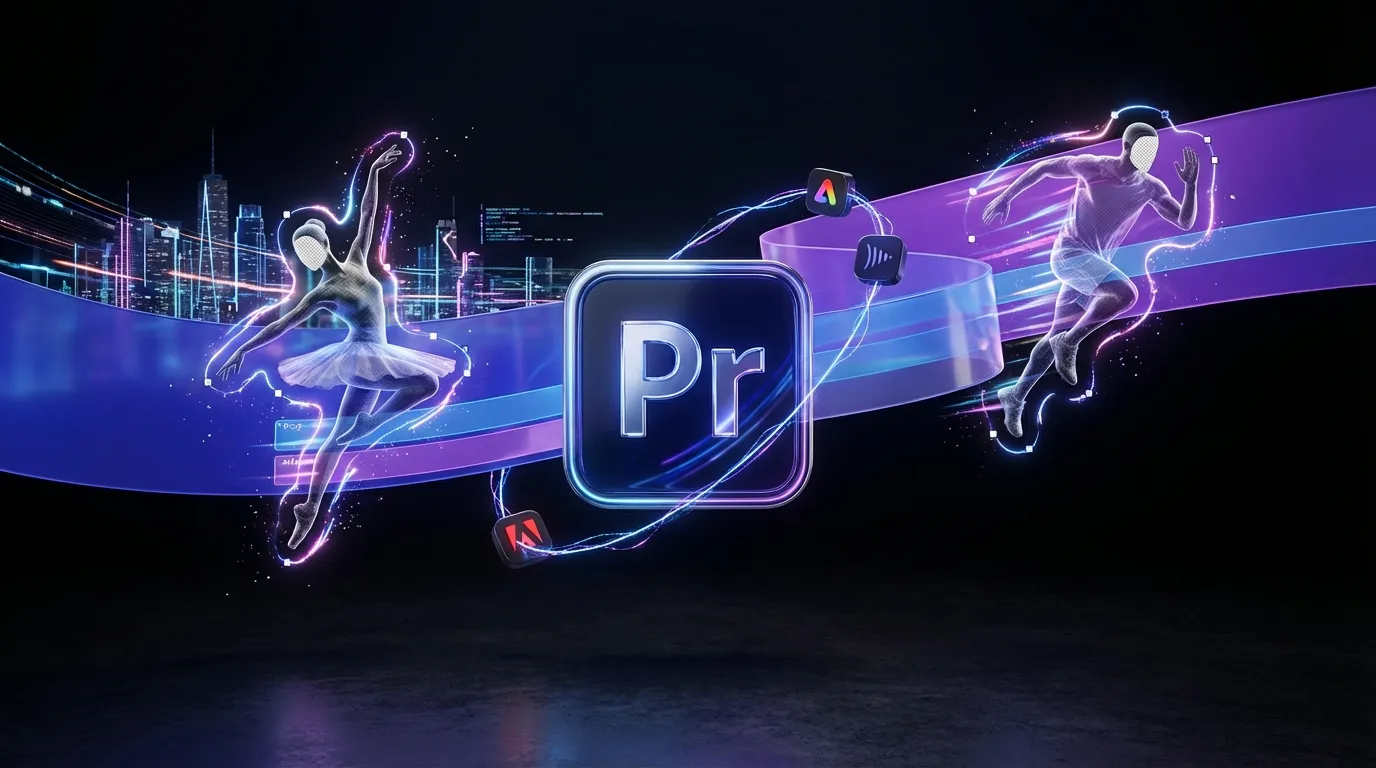
Adobe is shipping Premiere Pro 26 with a new AI-powered Object Mask feature that’s built to kill one of the biggest time sinks in video editing: isolating moving subjects. Adobe’s announcement frames it as a Firefly-driven jump in masking speed and usability, and it lands alongside tighter Firefly-to-Premiere handoffs and a more modern collaboration panel. The official rundown is on Adobe’s blog here.
If you’ve ever rotoscoped a sleeve for a “quick change” note and briefly considered a new career in pottery, Premiere Pro 26 is aiming directly at that pain.
What actually shipped
Premiere Pro 26’s headline is Object Mask, but Adobe bundled it into a broader “less friction, fewer round-trips” release philosophy. The updates cluster into three areas creators feel immediately:
- Faster masking with AI selection + tracking
- Cleaner, rebuilt shape masking tools
- Stronger ecosystem flow (Firefly to Premiere import flow and Frame.io panel updates)
This is less “AI will replace editors” and more “AI will stop editors from doing cursed, repetitive chores.”
Object Mask arrives
The new Object Mask tool is designed to let editors isolate people or objects with a click, then track that mask over time without the classic frame-by-frame grind.
Adobe’s positioning is simple: masking should feel like a creative decision, not a punishment.
Masking isn’t supposed to be the project. It’s supposed to be the step before the project.
What it does well
Object Mask targets the kind of work that shows up constantly in creator pipelines:
- Blur faces in street footage or UGC cuts
- Isolate a subject for selective color or lighting tweaks
- Apply effects to one moving element (screen glow, stylized outline, background defocus, etc.)
- Quick clean composites when you need “good enough to ship,” not “VFX-house perfect”
It’s not pitched as a full-on replacement for dedicated roto workflows in high-end VFX. It’s pitched as Premiere finally catching up to the reality that most video today is high-volume, high-iteration, and deadline-driven.
What’s different this time
Premiere has had masking and tracking for a while, but Adobe is calling out two meaningful improvements in this release:
- AI-assisted subject selection to get you started faster
- Much faster tracking than older mask tracking workflows. Adobe says the updated Shape Mask tracking can be up to 20 times faster than before.
Also notable: Adobe says the Object Mask AI processing runs on-device, which matters if you’re working with sensitive footage or just don’t want cloud processing in the middle of a deadline sprint.
For the most technical detail on how Adobe describes the feature and how it behaves in-app, Adobe’s documentation is here.
Shape masks rebuilt
Alongside Object Mask, Adobe also refreshed the classic masking tools Ellipse, Rectangle, and Pen so they behave more like modern, responsive shape tools instead of legacy “hope you like keyframes” widgets.
The practical win isn’t flashy, but it’s real: these updated shape masks pair with the faster tracking engine and smoother controls, meaning even when AI doesn’t nail a mask perfectly, the cleanup work is less painful.
Where editors will feel it
Most teams won’t use Object Mask for every situation. They’ll use it to get 80 percent of the way there, then finish with shape tools. Adobe clearly expects that hybrid workflow, and rebuilt masks make the finish part less annoying.
Firefly to timeline
Premiere Pro 26 also leans into something Adobe has been quietly building across Creative Cloud: fewer gaps between planning and editing.
Adobe is tightening the connection between Firefly and Premiere. In the current workflow, you can send Firefly-generated media into Premiere via an “Open in Premiere desktop” handoff, and the assets arrive in a Firefly Downloads bin inside your Premiere project.
Adobe’s HelpX page describing the Firefly-to-Premiere import flow is here.
Why this matters (without pretending it’s magic)
Most AI video tools still break down at the handoff. You generate in one place, then “real editing” happens somewhere else. Adobe’s play is to make Firefly feel less like a separate AI island and more like a feeder system into Premiere and After Effects.
It’s not a new superpower. It’s a reduction in friction, and that’s what adds up when you’re making 30 deliverables a week.
Frame.io gets closer
Adobe also continues tightening Frame.io inside Premiere. The goal: keep review, comments, versions, and approvals closer to the timeline, so editors don’t bounce between tabs and tools just to find one note like “can we punch in here?” (which of course means re-exporting everything).
Adobe specifically calls out the Frame.io V4 panel in Premiere, and it has been rolling out across recent Premiere versions (25.6 and later), with ongoing updates as Premiere Pro 26 ships.
The workflow impact
Here’s the real story: Premiere Pro 26 is not about shiny new buttons. It’s about time.
Masking has been one of the most disproportionate time drains in modern editing, especially for social and marketing work where clients want constant micro-adjustments (“blur that logo,” “highlight the product,” “make the background less busy,” “can we change the color of the hoodie?”).
This update changes the math.
What gets faster now
| Editing task | Old reality | With Premiere Pro 26 |
|---|---|---|
| Blur moving faces | Manual masks + tracking cleanup | Object Mask accelerates selection + tracking |
| Selective color on subjects | Tedious roto or rough tracking | Faster masks, more iteration-friendly |
| Quick “spot effect” moments | High effort for small payoff | More “try it and see” freedom |
The bigger shift: editors can iterate more. And iteration is basically the whole job now.
What to watch next
Adobe’s broader trajectory is clear: Firefly is becoming the generative layer, Premiere is becoming the control layer. Premiere Pro 26 reinforces that by putting AI where editors actually need it, not as a separate “generate a video” feature, but as a tool that reduces bottlenecks inside normal editing.
If you’ve been tracking Adobe’s recent Firefly momentum, this fits neatly alongside the push toward more real editing inside Firefly itself (multi-track timelines, transcript edits, version history). We covered that shift in Firefly Web Beta Levels Up With Real Editing Tools.
The vibe is consistent: fewer chores, fewer exports, fewer broken workflows.
Bottom line
Premiere Pro 26’s Object Mask is a practical upgrade aimed at the kind of work creators actually do: fast turnarounds, constant revisions, and effects that need to stick to moving subjects without turning your day into keyframe soup.
It won’t replace high-end roto pipelines, and it won’t magically make every mask perfect. But it does something more valuable for most editors: it makes masking fast enough to be part of everyday editing again, rather than a task you avoid until the final hour when panic becomes your co-editor.