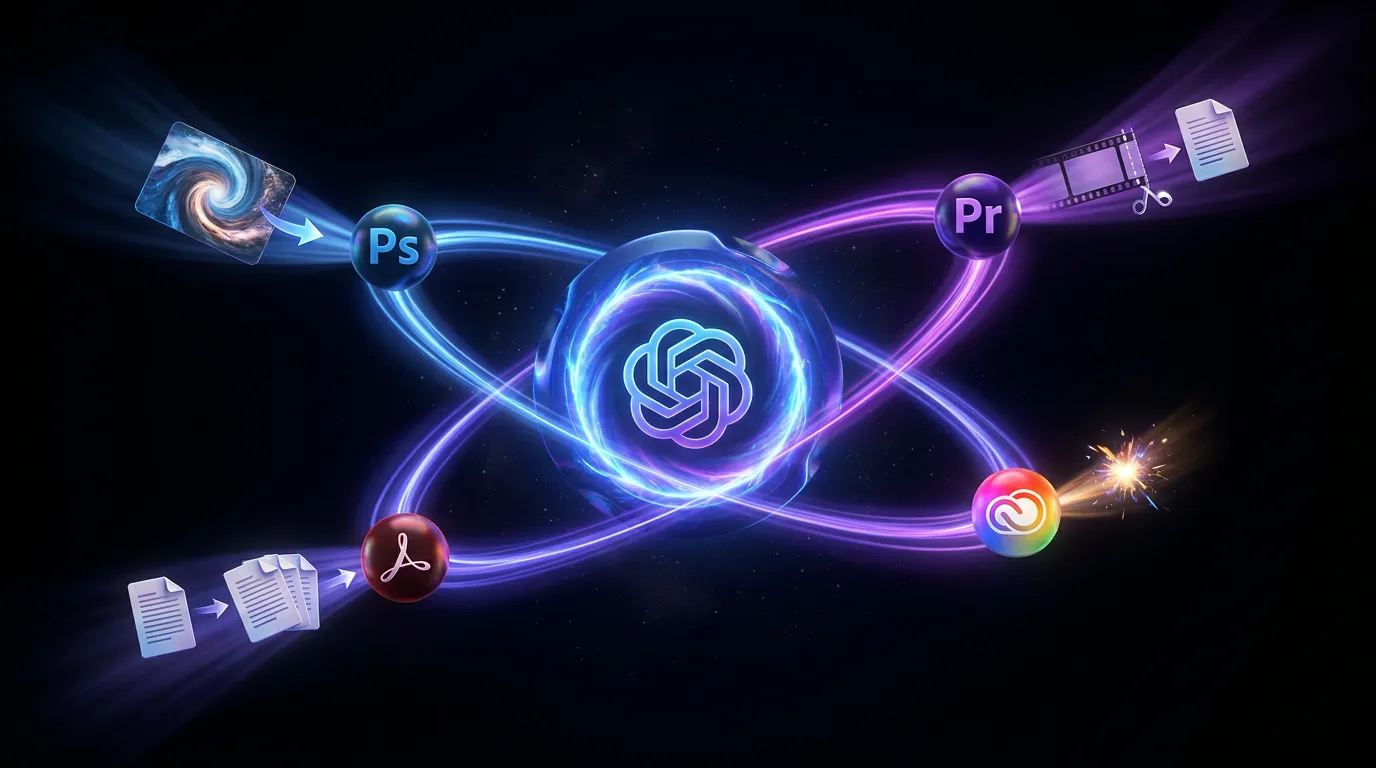
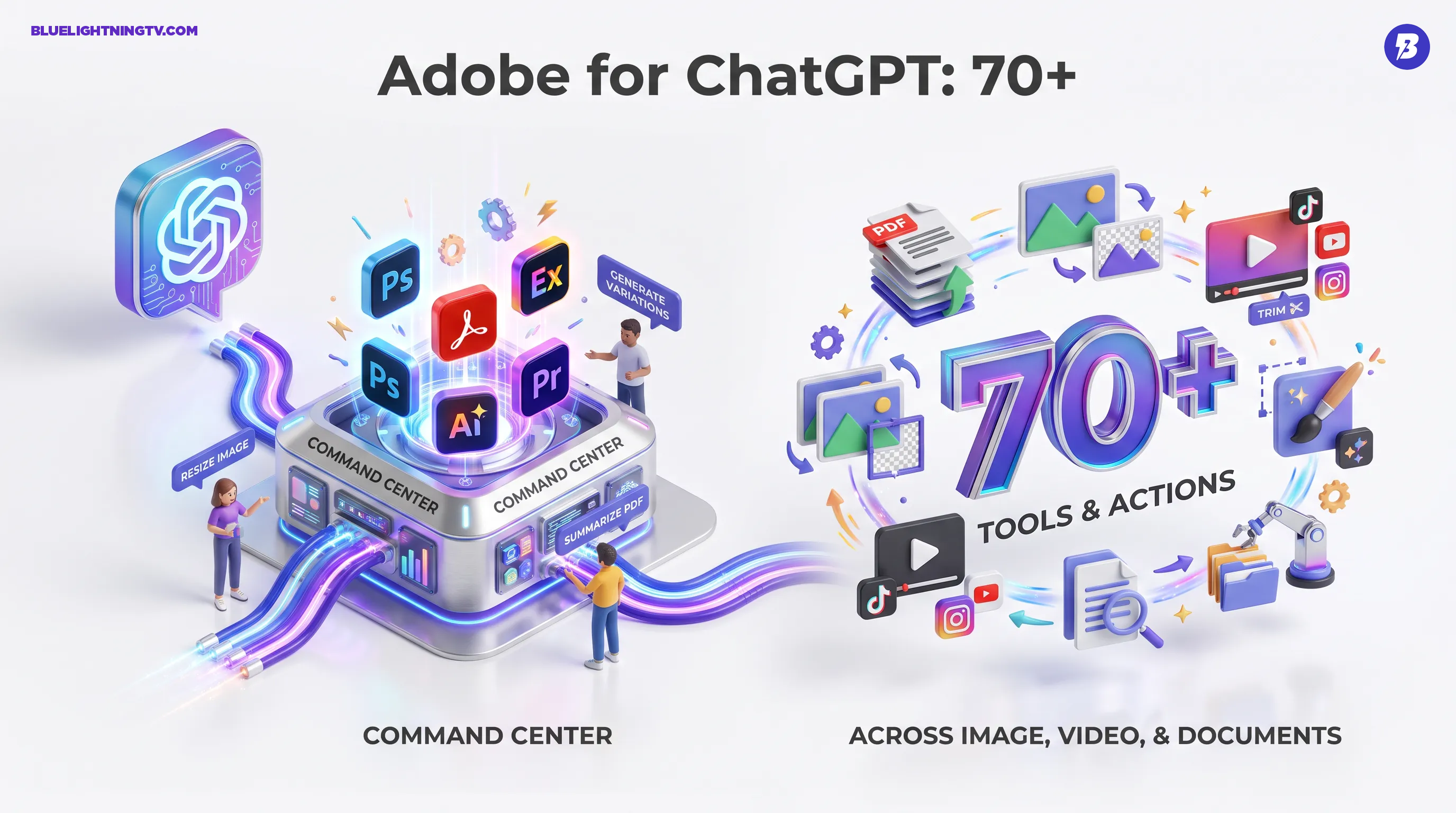
Adobe just made ChatGPT a lot more than a place to brainstorm captions and ask for one more option, but cooler. With the new Adobe for ChatGPT connector, you can trigger 70+ Adobe tools and actions from inside ChatGPT, spanning creation and cleanup across images, video, and documents, without bouncing between apps. The most direct overview is Adobe’s connector page: Adobe for ChatGPT connector overview.
This is not Photoshop living inside ChatGPT now. It is more useful and more realistic: ChatGPT becomes a command center where you describe the outcome, and Adobe’s services execute the work under your Adobe account permissions, plan entitlements, and storage rules.
What shipped
Adobe for ChatGPT is part of Adobe’s wider connectors strategy: make common Creative Cloud and Acrobat workflows callable via natural language, with authentication so the system can work with your files and your allowed features.
It also matters that Adobe has been building toward this moment with separate ChatGPT integrated Adobe apps. Adobe’s newsroom post on that earlier expansion gives useful context on how Adobe is thinking about distribution: Adobe Photoshop, Express, and Acrobat in ChatGPT.
So the connector is not a single mega plugin that replaces Creative Cloud. It is Adobe saying: if creators are already working in chat, we want our tools one prompt away.
The real shift is not that Adobe added chat.
It is that chat became the front door for routine creative and PDF operations.
What it can do
The connector’s value proposition is simple: describe the result, then let Adobe run the underlying action or actions. The first wave of use will be the stuff that is always necessary, never glamorous, and somehow still eats half your day: edits, resizing, conversions, reframes, exports, and document wrangling.
Image and design actions
Expect the early stickiest wins to be high frequency image tasks: quick edits, resizing, background removal, variations, and generative steps where available, especially when you are producing a lot of assets fast.
Adobe’s direction here is aligned with Firefly’s push toward conversational creation. If you want the cleanest signal of that trajectory, Adobe’s Firefly AI Assistant page captures the tell it what you want mindset: Firefly AI Assistant.
The pragmatic takeaway: you are not giving up control, you are skipping UI navigation for the parts of the job that feel like chores.
Video actions that matter
For video creators, the connector’s promise is less make a film and more save my timeline from death by a thousand exports. The idea is shorter versions and adapting outputs for different platforms and formats. Think reframing across aspect ratios, trimming, quick versioning, and platform friendly exports, especially when you are turning one long piece into many short ones.
PDF and document work
On the document side, this is where the connector can feel instantly addictive. PDF tasks are rarely hard, they are just repetitive: combine, convert, compress, extract, organize, redact, summarize.
Adobe’s current Acrobat in ChatGPT documentation is a better anchor for what that integration looks like today: Adobe Acrobat for ChatGPT overview.
If your job includes any amount of please turn this into a clean PDF and pull the key points, this connector is aimed directly at your calendar.
Why creators should care
Creators do not lose time because they cannot do the work. They lose time because the work is spread across too many surfaces, and tiny steps multiply: download, upload, open, export, rename, send, repeat.
Adobe for ChatGPT targets a specific kind of production pain: context switching.
Less switching, more throughput
When chat becomes a command line for routine production steps, you typically get:
- Faster variant cycles (sizes, formats, quick alternates)
- Tighter revision loops (change the thing, rerun, compare)
- Cleaner handoffs (fewer which file is final_final_FINAL moments)
For a related workflow compression story on the COEY blog, this post lands in the same reduce friction lane: Gemini Notebook Upgrades: Code, Collections, Workflow.
The practical limits
This connector is a workflow upgrade, not a creative replacement. Two realities matter if you are evaluating this for real production.
It will not replace finishing
Chat triggered actions are great for first pass work and repeatable operations. But high stakes final output, brand critical comps, nuanced retouching, typography finesse, motion polish, still belongs in the native tools where you can see everything and control everything.
Call it what it is: an acceleration layer, not a replacement layer.
Expect uneven availability
Connector rollouts and capabilities can vary by:
- Plan entitlements
- Workspace and admin settings, especially in teams
- Region availability and language support
- Which Adobe services are enabled for your account
Two creators can have the connector and still have very different menus of what it can do.
What changes for teams
The biggest upside shows up where output volume is high: marketing, social, ecommerce, agencies, internal creative teams supporting multiple stakeholders.
| Workflow moment | What gets faster | What stays human |
|---|---|---|
| Variant production | Iterations from one chat thread | Taste, brand fit, approvals |
| Asset prep | Resize, background removal, simple edits | Detailed retouch, layout finesse |
| PDF operations | Combine, convert, extract, compress | Document strategy, final QA |
If your work is make 30 versions, this matters more than if your work is make one masterpiece.
The bigger signal
Adobe is not doing this just for convenience. It is defending the center of its ecosystem: the workflow surface.
As more creation starts in AI first tools and chat based environments, Adobe’s bet is that creators will still want:
- professional grade finishing
- asset libraries and team workflows
- consistent outputs across campaigns
- traceability (what changed, when, by whom)
A connector inside ChatGPT is a way to make Adobe part of the starting conversation again, not only the come back later when you need to fix it part.
Bottom line
Adobe for ChatGPT is a pragmatic move: bring Adobe actions closer to where creators already ideate, coordinate, and iterate. The win is not a flashy everything is automated promise. It is fewer clicks, fewer tabs, and faster first pass output, especially when you are shipping lots of assets on tight timelines.
If Adobe keeps tightening reliability, permissions, and cross app handoffs, connectors like this stop being a novelty and start looking like the new normal: a conversation that can actually ship files.