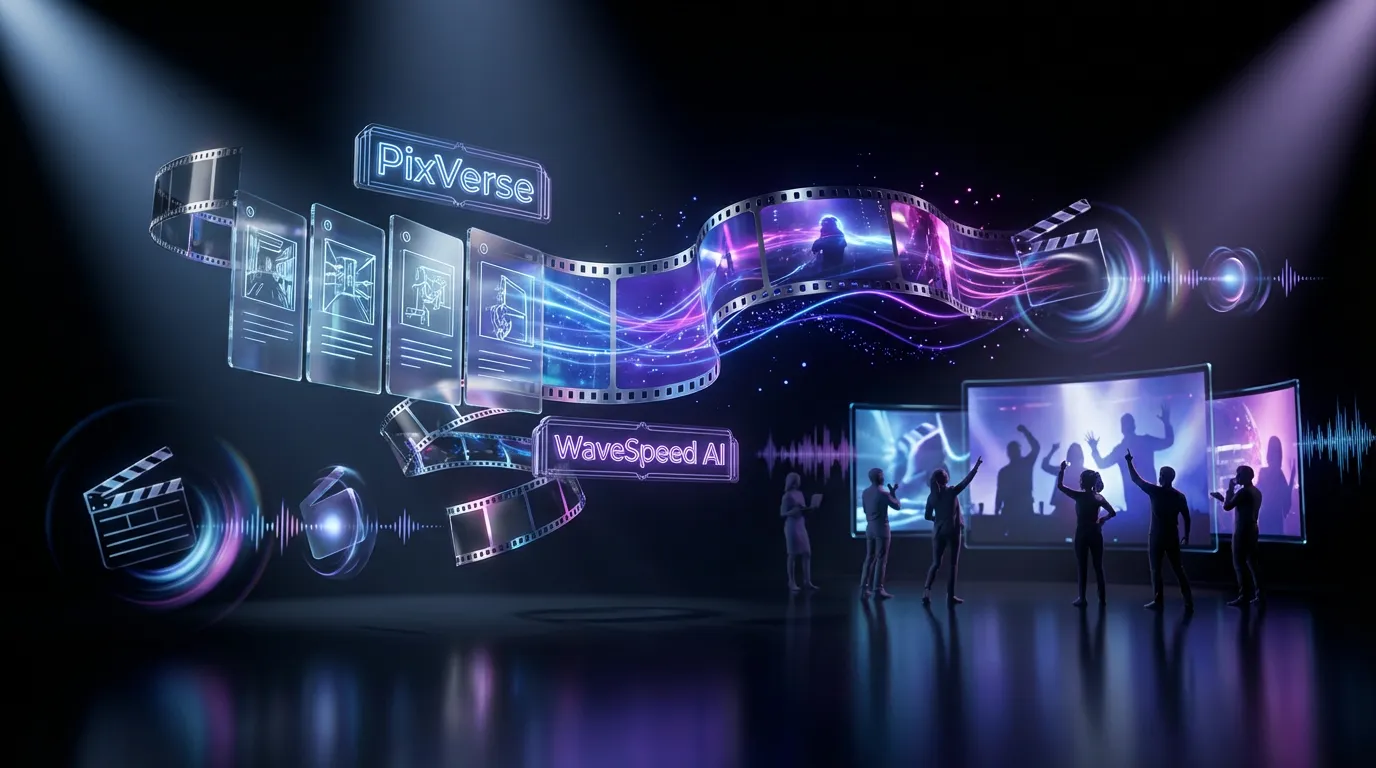
PixVerse is back with another very specific swing at a very real creator problem: how do you turn a storyboard into something you can actually watch fast without stitching together a dozen micro-clips? The company’s new model, PixVerse C1, is now in public beta, with a headline feature that’s instantly legible to anyone who’s ever pitched a spot, a short, or a series: storyboard-to-video generation, alongside the usual text-to-video and image-to-video modes. You can try it via WaveSpeed AI here.
This is not being positioned as AI video for vibes. C1 is aimed at shot-based work: pre-vis, animatics, concept trailers, and those we need to see it internal drafts that normally eat days of time. The beta spec sheet (as shown on WaveSpeed and in PixVerse’s own materials) is straightforward: up to 15 seconds, up to 1080p, and an option to generate native audio. The interesting part is less the raw numbers and more what PixVerse is trying to compress: the gap between board and scene.
What C1 actually is
PixVerse C1 is a generative video model designed to output short cinematic sequences, not just a single moving image, but something closer to a shot you would drop into a rough cut. In WaveSpeed’s implementation, C1 supports multiple modes with resolution and duration settings that scale compute and cost.
Two details matter for working creators:
- Duration ceiling: 15 seconds is long enough to cover a beat with a beginning, middle, and end, especially for trailers, promos, or a single pre-vis moment.
- 1080p output: WaveSpeed lists 1080p as the top output setting for C1.
PixVerse also has its own overview of the model’s film-production positioning here, framing C1 as a step toward more directable, production-friendly generation.
Storyboards, not just prompts
The feature that changes the workflow conversation is storyboard-to-video: creators can upload multi-panel boards and ask C1 to generate a cohesive sequence that follows the panels.
In practice, this is an attempt to solve the clip roulette problem. You can already get nice-looking 3 to 5 second generations from a lot of tools. What is harder is getting planned continuity, even the loose kind where the same character stays the same person and the scene does not spontaneously redecorate itself between cuts.
If text-to-video is improvisation, storyboard-to-video is blocking.
It is the difference between give me something cool and give me this sequence.
Early demos are already showing the storyboard workflow in action, including a post on X here. The key point is not that every output is perfect, it will not be, but that the interface is acknowledging how creators actually plan scenes: panel by panel.
The spec sheet, simplified
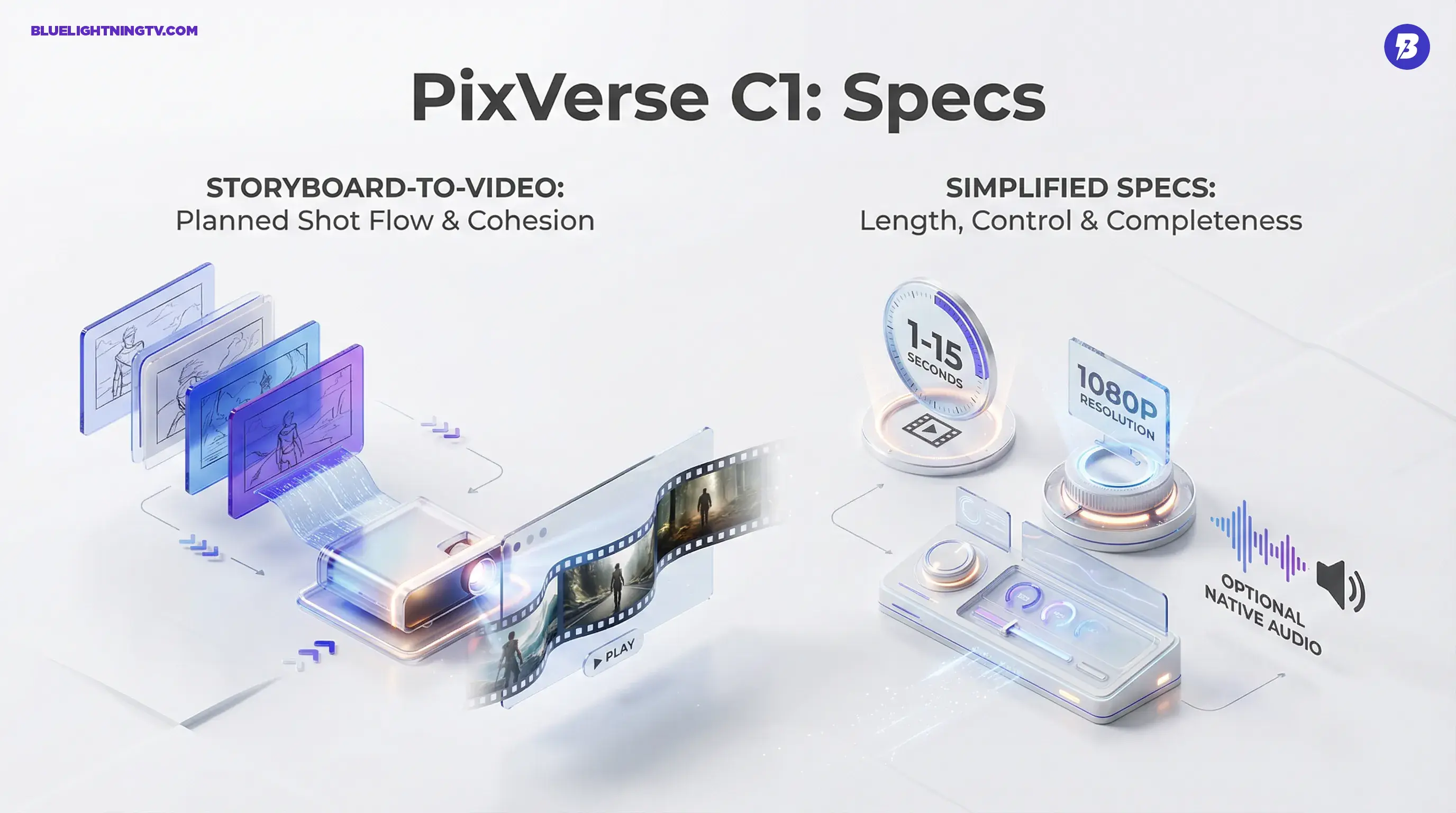
C1’s beta feature set is being marketed around three practical creator needs: length, control, and completeness.
Video fundamentals
- Resolution: up to 1080p
- Duration: 1 to 15 seconds
- Input modes: text-to-video, image-to-video, storyboard-to-video
- Audio: optional native audio generation (mode-dependent)
Directability signals
PixVerse is leaning into the language of filmmaking: camera movement, shot intent, multi-character scenes, because that is where generative video still breaks most often. Cinematic gets thrown around a lot, but here it mostly means: less jitter, fewer accidental zooms, and fewer mid-shot identity swaps.
To make this more concrete, here is what is being positioned as the practical jump from prior pretty clip generation.
| Capability | What it enables | What can still break |
|---|---|---|
| Storyboard-to-video | Planned shot flow from panels | Panel layout artifacts, messy transitions |
| 15s at 1080p | Full beat, not a teaser fragment | Motion consistency across time |
| Optional native audio | Reviewable drafts faster | Audio editability after export |
Pricing that’s easy to math
C1’s WaveSpeed listing is unusually helpful because it encourages budgeting like a producer, not like a gambler. For 1080p, WaveSpeed publishes per-second rates that change based on whether you generate audio.
At the time of writing, WaveSpeed lists $0.095 per second without audio and $0.120 per second with audio on its C1 page here. That means a full 15-second clip comes out to roughly:
- Without audio: 15 × $0.095 = $1.43
- With audio: 15 × $0.120 = $1.80
For teams doing pre-vis or pitch iterations, this matters because it turns let’s try a few versions into a line item you can defend, not a mysterious credit sink.
Who this is really for
C1’s workflow is most compelling for creators who already think in sequences because the value is not only the output, it is the iteration loop.
Pre-vis and pitches
If you are building a deck, a sizzle, or an internal proof, storyboard-to-video is basically an animatic generator that can skip a bunch of manual tweening. You are not replacing final production, you are buying speed when everyone is still debating the concept.
Agencies and brand teams
For social-first campaigns, good enough to review is the golden threshold. A 10 to 15 second sequence with even passable audio can do more in a client review than three silent clips and a promise that sound will come later.
Indie film and studio development
This is where C1’s framing makes sense: storyboards are the language of development. If a model can respect panels and produce coherent motion, it can reduce how often we will imagine it becomes we will argue about it.
How it stacks in the category
Generative video right now is in a very visible transition: from single-shot generators to workflow tools. PixVerse has been iterating aggressively in that direction already, with earlier pushes around multi-shot generation. If you want context on how PixVerse has been compressing the idea to draft gap, our prior coverage of PixVerse V6 is worth a skim: PixVerse V6 Brings Ad Ready AI Video Workflows.
C1 feels like the next logical step: not just multi-shot, but multi-shot with structure, because storyboards give the model a scaffold to follow.
What to watch in beta
Public betas are where tools get real, fast. Here are the friction points that will decide whether storyboard-to-video becomes a daily workflow or a cool demo feature.
Panel hygiene matters
Storyboard-to-video sounds forgiving, but models are still models: clean panel boundaries, consistent aspect ratios, and legible staging will likely matter more than artistic detail. Messy boards can produce messy scene logic.
Continuity is the real bar
A 15-second shot is long enough for drift to become obvious: wardrobe shifts, face swaps, prop teleportation, lighting logic melting. C1’s biggest win will not be a single gorgeous frame, it will be a sequence that stays itself.
Native audio is a shortcut, not a mix stage
Native audio is a huge speed boost for reviews, but it is still unclear how flexible outputs are for post (separate stems, clean dialogue control, and so on). For many teams, the sweet spot is: generate audio to sell the idea, then replace it with proper sound once the concept is approved.
Why this launch matters
PixVerse C1 is not trying to convince you AI can make video. That battle is basically over. The point is whether AI video can behave like production material, something you can plan, iterate, and review without rebuilding the entire concept every time you want a change.
Storyboard-to-video is a strong bet on how creators actually work: visuals first, sequence second, polish last. If C1 holds up under real workloads, multiple panels, multiple characters, camera intent, and a little chaos, it is less new model drop and more a genuine workflow shift: boards that move, fast enough to keep up with your ideas.