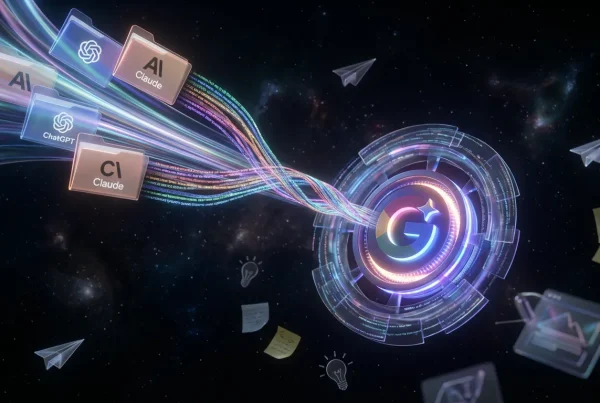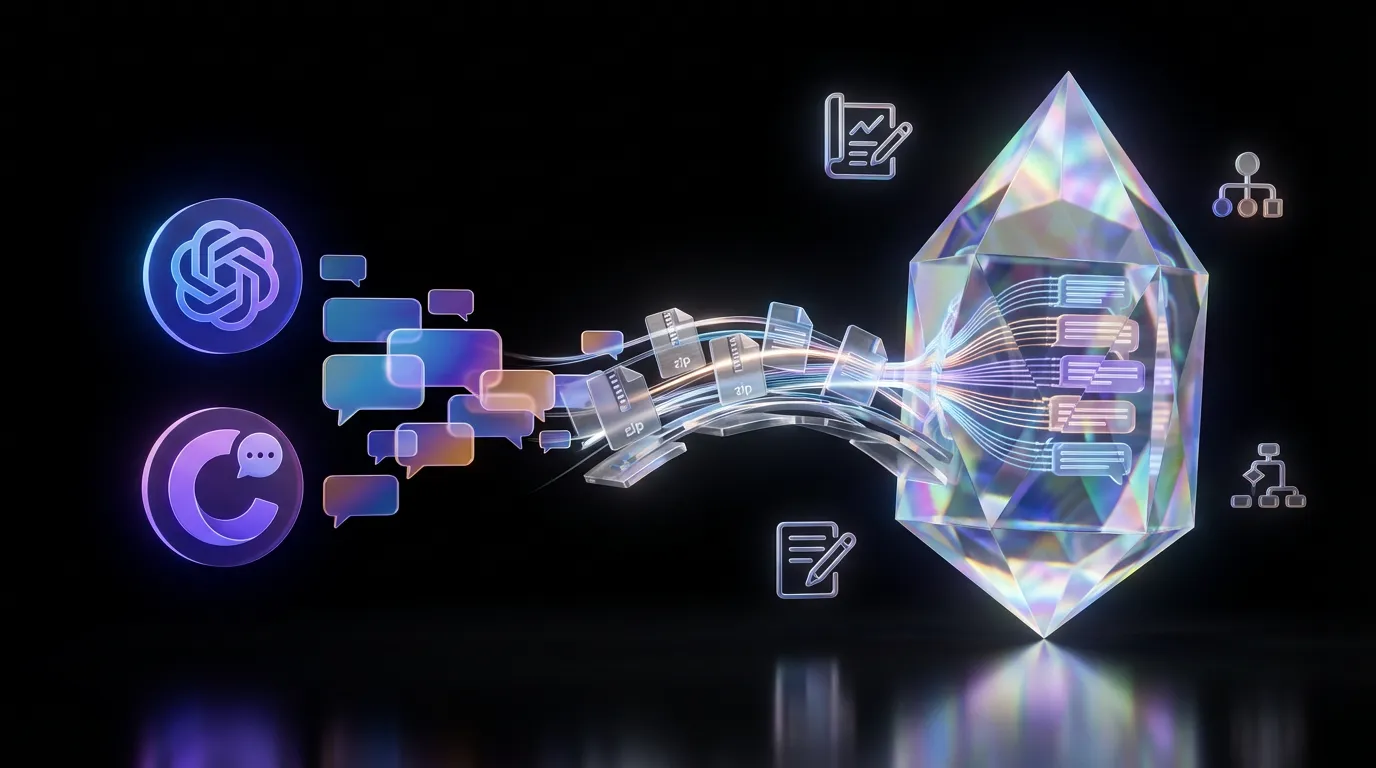
Gemini just added a feature that sounds small, but hits a very real creator pain: you can import exported chat histories from ChatGPT and Claude into Gemini. Google is positioning it as a workflow portability move, so your prompt experiments, campaign drafts, and decision threads can come with you instead of getting stranded in an old tool.
The feature has been showing up in Gemini as “Import AI chats”, and the current rollout uses an upload an export file flow, not a live account to account sync. For an early public description of what was being tested ahead of rollout, see Gemini Prepares to Let Users Import Chats From ChatGPT and Other AI Bots.

This is less “new magical capability” and more “finally, the stuff you already built can move.” And in 2026, that is a serious competitive lever.
What shipped
At a high level, Gemini’s import feature is designed for archive migration:
- Export your chat data from another assistant
- Upload that export into Gemini
- Browse and search the imported threads inside Gemini like a reference library
At launch, the feature calls out support for ChatGPT and Claude, with some coverage noting additional sources depending on region and account. The practical framing from early hands-on reporting is that imports help you switch without losing your work, but they do not automatically transform your entire history into always-on preferences. One grounded early write-up is Google Gemini now lets you switch chatbots without losing everything.
Why portability matters
Creators do not just “use an assistant.” Over time, you build a messy, valuable operating system inside chat logs:
- prompt chains that consistently hit your voice
- ad concept iterations that reveal what converts
- disclaimers and claim language that survived approvals
- formatting conventions that make output deployable
- internal decision trails you will need later
For a lot of teams, those chat logs are the documentation. When a tool gets replaced, switching usually triggers the lock-in tax: “We can’t switch because we’d lose our history.” Chat import is Google attacking that exact friction point.
What imports keep (and drop)
The big question is not “can it read text?” It is whether imports preserve the parts that make chats reusable: structure, metadata, and attachments.
| Element | What you’ll likely get | Why it matters |
|---|---|---|
| Text content | Strong transfer | Keeps prompts and drafts intact |
| Thread structure | Mixed fidelity | Affects search and reuse |
| Media and attachments | Often inconsistent | Breaks multimodal continuity |
| Memory behavior | Not automatic | Imported chats are not always-on preferences |
ChatGPT exports typically arrive as a downloadable ZIP that includes structured conversation data. Claude exports are also delivered as a ZIP with structured data, with exact file names and metadata varying over time. The point remains: imports are only as clean as exports allow.
Who benefits immediately
This feature is quietly great for real creator setups, especially the ones that look less like “one person prompting” and more like “content operation.”
Agencies and brand teams
If your prompt library is spread across multiple accounts and hundreds of messy threads, importing at least lets you centralize reference inside Gemini while you evaluate a switch.
Creators building repeatable series
If you have dialed in a series format, the fastest way to keep consistency is to keep access to the threads where you refined it. Import makes that reusable without manual copy and paste.
Teams onboarding new collaborators
Imports can shift onboarding from “here’s the tool” to “here’s how we work,” because the imported chats become concrete examples of successful prompts, calibration, and revision logic.
How this changes daily workflow
The biggest shift is simple: tool switching stops being a reset event.
Instead of treating Gemini like a blank slate, teams can bring:
- past campaign exploration and outcomes
- previously approved phrasing and positioning
- structured prompt scaffolds (brief to variants to selection to polish)
- long-running projects that span weeks or months
It also matches Google’s broader push to make Gemini more operational. If you have been following that trajectory, it is consistent with earlier Gemini moves toward repeatable workflows, including our coverage here: Gemini Drops: Ask Plan Act for Creators.
Limits to keep in mind
Imported prompts may not behave the same
A prompt chain that works in ChatGPT might need tweaking in Gemini. Import preserves content, not identical behavior.
Your junk drawer will still be a junk drawer
If your history is chaotic, importing it will not magically turn it into a clean knowledge base. You still need curation habits.
Attachments are the fragile part
Text is easy. Files, images, tool outputs, branching edits, and platform-specific features can degrade when moved. Spot check imports before you assume continuity.
Bottom line
Gemini’s ChatGPT and Claude import feature is a workflow upgrade disguised as a convenience button. It lowers the cost of switching, preserves prompt IP and decision trails, and makes it easier for creators and teams to trial Gemini without sacrificing months or years of accumulated experimentation.
It will not instantly make Gemini inherit your brain, and imports will not be perfect across every edge case. But the direction is clear:
Your AI work is starting to move with you.