Adobe just added a new beta feature called Quick Cut inside the Firefly web video editor, and it is aimed at one specific pain point: getting from “pile of clips” to “watchable first draft” without spending your entire afternoon scrubbing dead air. If you are producing short-form at volume, UGC ads, product recaps, podcast clips, internal comms, you name it, this is not a flashy “AI made my whole movie” moment. It is Adobe trying to automate the part of editing that feels like organizing a junk drawer: necessary, repetitive, and weirdly time-consuming.
Quick Cut’s promise is simple: bring your media in, tell Firefly what you are trying to make, and let it assemble an initial edit you can actually start reacting to. It will not replace taste. It will replace the “empty timeline paralysis” that keeps creators stuck doing grunt work before the real decisions even begin.
What shipped in beta
Quick Cut lives inside the Firefly web video editor and generates a rough sequence from your uploaded media. Adobe positions it as an AI-assisted first-pass assembly tool that analyzes footage, detects usable moments, and lays them into a timeline based on your instructions.
This is important: the output is not a locked export. You are not getting a “here is your final video, good luck.” You are getting a draft edit in the timeline, something you can trim, reorder, swap, and refine like a normal project.
In Adobe’s docs, Quick Cut is framed around a few core capabilities creators will recognize immediately:
- Automatic scene detection to segment raw footage into manageable chunks
- Smart shot selection, the tool tries to pick the “best” moments for the brief
- Audio-aware editing that can prioritize key dialogue or sound cues during the draft assembly
- Controls like aspect ratio and duration so the output is shaped for the platform you are cutting for
Adobe also published guidance on prompting Quick Cut, which is a tell: they are treating this as a production workflow, not a demo toy. That doc is here: Writing effective text prompts for Quick Cut.
What Quick Cut actually does
Let’s translate the feature into real editor terms. Quick Cut is essentially trying to compress the classic early-edit loop:
- ingest footage
- scrub everything
- mark selects
- assemble a rough spine
- then start shaping pacing and story
Quick Cut targets steps 2 through 4. That is the calendar cost portion of editing, the part that eats hours without producing something you would ever show a client.
Prompt-driven rough assembly
You describe the goal in plain language, think “30-second product recap,” “highlight reel,” “tight tutorial cut with only the best takes,” and Quick Cut uses that instruction to build an initial sequence.
It is not a template-only system where every video comes out with the same bones. It is closer to: tell me what you are making, and I will draft the first pass.
Editable, not precious
The best part of this release might be philosophical: Adobe is not selling this as “AI replaces editors.” It is selling it as “AI shows up with a draft so editors can do their job sooner.”
That matters because the fastest teams are not the ones who generate the most. They are the ones who iterate the fastest.
Generative video does not win because it is impressive.
It wins when the first draft arrives faster than the group chat can derail the brief.
Why Adobe is doing this
Quick Cut makes more sense when you zoom out. Adobe has been steadily turning Firefly into an upstream workspace, where drafts, variations, and early structure happen, while Creative Cloud remains the place you finish, polish, and ship.
That strategy is already visible in Firefly’s web editor upgrades, including transcript-based editing and multi-track timelines, and the increasingly intentional handoff into Premiere Pro. If you want the broader context on Firefly becoming more editor-shaped in the browser, see our earlier coverage: Firefly Web Beta Levels Up With Real Editing Tools.
Adobe documents a direct Firefly-to-Premiere workflow: in Firefly, you can choose Open in Premiere desktop, and the media imports into Premiere Pro in a Firefly Downloads bin. The workflow is outlined here: Import media from Adobe Firefly.
The subtext: Firefly is trying to become where editing starts. Quick Cut is a very practical step in that direction.
Who this helps most
Quick Cut is built for creators and teams who do not just “make videos.” They make a lot of videos, often in repeatable formats, under tight deadlines, with constant revision loops.
High-volume social teams
If you are pumping out weekly or daily content, the bottleneck is rarely “we do not have ideas.” It is “we cannot get drafts into review fast enough.”
Quick Cut’s value here is speed to first cut, something you can send for approval without spending hours on assembly.
Podcast clipping pipelines
Podcast-to-clips workflows are basically industrial editing now: find moments, tighten dialogue, add cutaways, export variants. Anything that reduces the hunt for the good part phase matters.
Quick Cut also pairs naturally with Firefly’s transcript-based editing direction, which is becoming a default workflow for speech-heavy content.
Marketing and performance creative
For paid social, the goal is rarely a single perfect cut. It is a family of variants: different hooks, different pacing, different highlights. Drafting becomes a volume game, and Quick Cut helps you generate those first passes faster.
What it changes in practice
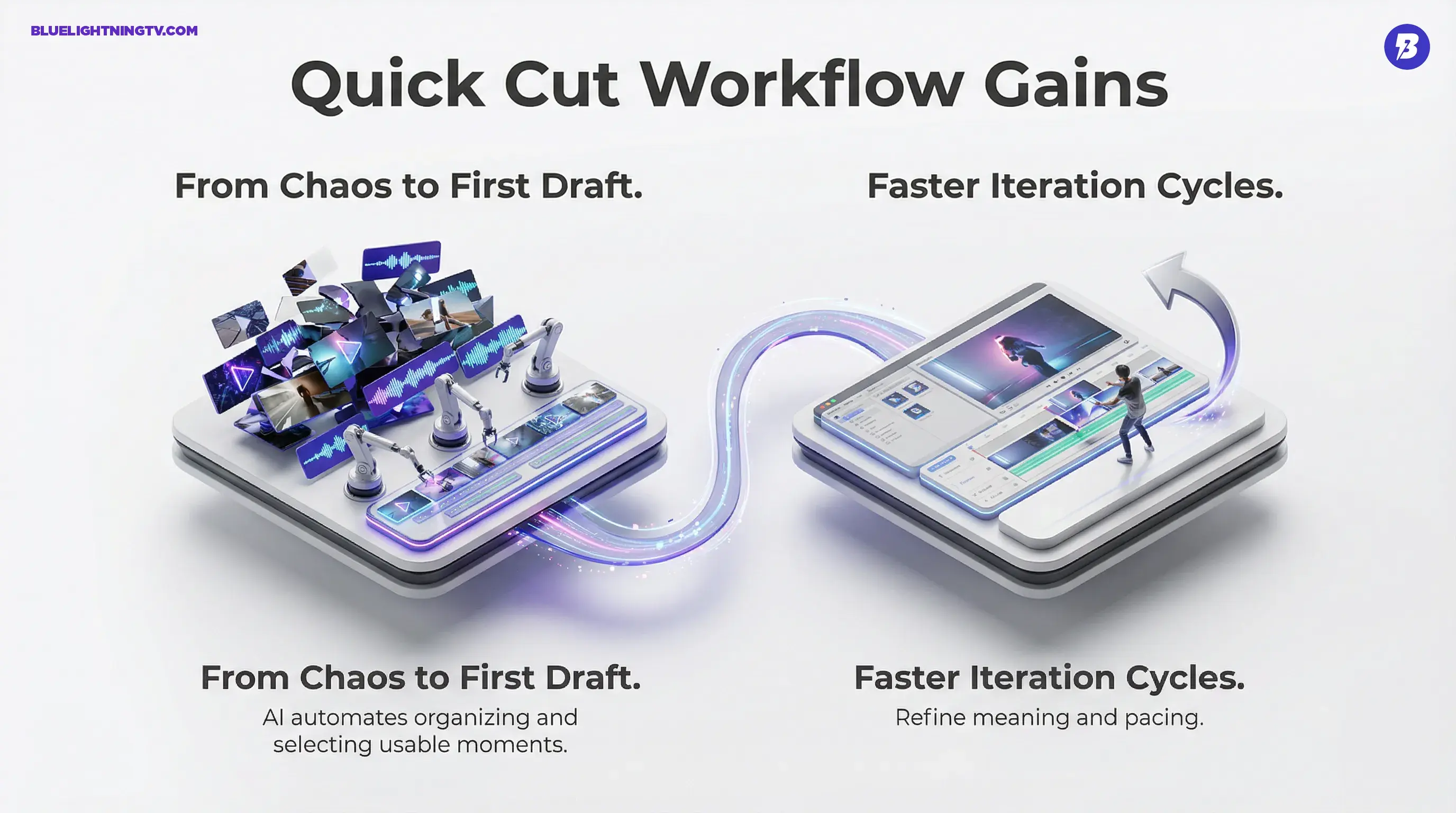
This is where the news gets real: Quick Cut is not about quality ceilings. It is about throughput. When draft creation gets cheaper, a few things shift immediately:
- you can test more directions without blowing the schedule
- you get feedback sooner, which is half of shipping
- editors spend more time refining meaning and pacing, less time doing mechanical assembly
| Workflow pressure | Old bottleneck | Quick Cut effect |
|---|---|---|
| Recurring content series | Manual culling plus first assembly | Faster version 1 to refine |
| Stakeholder approvals | Slow draft delivery | Earlier review cycles |
| Variant production | Too many versions to hand-build | Drafting scales better |
Limits to keep in mind
Quick Cut is the kind of feature that can be genuinely useful while still being imperfect, which is the healthiest place for AI to live.
Pacing still needs humans
AI can assemble. Rhythm is still editorial taste. Expect to tighten beats, fix awkward transitions, and re-prioritize what matters, especially if you are cutting for humor, emotion, or persuasion.
Brand nuance will not be automatic
If you are editing for a brand, “best shot” does not just mean sharp focus. It means compliant, on-message, and strategically framed. You will still need to review what Quick Cut chooses and what it leaves out.
It is only as good as inputs
Clean audio, consistent shooting coverage, and obvious moments will help Quick Cut shine. Messy handheld chaos with overlapping dialogue and half-finished takes will still require more human cleanup. Beta is beta.
What this signals next
Quick Cut is part of a broader shift in generative AI tools: the industry is moving away from “generate a cool clip” and toward AI that reduces production friction inside real workflows.
Adobe’s bet looks clear:
- Firefly becomes a browser-based drafting surface
- Premiere and the rest of Creative Cloud stays the precision finishing layer
- the competitive advantage is the handoff and iteration speed, not just the model
Quick Cut will not make you a better editor. But it may give you something editors rarely get: a first draft you can react to faster, which is often the difference between shipping on time and shipping tomorrow morning for real this time.