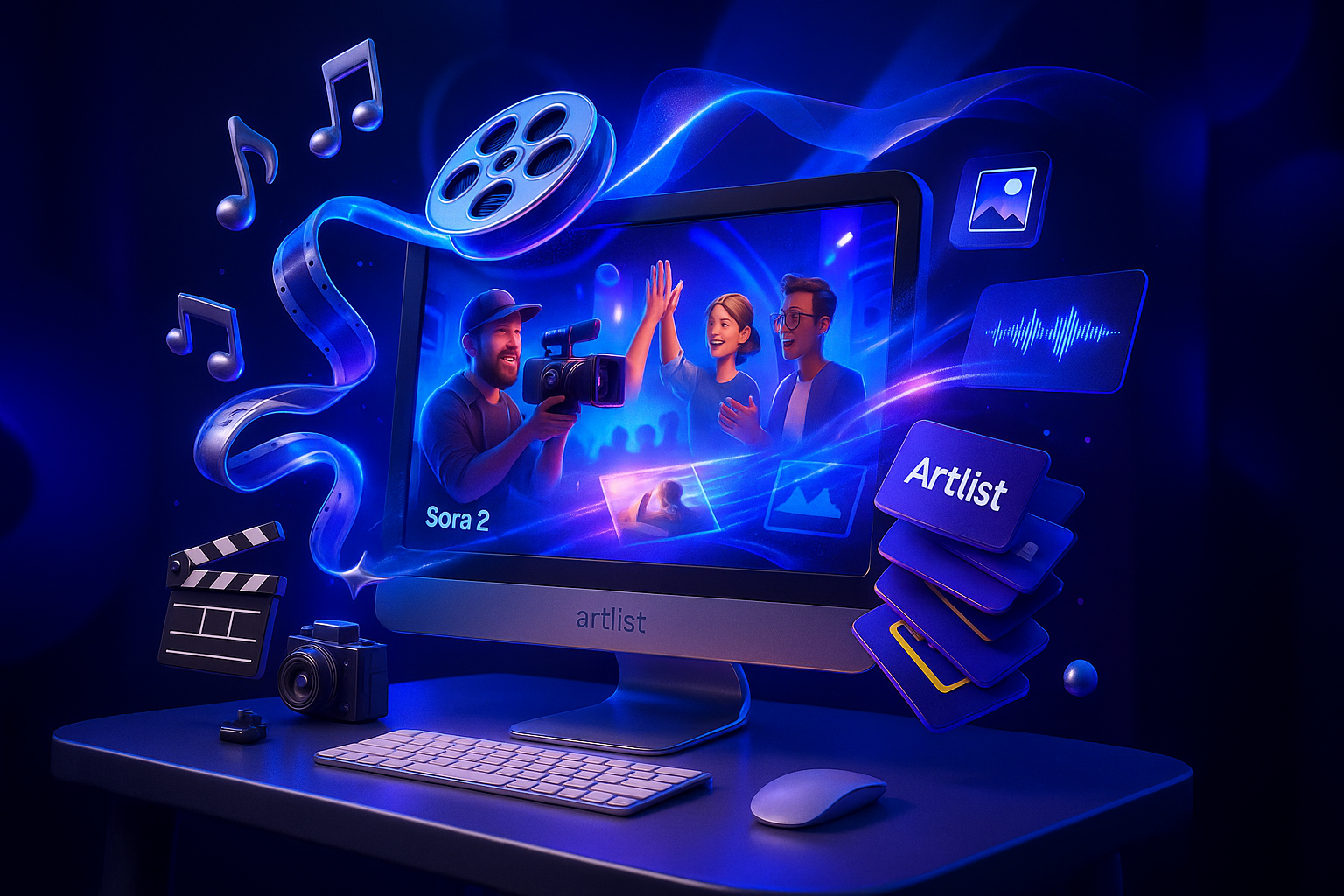
Creators do not need an OpenAI invite to get Sora 2 style results. Artlist has made Sora 2 available directly inside its AI Image & Video workspace for eligible plans, turning high fidelity text to video into something you can use in a licensed, commercial ready environment today. Read Artlist’s announcement for details and availability here.

The news: Sora 2 goes live inside Artlist for creators and teams
Artlist is rolling Sora 2 into its AI toolset so subscribers to AI Suite, Max Pro, and Business tiers can generate next gen video without waiting on OpenAI’s invite system. The integration places Sora 2 right alongside Artlist’s AI image tools, licensed music and SFX, and stock footage and photo libraries, consolidating what creators need to concept, score, and export in one place. Monthly, credits based access scales by plan, and outputs fall under Artlist’s commercial license designed for creators, startups, and brand teams.
Bottom line: Sora 2 is now part of Artlist’s AI Image & Video workspace for eligible subscribers, no OpenAI invite required, with commercial licensing included.
Why this matters for visual storytellers
For designers, filmmakers, photographers, writers, and solo founders, the appeal is speed with consistency. Sora 2’s model supports cinematic motion and scene coherence, while Artlist’s ecosystem wraps the essentials, audio, stock, voiceover, and licensing, around those outputs. That means you can move from creative idea to client ready deliverable in fewer hops, without juggling separate license checks or toolchains.
Artlist access: stock libraries, best in class models, and licensing
Artlist’s value here is not just the Sora 2 switch, it is the surrounding creative infrastructure. Subscribers get:
- Stock images and photos for visual references, mood boards, or as inputs for image to video generation.
- Stock footage to complement AI shots or bridge scenes with real world texture.
- Licensed music and sound effects so the final cut is cleared for commercial use from the outset.
- AI Image & Video workspace with a model picker that includes Sora 2 among other best in class options for stills and motion.
- AI voice for scratch narration, quick drafts, or final VO when timelines are tight.
Artlist outlines how credits and plan tiers work across its AI tools, including monthly allowances that fit solo creators up to full production teams. See the plan level overview in Artlist’s AI Suite explainer here.
How the workspace is structured
The AI Image & Video workspace is designed to keep creative decisions centralized: pick a model, set high level parameters, and generate; then refine the piece with licensed audio and assets without leaving the platform. Artlist’s help center offers a breakdown of settings and output options for AI video generation here.
Plan snapshot: who gets what
| Plan | Sora 2 access | Monthly AI credits | Stock library (music/SFX/footage/photos) | Team & licensing features |
|---|---|---|---|---|
| AI Suite | Included via AI Image & Video | Scales by tier (for example, tens of thousands of credits per month) | Included | Standard commercial license for individual creators |
| Max Pro | Included plus advanced export and format options | Higher credit allotments for images, video, and voice | Included | Extended tools for advanced workflows |
| Business | Included | Enterprise scale credits | Included | Team seats, admin controls, client ready licensing |
Note: Exact credit counts and export specs vary by tier; Artlist’s plan pages and help center detail current limits and inclusions.
For creators: what changes right now
Pitch faster, prototype faster
Brand and agency teams can turn written concepts into cinematic test footage, then layer approved tracks or SFX from Artlist’s library, to share a polished vision before production even starts. For solo entrepreneurs and startup marketers, the same system accelerates product demos, landing page hero loops, and social variants without license worries.
Consistency across campaigns
Because the video generation lives beside images, VO, and licensed audio, you can establish a repeatable style, visual tone, sonic palette, and narrative rhythm, across platforms. That is useful for seasonal drops, serialized content, and multi market asset packs where continuity sells the story.
Creative control without technical hoops
Most of our audience is not writing code, and does not need to. The news here is about access: Sora 2’s model is selectable in a creative UI, and the rest of Artlist’s ecosystem removes separate shopping for rights, file wrangling, or format mismatches. The focus returns to the scene, the sound, and the story.
Veo 3 enters the frame: complementary model, different route
Google introduced Veo 3 as part of its 2025 generative media push, bringing advanced video generation into the Gemini experience and expanding availability region by region. Google has also unveiled Flow, an AI powered filmmaking tool designed for Veo, with features that emphasize cinematic control and creative iteration. Details from Google’s announcement are available here.
Sora 2 via Artlist vs. Veo 3 via Google: at a glance
| Aspect | Sora 2 (via Artlist) | Veo 3 (via Google) |
|---|---|---|
| Access path | Included in Artlist’s AI Image & Video workspace for eligible subscribers | Accessible through Gemini subscriptions; supported by Google’s Flow toolset |
| Ecosystem fit | Tight integration with licensed music and SFX, stock footage and photos, and AI voice | Integrated within Google’s AI environment; tooling focused on filmmaking features |
| Licensing environment | Artlist’s commercial license covers generated outputs and library assets | Subject to Google’s terms; production licensing workflows vary |
| Use case emphasis | Rapid concept to cut with one license and one workspace | Cinematic controls and iterative scene building inside the Gemini and Flow stack |
Availability, formats, and the fine print
Artlist’s AI Image & Video workspace supports common aspect ratios and high definition outputs appropriate for social, web, and broadcast placements. Credit usage depends on settings and model selection; higher fidelity outputs typically consume more credits. For a current snapshot of settings and options, see Artlist’s help center guide on generating AI videos here.
Licensing remains a pivotal differentiator. Artlist’s approach keeps generated video and the surrounding assets, music, SFX, stock stills and footage, under a single commercial framework. For freelancers, that means fewer rights check emails at handoff time. For agencies and brands, Business plans add team roles, administrative controls, and client ready terms so large campaigns move through compliance faster. Plan level credit examples and inclusions are outlined in Artlist’s AI Suite explainer here.
The creator takeaway
Sora 2 access inside Artlist signals a broader shift: high end AI video is moving from closed pilots to practical, licensed tools that plug into the daily creative workflow. If you are designing a brand system, pitching a series, or pressure testing a visual identity across channels, this consolidation, model access plus stock and sound under one roof, accelerates the work that audiences feel most: story, performance, and polish.
What to watch next
Expect rapid iteration across both Artlist’s model lineup and Google’s Veo roadmap. For creators, the competitive moment is good news: better physics, better motion control, and tighter continuity are quickly becoming table stakes. The constant, non negotiable piece is licensing. Artlist’s move to bundle Sora 2 access within a commercial framework is the headline today, and it is likely to set expectations for how AI video tools cater to working creatives going forward.