
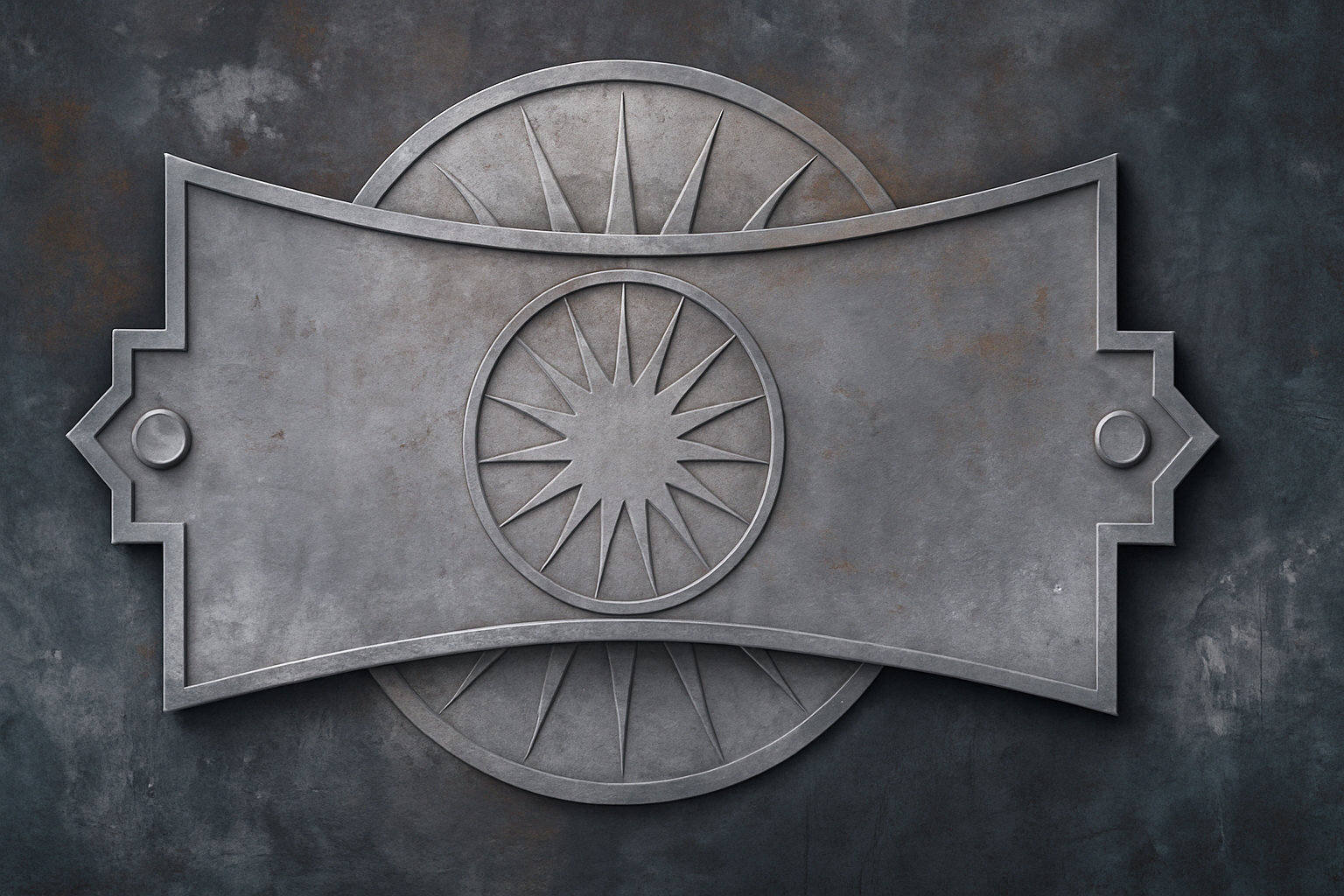
Dive into the World of Graphic Design with a Creative Twist
Are you ready to level up your Photoshop skills? Whether you’re a seasoned designer or just starting out, creating a powerful iron emblem is one of those techniques that can set your work apart. This guide walks you through a step-by-step process to make an emblem that looks like it’s been forged in the fires of Mount Doom. We’re diving deep into layer effects, blending modes, and more. So buckle up and let’s get creative!
The Art of Layer Effects
When it comes to Photoshop, layer effects are your best friend. They add depth, realism, and sophistication to flat images, turning your designs from basic to brilliant. By adjusting each effect, you can create an entire world within your layers, making them interactive canvases.
Creating the Outer Glow
Starting with the basics, let’s get the outer glow effect right. This will add a surreal, almost magical touch to your emblem:
- Blend Mode: Set to Linear Burn, which darkens your design enchantingly.
- Opacity: Keep it around 30% to let the glow subtly stand out.
- Color: A robust black to maintain an iron aesthetic.
- Size: Adjust to about 40 pixels for that perfect balance.
Adding Drop Shadow for Depth
Then there’s the drop shadow, a Photoshop staple that never goes out of style:
- Blend Mode: Opt for Darken to keep shadows cohesive.
- Opacity: Set it to 48% for a mellow, yet noticeable shadow.
- Angle: A cool 135 degrees — because precision matters.
- Distance and Size: 53 and 27 pixels, respectively, for that neat final touch.
Emboss Your Emblem: The Chiseled Look
What screams “iron” more than a chisel-hard look? By using Bevel & Emboss, you give your emblem a 3D look that defies digital flatness:
- Technique: Chisel Hard; subtly echoes the work of a master blacksmith.
- Depth: 75% to create a pronounced impact.
- Direction: Up, because let’s face it, that’s where the detail pops.
- Size: Set at 25 pixels.
The use of embossing isn’t just about making things look shiny; it’s about creating a tactile reality that users can almost feel. The highlights and shadows play together, simulating light as it might interact with a realistic three-dimensional object.
The Creative Use of Masks
Using layer masks, you create a dynamic between what is visible and what remains hidden in your design:
- Invert the Mask: Remember, black conceals and white reveals. Experimenting with this will give your work a more nuanced look.
- Levels Adjustment: Fine-tune input and output numbers to control your design’s contrast and brightness effectively.
Think of masks like a stencil; they allow precision in exposing or hiding particular aspects of your design without losing data.
Crafting with Paths and Shapes
Got a steady hand and a creative mind? The pen and shape tools become extensions of your artistry:
- Polygon Tool Settings: Set sides to 20, align edges, and turn on star mode with a 50% indent.
- Positioning and Rotation: Drag and rotate your shape to perfection, ensuring symmetry and alignment with your design’s borders.
This allows us to create stars, circles, or any multitude of custom shapes that add interest and complexity to our digital ironwork.
The Final Polish
Finally, it’s time to bring everything together. Your emblem needs the shine and shadow that the various settings offer:
- Highlight Mode: Color Dodge for a vibrant, reflective glow.
- Shadow Opacity: A change to 35% ensures that the natural shadow of your design becomes contextually relevant.
- Contours: Changing contours like Cove Deep or Cone adds variety and prevents monotony in presentation.
And voila! With a few steps and tweaks, you’ve transformed your simple image into a striking iron emblem. Imagine adorning your digital creations with this newfound knowledge. It’s not just a design—it’s digital alchemy, sparkling with your creative brand of magic.
Embarking on projects like this one doesn’t only enhance your portfolio, but it also equips you with techniques that are applicable across countless other design tasks. So go on, unleash your inner digital blacksmith, and create emblems that embody strength, art, and innovation.
Happy creating!





