Relive the Disco Fever with Glittering Text Effects!
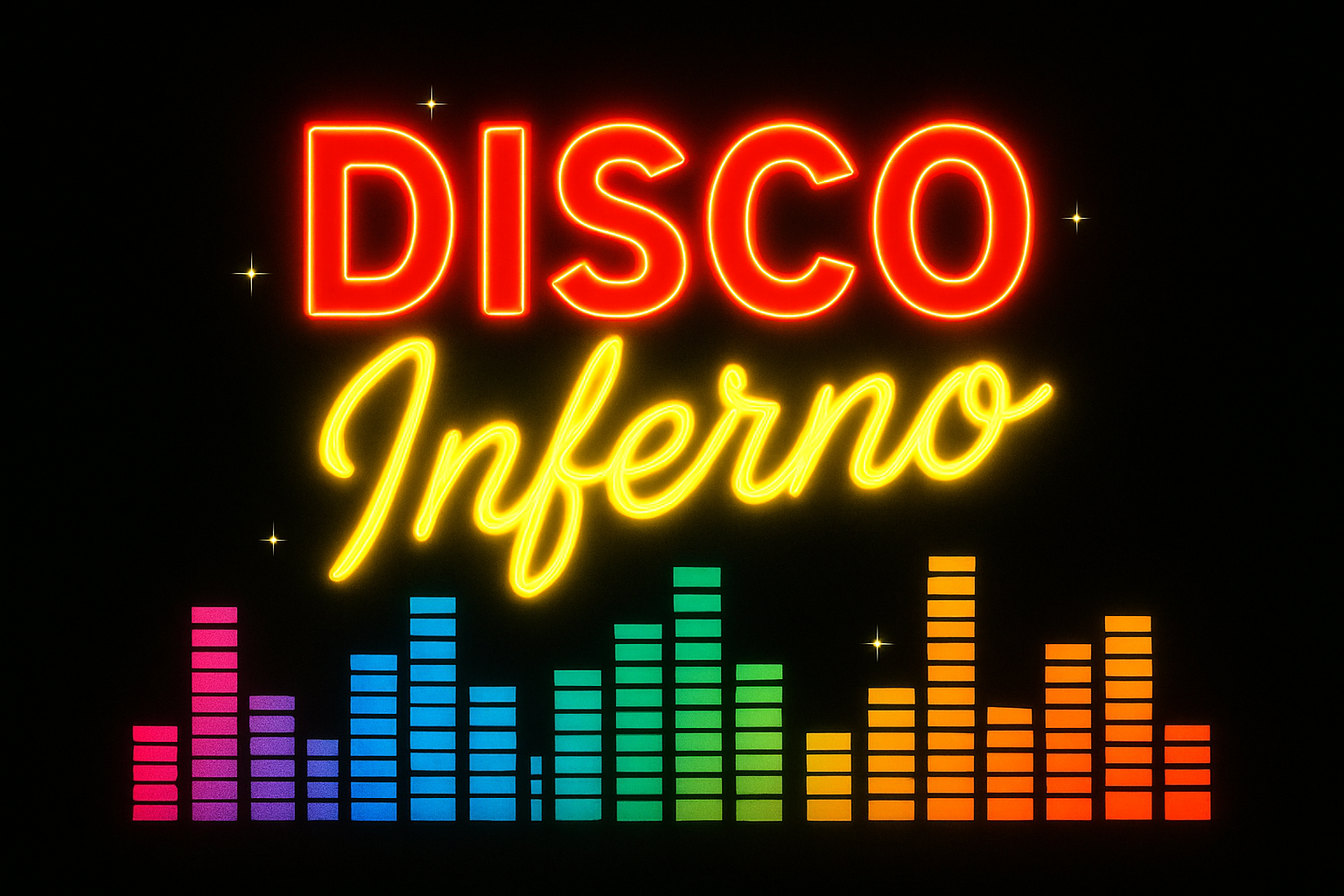
Are you ready to take a journey back to the legendary disco days of the 1970s — a time when bell-bottoms ruled everyone’s wardrobes, and disco queens glittered under the vibrant dance floor lights? Today, we’re channeling that legendary sparkle and transforming your typographic skills with the magic of Photoshop. Get ready to create dazzling retro text effects that would make Donna Summer proud. But first, let’s groove into the mechanics!
Choosing Your Artistic Weapons: Fonts and Colors
Let’s dive in with some disco basics. Your typographic journey begins with selecting the right font. For a truly retro vibe, consider using “Geomancy”, a font that practically screams “Saturday Night Fever”. If you don’t have it, no worries, you can easily download it from the video description. Size matters, people! You’ll want to set that font size to a whopping 112 points, anti-aliasing it to a crisp finish. Feeling bold? Great! Choose a vibrant, epoch-appropriate color (we went with FF0040), but ultimately, the key is to express your individual groove.
Adding the Disco Twinkles — Bevels and Embosses
For that extra sprinkle of disco magic, let’s add some creative flair with bevel and emboss effects. By setting the style to ‘Inner Bevel’, adopting a ‘Chisel Hard’ technique, and directing it downward, you’re on your way to vibrant text that sparkles with nostalgia. But don’t stop there — add a bright yellow stroke to make your text shine like a gold lamé jumpsuit. We’re talking intensity with a blend mode of ‘Normal’, 100% opacity and size adjustments galore. Think of it as accessorizing your text for the dance floor!
Gradient Madness: Bringing Depth and Dimension
Next up, it’s time to dabble in the delight of gradients. A ‘Gradient Overlay’ with normal blend mode at 45% opacity never felt so good! This layering of color speaks volumes to the depth of your customizing capabilities. Our choice involved merging a bold red with a deep black, but don’t hesitate to interpret the vibes in a way that speaks to your inner disco divo.
Glow Up: Inner and Outer Enhancements
Adding a touch of inner glow gives your text that extra kick as if struck by the dazzling lights of Studio 54. Set the blend to ‘Normal’, and your opacity to a stylish 40%, with a precise technique and a tasteful choke elucidation. Meanwhile, our size remains flirtatiously minuscule at 14 pixels.
Twinkle, Twinkle, Disco Mystique
Here’s where we dial up that fabulous flair. Make a new layer and call it ‘twinkles’, setting the blend mode to ‘Color Dodge’. Armed with custom ‘Twinkle Brushes,’ which you can snag in our project resources, scatter those sparkling stars across your canvas like a true artist of disco magic. The secret is to let them dance lightly across the top layer of text for a brilliant celestial effect.
Pro Tip:
Don’t fear the undo button — embrace it. Ctrl/Command+Z could be your best friend when experimenting with infinite forms of twinkles.
Flaunting Further Flair: Text Layering & Brush Control
Sometimes more is more, so let’s bring in the glam with additional textures! Once you’ve placed your stars, create motion blur with flair by adjusting angles and distances — it’s all about orchestrating a visual crescendo of lights. Clone your layers (Ctrl/Command+J) for even more dynamic action and name them accordingly for that peak touch of professionalism.
Keep On Movin’: Adding an Angled Touch
For your text to scream retro glam, a bit of rotation can do wonders. Use the ‘Transform Tool’ to add a gentle twist to your text — because nothing in the 70s stood still. Finish the magic with a smart object conversion, empowering you to explore vibrant color overlays, outer glows, and ultimate blend modulations. So many tools, so little time.
Concluding Harmony: A Retro Anima Awakens
It’s time to compile these layers into a coherent, dynamic disco palette. This is your personal tribute to the daring decade — a masterpiece imbued with twinkles of personal innovation and memories of yesteryear’s rhythmic adventures. The equalizer thumps, the stars twinkle, and your text emerges as a beacon from the annals of disco history, lighting up modern screens with their nostalgic glories.
So, dust off those virtual bell-bottoms, boot up Photoshop, and create the most electrifying text tribute to disco this side of the galaxy. Keep headbanging, keep learning, and let your creativity shine as bright as the stars in this galaxy of design!