
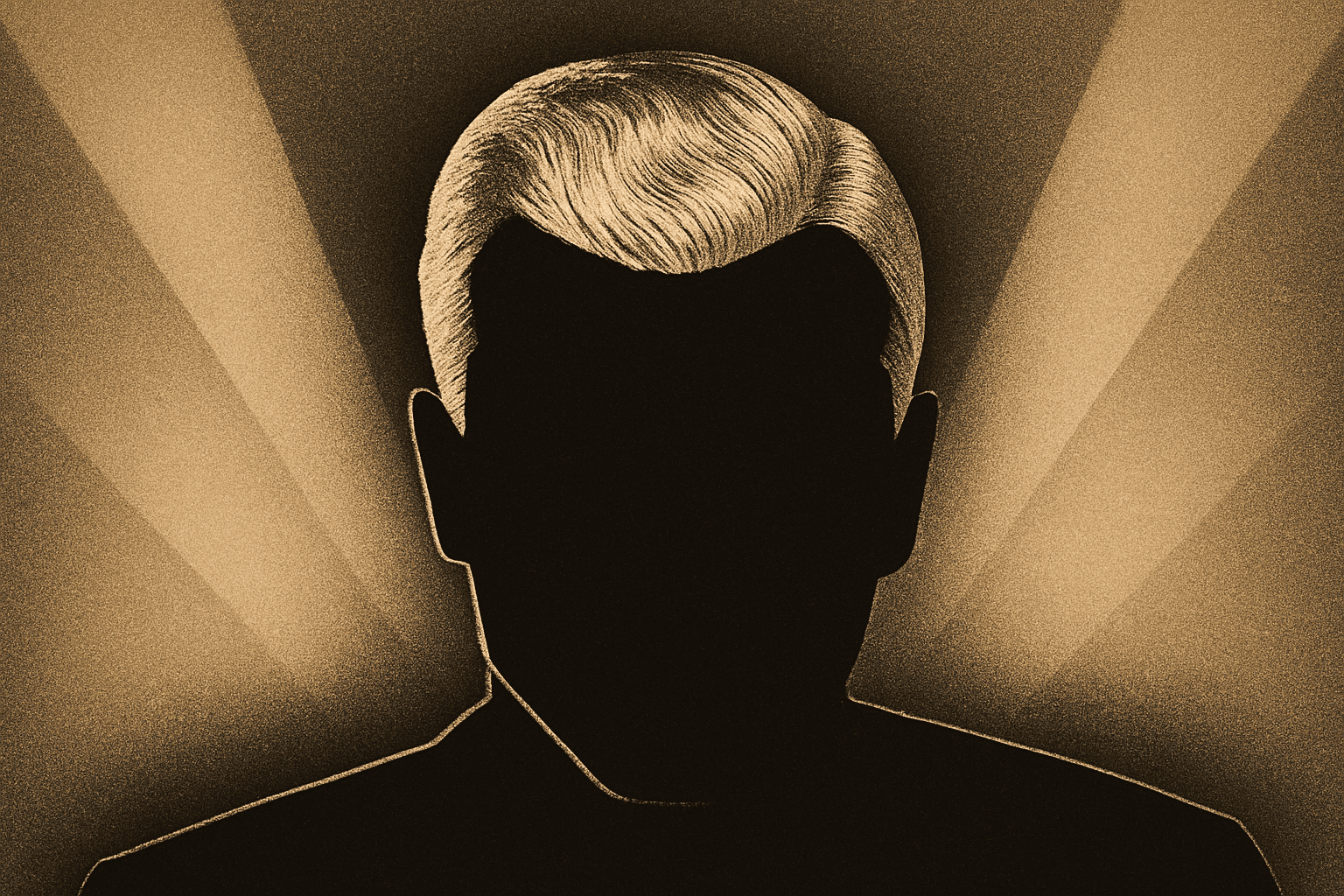
Explore the allure of the 1920s and learn how to create an authentic Art Deco movie poster with modern tools.
Are you fascinated by the iconic and timeless aesthetic of the Art Deco period? The glitz and glamour of the Roaring Twenties not only revolutionized design but also influenced everything from fashion to film. In this post, we’ll dive into creating a captivating Art Deco movie poster using the power of Photoshop, perfect for adding a touch of vintage elegance to your portfolio or project.
Unveiling the Mystique of Art Deco
The term Art Deco refers to a visual design style that began in the 1920s and soared through the 1930s and 40s. It’s characterized by its linear symmetry, sleek lines, and often a daring use of geometric shapes and vibrant colors. This movement touched every industry, from architecture to automobiles, and was immortalized in the captivating movie posters of the era. Picture a sophisticated image of James Cagney, an iconic actor of the Deco era—this is the essence we’re aiming to capture with our Photoshop skills.
Setting Up Your Canvas
First things first, let’s whip up a digital canvas that captures the aura of these vintage posters. These posters were typically larger-than-life, but we’re adjusting for digital; a 15×20 inch document with a resolution of 72 pixels per inch will be our stage.
Simplifying the Complex
Art Deco art was all about distilling complexity into elegance. A single dot for an eye and straight lines for other facial features sums up this minimalist interpretation. Using Photoshop, sketch out these features with the Pencil Tool and create a selection around them, which you can save as Face Lines. The goal is to keep it simple—less is more!
Capturing the Flow of Hair
Next, it’s time to tame the mane. There are plenty of ways to achieve a great selection of the hair, so choose your favorite: from the Pen Tool to Fast Select, whatever does the trick. Make sure your selection is precise, and cut it onto its very own layer—this will be renamed Hair, keeping everything organized.
Adding That Deco Glow
Add an ethereal, dreamy glow. Click on the Effects button to add an Outer Glow, setting it to blend mode Normal, a Black color, and tweaking opacity and other settings to your liking. The result? A printed lithograph effect that harkens back to the era’s method of choice for printing masterpieces.
Spattering the Glow
Now, let’s take that glow and give it a classy Art Deco twist with the Spatter filter. This technique mimics the texture of early print methods. We’re going for that perfect blend of glamorous, yet slightly gritty realism that makes Art Deco so audacious.
Building the Background
No good art deco poster is complete without a bold background. Using the Eyedropper Tool, snatch a color from your vintage template that speaks volumes of the time. Slick it behind your artwork to make your minimalist face pop with dramatic flair.
Details Define Glamour
With all these elements beautifully assembled, perfection lies in the details. Strengthen the outlines of your Face Lines, manipulate fills with black for impactful depth, and celebrate those clean, bold lines. Navigate each step like a director orchestrating a timeless classic.
In Conclusion
Creating an Art Deco poster in Photoshop isn’t merely about replicating a historical style; it’s about breathing life into the vibrant past, injecting your personal flair, and having a blast while doing it. Whether you’re decorating, upskilling, or just fond of this exuberant period, adding an Art Deco twist to your digital toolkit is both enriching and exhilarating. Stay tuned for Part Two where we finish off our masterpiece!
Keep exploring, keep creating, and keep the spirit of innovation alive!





