
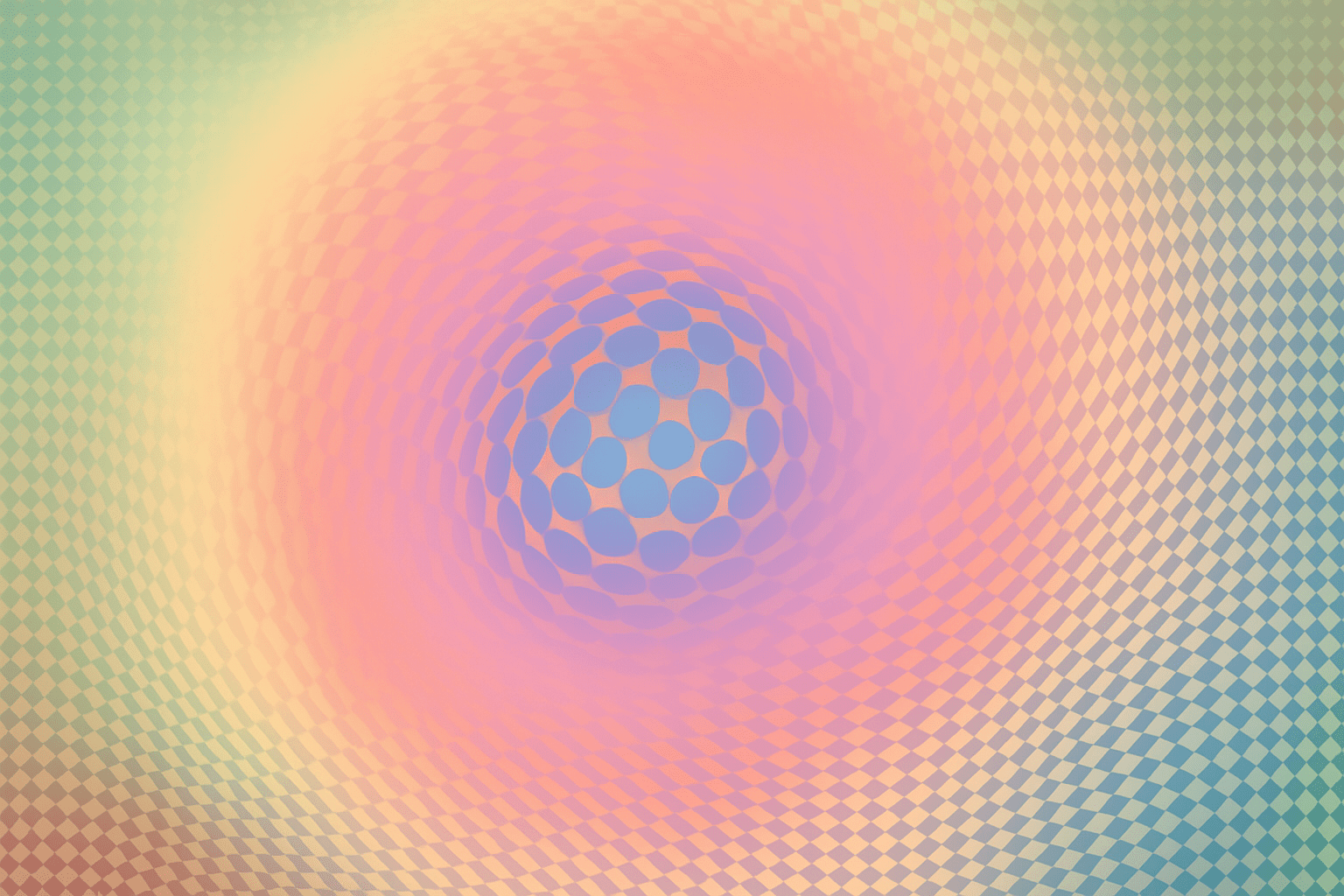
Embrace the Mind-Bending Beauty of Op Art with Photoshop Magic
If you’re drawn to the offbeat allure of Op Art—where your vision dances and twists in response to mesmerizing patterns—you’re in for a treat. This guide dissects the enchanting world of digital Op Art, inspired by none other than Victor Vasarelli, a titan in this art movement. Armed with nothing but Photoshop and an adventurous spirit, you can recreate the hypnotic charm of Op Art. Let’s explore how to breathe life into geometric shapes and inject them with a modern twist using classic techniques.
Getting into the Groove of Op Art
Victor Vasarelli, a name synonymous with Op Art, used simple shapes and colors to create illusions that seem almost alive. Op Art captivates the observer by exploiting how the eye negotiates contrasting colors and patterns. By manipulating just a few basic tools in Photoshop, you can conjure artworks that play tricks on the eye and evoke dynamic motion from static images.
The Birth of Your Digital Canvas
Kickstart your journey by creating a digital canvas primed for Op Art magic. Initiate a document sized 1,000×1,000 pixels with a resolution of 72 pixels per inch. This forms the base of your ecstatic optical illusion. The initial step is to blanket this canvas in black using shortcuts like Alt + Delete (or Option + Delete on Mac), grounding the neon shapes you’re to design.
Drawing the Dot of Creativity
The cornerstone of many Op Art designs is a simple dot. Imagine this as your brush and canvas—a tiny but mighty tool. Open a fresh document, this time a petite 20×20 pixels, and place your dot’s nucleus. Thereafter, amplify this dot document for precision. With guiding rulers (View > Rulers) and the Elliptical Marquee at your disposal, summon a circle that blooms into the edge and fill the negative with pure black.
Patterns: The Op Art Kaleidoscope
Vasarelli might have nodded approvingly seeing patterns emerge from your canvas. Open your primary file, ripe for design, and apply pattern overlays using your dot pattern. This dot matrix shall dominate the entirety of your canvas—either an expansion of the mind or an organized chaos. It’s here that your creation begins to mimic the Op Art style, where possibilities boundlessly reverberate across your screen.
Shaping Shapes with Distortion
Distortion isn’t just cautionary; it’s playful and transformative. Equip the ‘Spherize’ filter to warp straightforward patterns into something downright gripping.
Harnessing Filters: Distort, Twirl, and Zigzag
The transformative power of Photoshop filters elevates Op Art into the digital age:
- Spherize pulls your audience into a world that bends reality.
- Twirl adds a swirl, spinning your canvas like a hypnotic spiral.
- Zigzag distorts it further, adding flicker and flinch to an otherwise still image.
These distortions conjure worlds that oscillate, each filter refracting a unique dreamscape.
Doing More with Less: One Filter to Rule Them All
Minimalists might relish creating Od Art with as little as one filter: the Wave. Adjusting this filter’s options weaves your dot pattern into a tapestry of rhythmic undulations. From nuanced ripples to bold waves, every permutation shifted will yield distinct imagery. For the poet in you, this represents the multifaceted nature of perception itself.
Color Play and Layering: Experimenting with Hues
Art is nothing without color. Photoshop’s gradient tools assure each manipulation gleams or dims to your liking.
- Radial Gradients frolic from the center, captivating your viewers with a sunburst of color.
- Linear Gradients impart a straightforward gradient streak, spanning edge to edge.
Play with presets like ‘Light Spectrum’ to invent scenes brimming with hues that seem orchestrated. Gradients juxtaposed can be fiddled with until it reflects the kaleidoscope in your mind.
Retain Flexibility with Selections and Layers
To ensure your artwork flows like Vasarelli intended, manage your layers. Save selections, identify them by means (inner rectangle or corners), and keep them flexible. Every layer is a move in a dance, so stack or separate as required for ease of movement.
Infinite Experimentation
In your toolkit lies infinite reconfigurations, harkening to Vasarelli’s likely musings: What if this were lighter, darker, inverted? Changing saturation or contrast yields reshaped realities—a testament to art’s boundless bounds.
In crafting your Op Art piece, embrace the spirit of bold reinterpretations and digital disruptions. Look through a psychedelic lens, undergo meditative repetitions, and embrace deviations. The path to creating Op Art in Photoshop is as much a reflection of technique as it is introspection.
For those enamored by Victor Vasarelli’s legacy, you hold in your hands the power to revive—and revolutionize—mid-20th-century marvels with each pixel shift.





