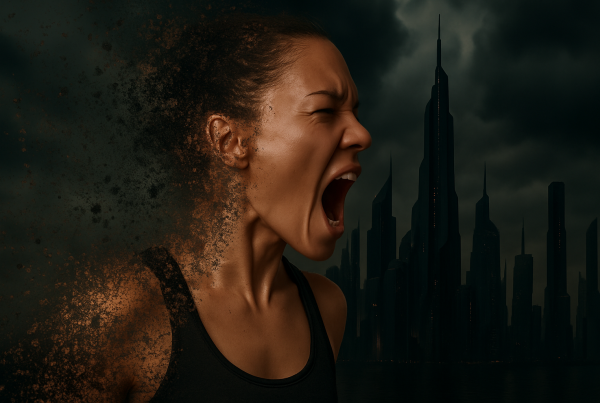
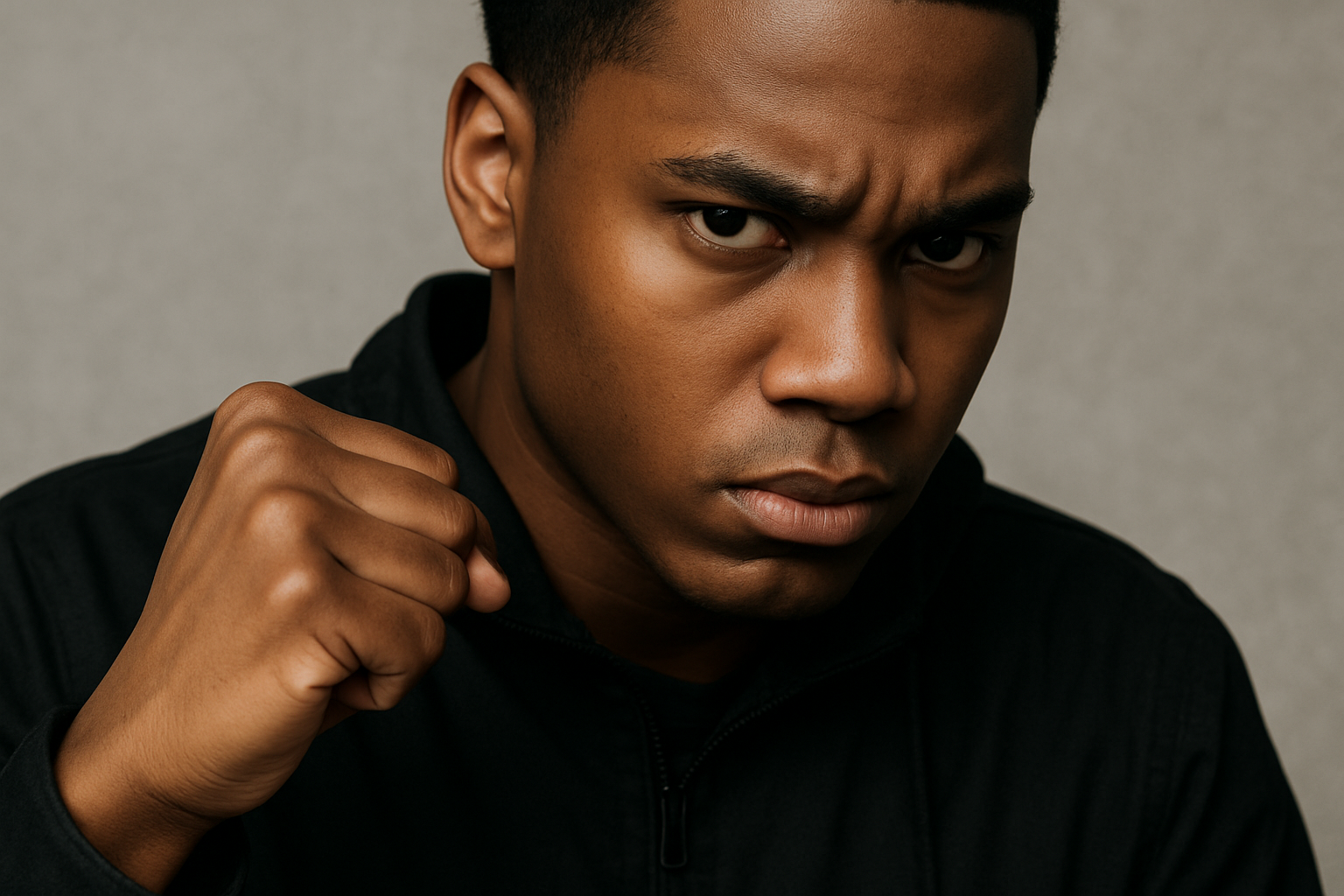
Create Your Own Spy Thriller Look with a Touch of UFC Magic
Are you ready to channel your inner graphic designer and create a stunning poster that rivals the iconic Bourne Legacy movie poster? Welcome to this creative journey where we transform images to emulate the fierce and mysterious look of a Hollywood spy thriller. Whether you’re a fan of Ultimate Fighting or love the drama and intensity of spy films, this tutorial will guide you in melding both worlds into an eye-catching piece. So grab your favorite image, preferably one with dramatic lighting and deep shadows, and let’s dive into Photoshop wizardry!
Step Into the World of Filter Mastery
Let’s start by opening up Photoshop and setting up our artboard. We’ll work with a document sized at 1800×2588 pixels and a resolution of 150 pixels per inch. Choosing the right photo is crucial—pick one where your subject is illuminated at an angle, creating deep shadows that add drama. The first layer of magic happens in the Filter Gallery. Head over there and explore the Texture folder to find the “Cular” filter, which is essential for this look. Dial in the settings to your preference, but we’ve found that a spacing of 15, depth of 6, and brightness of 9 can work wonders.
Desaturate: The Secret Behind the Moody Effect
Remember, a spy thriller poster is all about moodiness. You can achieve this by desaturating your image to make it visually compelling. Adjust the hue and saturation by decreasing saturation by 50%. A quick press of Ctrl/Command + U will call up the Hue/Saturation window, allowing you to get that brooding, mysterious look synonymous with the Bourne Legacy poster.
Unleash the Vector Magic
Once your base layer is set, it’s time to introduce the dramatic horizontal bars over your image. Using the Rectangle Tool, drag a rectangle to frame your subject’s eyes, ensuring they’re visibly impactful. Create your vector masks, and don’t worry, they’re fully editable so you can tweak them as needed. The beauty of vector shapes is that they allow for unparalleled flexibility and creativity in design.
Repeating Elements: Drama Meets Mystery
To achieve the authentic look of the Bourne Legacy poster, replicate these vector shapes with the Path Selection Tool. Hold down Alt/Option while clicking on a shape to duplicate it. Shift-click to align copies precisely. You can experiment by adding rectangular bars of varying lengths to reveal key areas of your image, each contributing to the narrative. Remember to leave some areas blank; these are perfect spots for adding powerful text later on.
Typography: Your Poster’s Silent Narrator
Now that you’ve crafted a canvas with captivating visuals, it’s time to let words whisper their story. Whether it’s title lines, taglines, or cast names, typography plays a pivotal role in defining your poster’s character. Open the Character panel and let yourself explore different fonts. We’re using Nico deex for a start, which you can snag for free from dafont.com. Play around with color and size—66 points for major words should do the trick, but don’t hesitate to adjust according to your vision.
Adding Dynamic Text Effects
Titles often need a dramatic touch, like a dark gradient at the bottom of a word. To do this, make your text a selection (Ctrl/Command + click on the text layer), then apply a layer mask. For those sleek and moody lines that extend from letters, bevel in with the Brush Tool at a setting of 80% opacity. Keep building on layers, merging text and shape to maintain coherence and fluidity in your design.
Finishing Touches: Bringing Your Vision to Life
Want to recreate the mystique and allure of a movie poster featuring a star-studded cast? With the Type Tool and a few text layering techniques, you can list cast names, reduce opacity for emphasis, and add final taglines between those cleverly placed bars. This detail-oriented process is where your creative flair truly shines, making your poster a personalized masterpiece.
Final Thoughts
Dive into your own realm of creativity and build eye-catching movie posters that capture the spirit of narratives from spy thrillers to action-packed bouts like UFC. These steps lay the foundation, but the art of poster design thrives on innovation and personal flair. So, polish your skills, mix creative ingredients, and continue experimenting. Your computer is your playground—have fun!
This guide aims to not just teach you how to design like the pros but to empower you to develop your own unique style. Here’s to crafting the next visually stunning poster that might just steal the world’s attention! Now, get designing—and create something spectacular!