
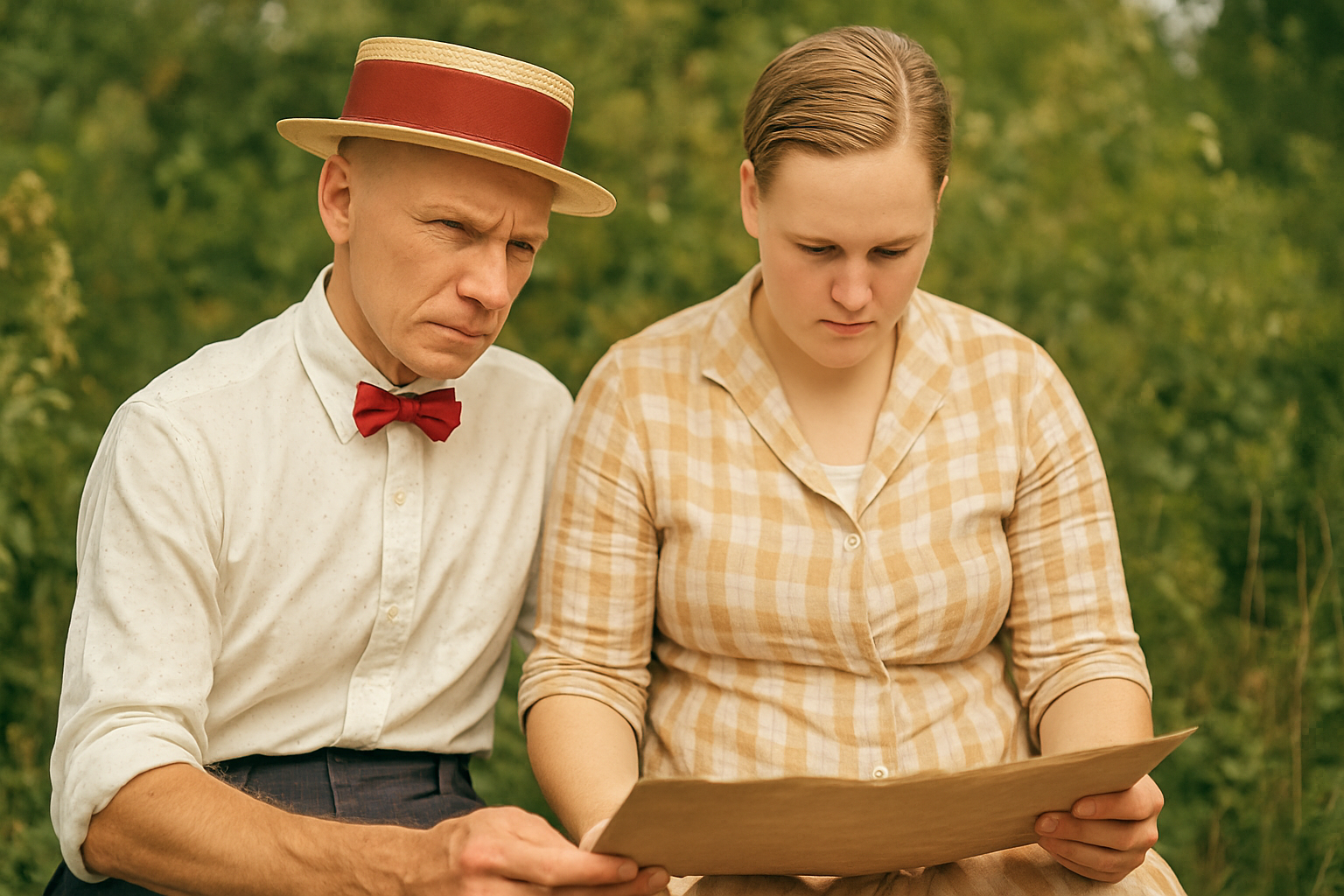
Bringing Photos Back to Life, Pixel by Pixel
Imagine stumbling upon an old family photo, edged with time and narrating stories of days long gone, only for it to be riddled with cracks, scratches, and the haunting erosion of detail. Fear not, for we shall unveil a method to resurrect these photos to their former glory – using a digital palette of AI and Photoshop magic. This guide will take you through the photo restoration process step by step, ensuring those cherished memories shine anew.
The Magic of Photoshop’s Neural Filters
Our journey begins as we import the beleaguered photo into Photoshop. By cropping the image to center the main subject, we can focus on the task at hand. Head to the ‘Neural Filters’ section and activate the ‘Photo Restoration’ filter within the restoration collection. This hidden gem will work wonders, armed with a scratch reduction slider – a 5% nudge is all it takes to smooth those blemishes.
Pro Tip: Output adjustments to a new layer to keep that original content safe and sound.
Sharpening and Enhancing
With our restored base image, it’s time to ramp up the definition. Duplicate your layer because backups are just as crucial in digital art as they are in life. Return to the filters, this time venturing into ‘Sharpen’ to select ‘Unsharp Mask’. Settings of 75% for amount and a 6-pixel radius will redefine clarity — because who doesn’t love a crisp image?
Your masterpiece is rising from the digital ashes, and we’re just getting started.
Balancing Act: Brightness and Contrast
Contrast is your friend and levels are your best buddies in the art of photo restoration. After setting the blending mode of your duplicated layer to ‘Multiply’, adding and tweaking a ‘Levels Adjustment Layer’ will balance brightness without sacrificing details. A simple white point click will finalize the contrast and balance.
Once everything looks good, group your layers to maintain sanity amidst the chaos of pixel peeping.
Strengthening Those Details
After a whirlwind of scratch elimination and detail revitalization, a little manual touch-up remains. Select the ‘Spot Healing Brush Tool’ for any stubborn imperfections, and take this joyful ride into pixel-perfect restoration to the next level.
But what if you want to go beyond? What if your digital brush is yearning to color fantasy’s canvas? Enter the AI frontiers with Leonardo AI.
AI Takes the Lead: Leonardo AI Upscaler
Off to Leonardo AI’s domain for a mind-bending expedition. With more tokens than your childhood arcade’s Friday night, this AI powerhouse is ready to expand and redefine your image. Using the ‘Universal Upscaler’, tweak the creativity strength to infuse real imaginary structures—all while keeping familial faces away from AI’s whimsical transformations.
Even free users can bask in brilliance with the legacy upscaling mode, retaining a classy touch without the subscription shackle.
Reincarnating Faces with Enhanced AI
As neural brushes try their unpredictable charm with faces, some unintended hilarities might ensue. Enter Face26, a dedicated retoucher’s oasis in an AI-saturated desert. With Enhancer V1, unfogging facial details with burst-of-realism is your ticket to a time capsule sealed with authenticity.
Piecing the Puzzle: Final Touches in Photoshop
Finally, pulling all these diverse AI renditions into Photoshop brings a combination of human experience and machine precision. With a sprinkle of generative fill and Photoshop’s layer masks, you’re set to marry the best parts of each AI version into one epitome of restored beauty.
Whether the creative in you opts for Leonardo AI’s intriguing ‘Level 10’ attire or prefers the deep nostalgia seeped in ‘Level 8’, the possibilities stretch widely and wildly.
Revive, Retouch, Redeem
Look back on a world of difference — before, a time-worn photograph on the brink of oblivion; after, a timeless essence, rejuvenated and eternalized for generations unborn.
With these spectacular reconstructions that toggle between reality and AI’s whimsy, your photo not only looks impeccable but also tells a future story of creativity stretching through the barriers of technology and artistry.
Looking to breathe similar life into your photos? Tune into the YouTube video above, and when you’re ready to take your creative expression to the next altitude, these embedded tips will be your skyward breeze. Show us your restored marvel in the comments or travel deeper into the AI-Art Restoration abyss for endless inspiration.





