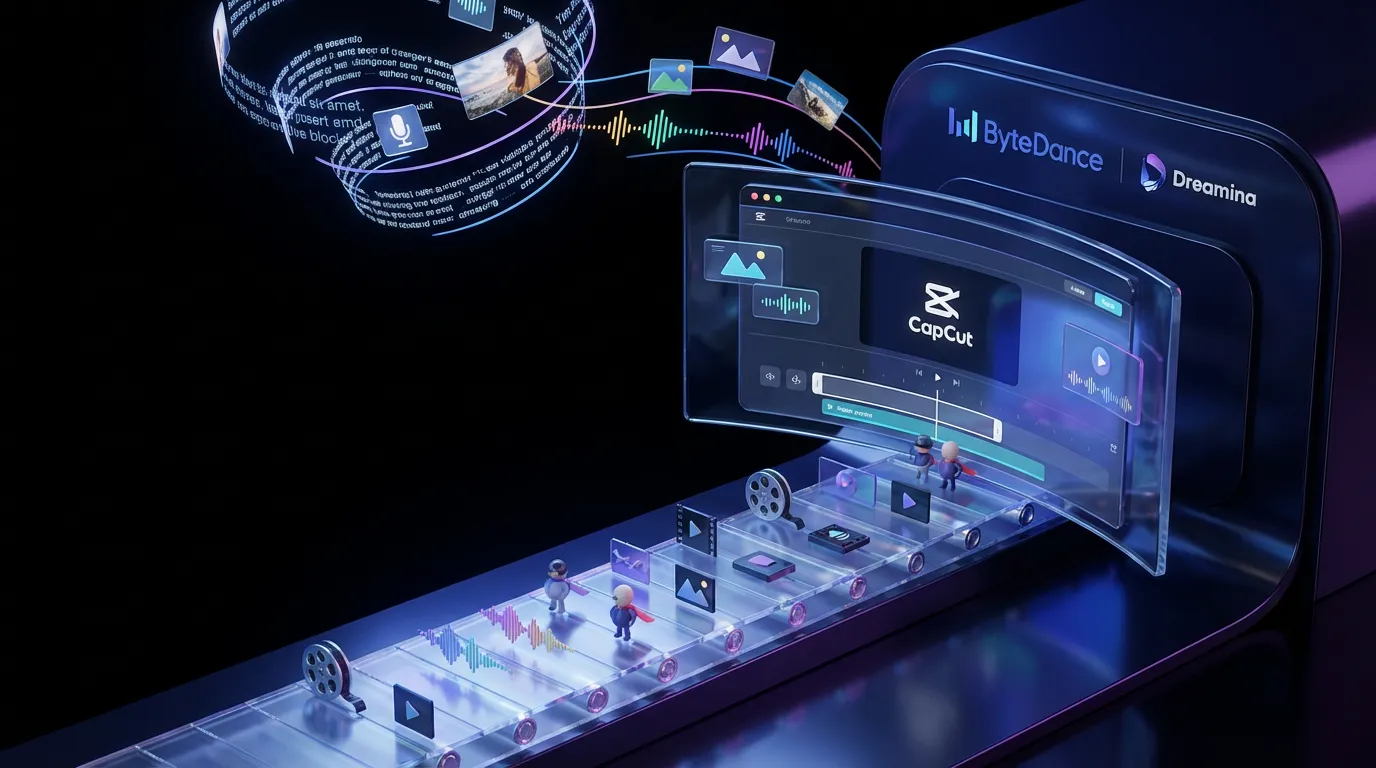
ByteDance has rolled out Seedance 2.0 inside Dreamina, upgrading its AI video stack with sharper output, more reference control, and a workflow that’s clearly designed to hand clips straight into editing. This isn’t “look what AI can do” energy. It’s “here’s a draft you can actually cut” energy, and that’s the direction the entire gen-video category is sprinting toward.
Seedance 2.0 is positioned as a practical production layer for short-form, campaign variants, and fast-turn social. The headline: it’s not just text-to-video. It’s multimodal (text plus image and video references, and in some deployments it also supports audio input and can generate synced audio), and it’s built for iteration. Extend a shot, swap an element, keep continuity, and move on.
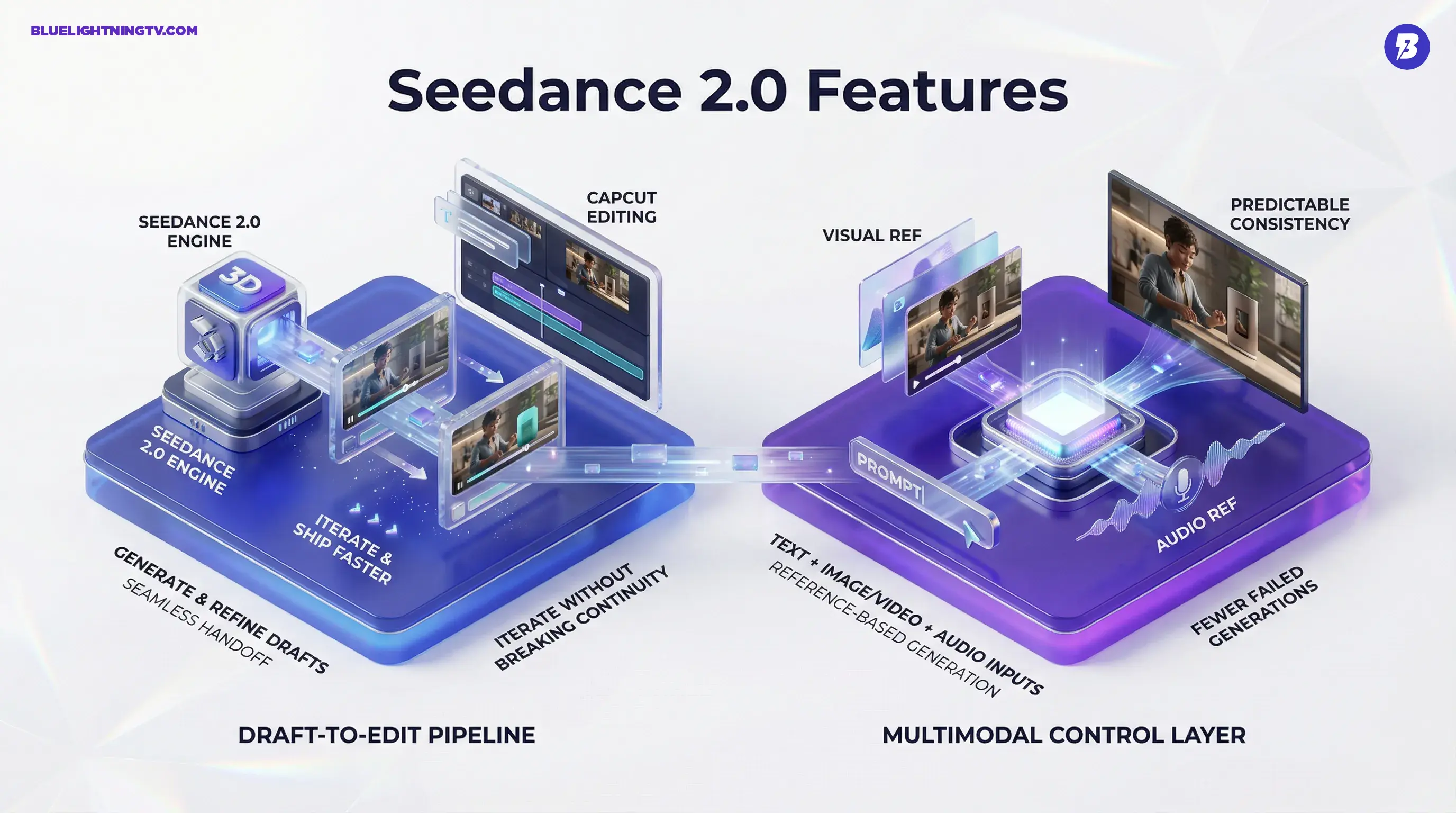
The category shift: the new bar isn’t “cinematic.” It’s “editable.” Seedance 2.0 is ByteDance betting that creators want usable scenes, not lucky clips.
What’s actually new
Seedance 2.0’s changes are less about one flashy feature and more about a cluster of upgrades that reduce the two things creators hate most: re-roll fatigue and continuity chaos. Across demos and early usage chatter, the most consistent improvements fall into three buckets:
Higher-fidelity output
Seedance 2.0 is targeting a cleaner baseline: fewer “melty” textures, less flicker, and more stable detail on faces, hands, clothing, and high-frequency backgrounds. In practice, that matters because even small artifacts become brutally obvious once you start doing real editor stuff: speed ramps, captions, brand overlays, punch-ins.
Resolution is part of that story. Native 1080p output is widely cited as the practical baseline for Seedance 2.0 in Dreamina and CapCut surfaces. Some implementations also discuss a 2K-class mode, but native 4K output is not consistently documented for Seedance 2.0. Treat any 4K deliverables as an upscale workflow unless your specific surface explicitly offers 4K export.
Better motion stability
Most AI video tools can produce a gorgeous still-frame. The pain shows up when the subject moves, the camera moves, or both. Seedance 2.0 is putting real effort into motion coherence: smoother camera paths, fewer physics-breaking limb glitches, and fewer “the scene reset itself mid-shot” moments.
That doesn’t magically solve complex action, crowds, or long sequences. But it does move more outputs into the zone where you can keep them instead of pretending the weird wobble was “experimental.”
Continuity you can iterate
The real workflow win is revision. Seedance 2.0 is being marketed, and increasingly used, as a system where you can keep the shot and change the piece you care about:
- Shot extension (extend or continue a good clip without fully restarting, often by chaining or extending within a multi-shot workflow)
- Object or subject swaps (change the hero product, prop, or character)
- Style and look adjustments while maintaining framing and scene logic
If you’ve ever gotten a near-perfect 6-second clip and needed 9 seconds for a paid placement, you already know why this matters.
Multimodal, not vibes
Seedance 2.0 leans hard into reference-based generation, which is the most important “pro” trend in generative video right now. Text-only prompting is fine for exploration, but it’s a reliability nightmare when you’re trying to hit:
- a consistent character
- a specific product silhouette
- a repeatable brand palette
- a recognizable set or environment
References are the control layer
Dreamina’s Seedance workflow increasingly looks like: write the intent in text, then anchor the output with visual inputs. That can mean a still image to lock style and subject, or a clip to guide motion and camera feel. The implication isn’t “more creative freedom.” It’s more boring, and more valuable:
fewer failed generations per usable deliverable.
Text prompts are a mood board. References are a contract.
Audio influence is emerging
This isn’t just “audio vibes.” In some Seedance 2.0 deployments, audio can be part of the generation loop (audio as an input reference and or audio generated alongside video), including claims of lipsync and sound generation in demos. Availability can vary by surface and region, so if you do not see audio controls where you are, that’s consistent with staged rollouts.
Even partial audio guidance is a big deal for short-form creators because rhythm is half the edit, and most AI video generators still feel visually smart and musically clueless.
Built for CapCut workflows
ByteDance’s biggest advantage here isn’t only model quality. It’s distribution and workflow gravity. Seedance 2.0 is designed to behave like an engine inside a creator pipeline that already exists, especially when the destination editor is CapCut.
Draft-to-edit is the point
Standalone gen-video tools often end at “download MP4.” Real creator work starts after that: captions, beat cuts, brand text, product callouts, aspect ratio variants, and last-minute client feedback.
Seedance 2.0’s positioning suggests ByteDance is optimizing for a loop that looks like this:
- Generate multiple drafts fast
- Pick a winner based on framing and motion
- Extend or revise without nuking continuity
- Finish in an editor without a painful handoff
That’s not glamorous, but it’s how content teams actually ship.
Why integration matters
When a generator is integrated with an editor ecosystem, two things tend to improve quickly: iteration speed and volume output. That’s great for creators. It also raises expectations. If your team can produce 20 variants in a morning, stakeholders will ask why you didn’t produce 40. (Congratulations. You’ve invented a new kind of deadline.)
Feature snapshot
| Capability | What changes in practice | Why creators care |
|---|---|---|
| Native 1080p-class output | Cleaner baseline for publishing and editing | Less upscaling, fewer artifacts after captions |
| Reference inputs | More predictable subject and style consistency | Brand look stops drifting every generation |
| Shot extension and multi-shot continuation | Turn “almost right” into “deliverable” | Saves good clips from the trash |
| Element swapping | Change objects or characters without a full re-roll | Faster variants for ads and socials |
| Improved motion | Fewer physics glitches, steadier camera feel | More clips survive the timeline |
Who wins first
Seedance 2.0’s sweet spot is the same place most gen video actually earns its keep: short-form and marketing content. Not because long-form isn’t interesting, but because short-form workflows are built on speed, iteration, and “good enough to test.”
Teams that benefit most
- Performance marketers who need lots of variants without reshooting
- Agencies pitching concepts that need to feel real fast
- In-house social teams who live inside weekly content calendars
- Creators running series formats where consistency beats novelty
The practical advantage is simple: Seedance 2.0 aims to reduce how often you have to choose between “the shot looks good” and “the shot matches the brief.”
Reality check
Seedance 2.0 looks like a meaningful upgrade, but it’s not a magic wand. The constraints creators will run into are familiar:
Longer sequences are harder
Stability tends to fall off as duration and complexity rise. Public demos and early usage commonly describe Seedance 2.0 generating short clips (often discussed in the up to about 15-second range), so “long sequence” work still means more retries than the highlight reels suggest.
Access is uneven
Availability and feature completeness can vary by region and platform surface. Reported rollouts have been phased, with early availability commonly cited in parts of Southeast Asia and Latin America, with broader expansion still in progress. If you’re seeing inconsistent options (or features appearing and disappearing), that’s not unusual for staged rollouts in fast-moving gen-video stacks.
“Editable” still isn’t “final”
Even when the footage is strong, you’ll still need finishing: cleanup cuts, pacing tweaks, captions, and sound work. The win is that more outputs are starting closer to “rough cut” instead of “interesting artifact.”
Seedance 2.0 doesn’t remove the editor. It removes the waiting.
What to watch next
If Seedance 2.0 keeps improving inside Dreamina and tightens its handoff into ByteDance’s editing ecosystem, the competitive pressure on other gen-video tools gets very specific, very fast: not just quality, revision quality.
Expect the next wave of updates in this space to focus on the unsexy stuff that makes creators money: tighter continuity controls, more reliable reference handling, faster iteration, and smarter “change one thing” edits that don’t break everything else.
Seedance 2.0 is ByteDance making a clear statement: generative video is graduating from “cool demo” to “content pipeline.” And for creators who care about shipping, that’s the only graduation that matters.