Google tests in-browser image creation
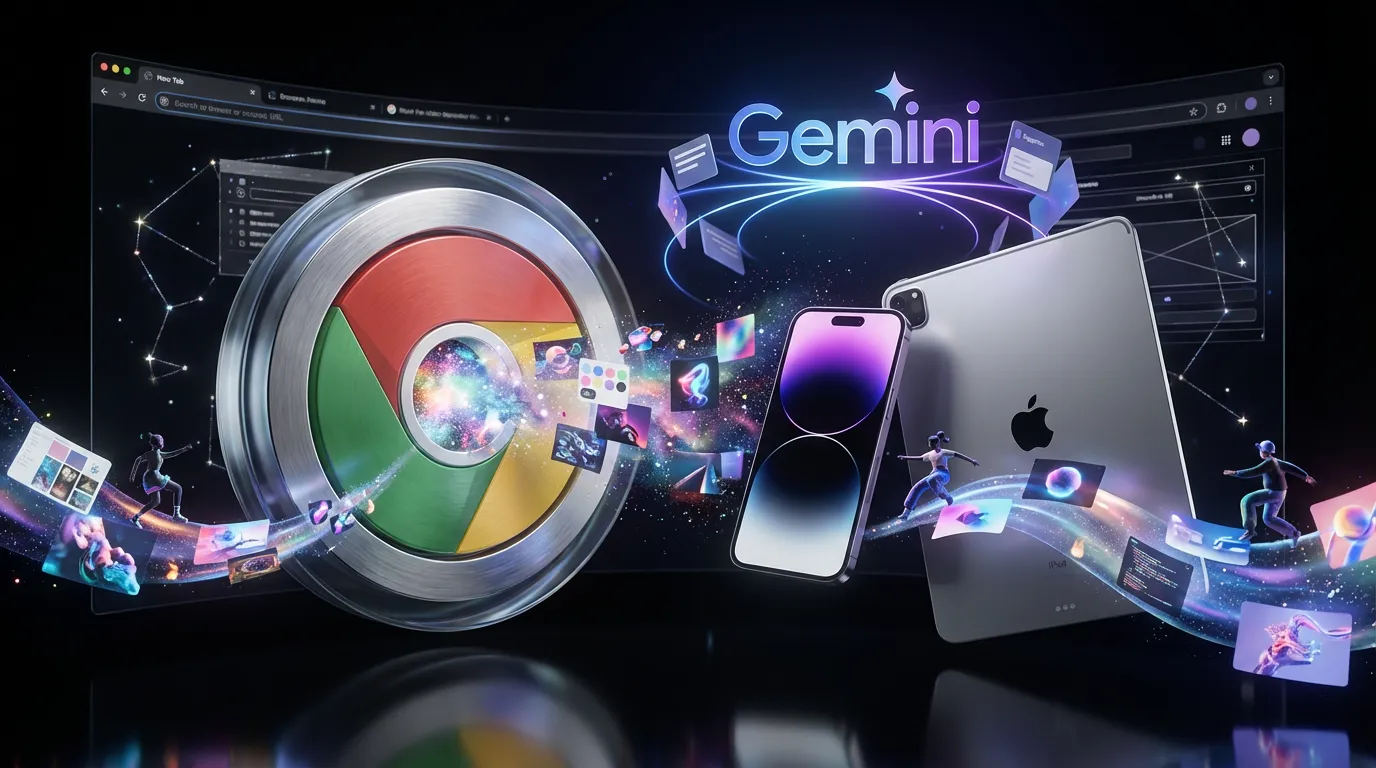
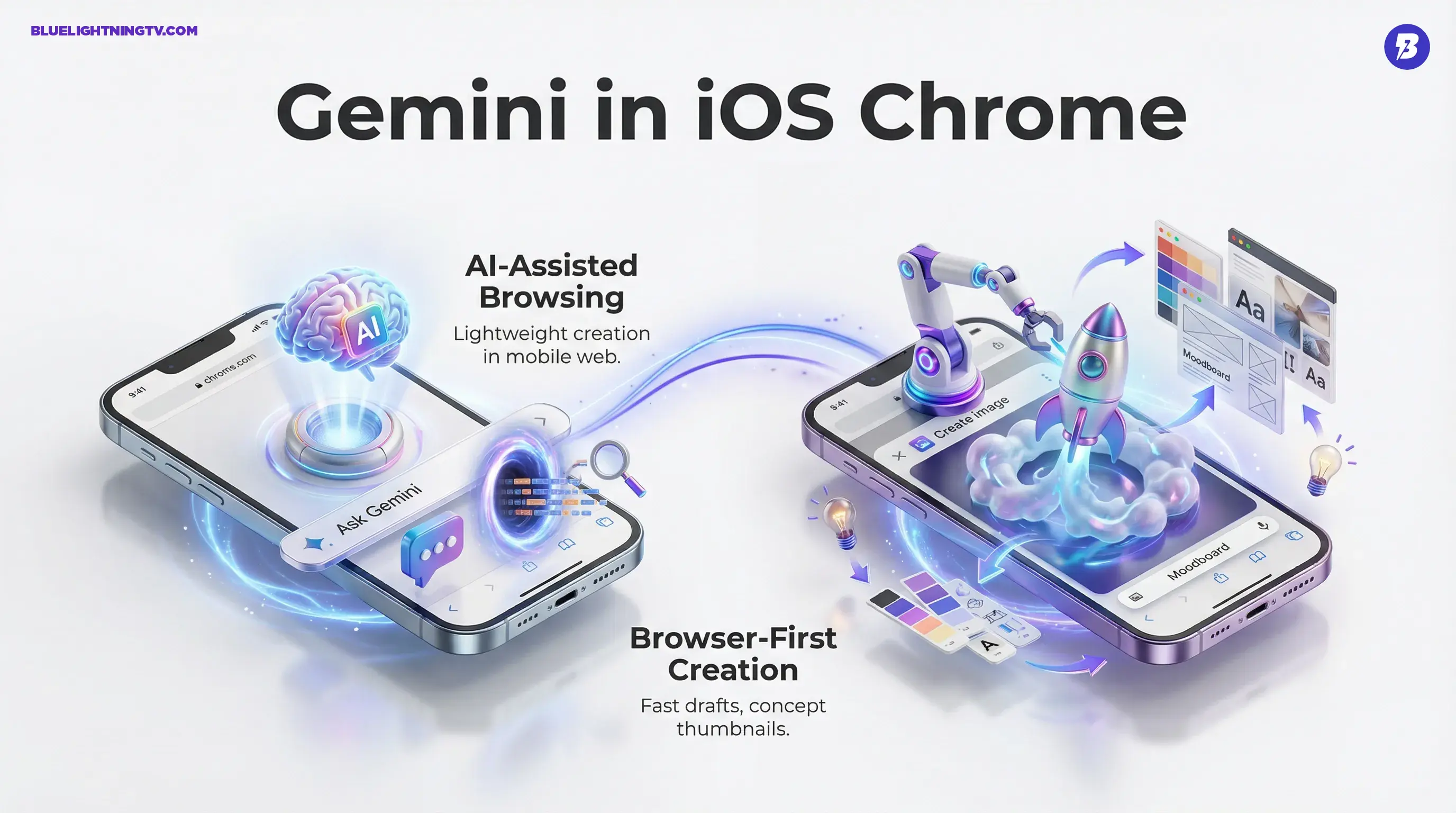
Google is rolling out (and still testing) a Gemini integration inside Chrome on iPhone and iPad that brings AI assisted browsing plus lightweight image generation directly into the mobile web experience. If you’ve been bouncing between Safari or Chrome, an AI app, and an editor just to get one decent concept mock, this is Google trying to delete that whole shuffle. The early version shows up as an “Ask Gemini” entry inside Chrome’s page tools, with a quick action for “Create image” alongside other page aware prompts.
MacRumors coverage of Gemini in Chrome for iOS
This isn’t a flashy new model moment. It’s more important than that: distribution. Putting generative image creation where creators already spend hours, the browser, changes how fast ideas turn into assets, especially on mobile.
The story here isn’t “Chrome can make images.” It’s “the browser is becoming the creative surface.”
What’s actually shipping
“Ask Gemini” in Chrome
In the current rollout and test, Gemini lives inside Chrome for iOS as a browser feature, not a separate app you have to tab into. Reporting describes it appearing under Chrome’s page tools as “Ask Gemini,” opening an assistant style UI that can respond to what you’re viewing.
Some users are also seeing suggestion cards the first time they open the feature, like “Summarize,” “Learn,” “Shop,” and the one creators care about most: “Create image.”
MacObserver on Gemini suggestion cards in Chrome
The image creation component being surfaced as a top level card matters. It’s Google saying: yes, we know why you’re here. You want visuals. Quickly.
Image creation is browser first
What’s notable is where the generation happens. Chrome is already the place you:
- collect references
- screenshot comps
- borrow vibes from competitors respectfully
- pull product shots, textures, typography examples, and layout ideas
Now Chrome is also where you can spin up an image concept without breaking your session.
From what’s described in early coverage, “Create image” can generate an image based on a prompt or theme, and the assistant UI can be invoked while you’re actively on a page, keeping the flow tight for mobile creators who do real work from their phones.
What creators get today
Fast drafts, not film posters
Let’s keep it grounded. Early reporting suggests the iOS experience is positioned around quick, contextual outputs rather than a full pro grade editing suite. In other words: expect “useful mock,” not “gallery ready key art.”
That’s still a win, because most creative pipelines don’t die from lack of final renders. They die from friction at the messy beginning.
Here’s what this feature realistically unlocks in a mobile session:
- concept thumbnails for a pitch deck while you’re still researching
- moodboard fillers that match the vibe you’re collecting
- quick placeholders for layouts, storyboards, or ad mocks
- on the fly variations like same idea but cleaner, more retro, more minimal
If your job is to move from “idea” to “something people can react to,” speed beats perfection almost every time.
How it changes workflow
Browsing becomes building
Chrome is already where creators gather ingredients: references, screenshots, links, competitor examples, trend checks. Gemini inside Chrome nudges the browser from research mode into prototype mode.
That shift matters because mobile creation is usually fragmented:
- find inspiration
- open an AI app
- generate
- save
- go back
- upload into whatever tool you actually use
Gemini in Chrome compresses that into: find, prompt, export.
The real advantage: context
Gemini features in a browser can be inherently more context aware than a standalone generator, because they can understand what page you’re on and what you might be trying to do next. The suggestion card approach is already a hint of that direction: the UI is trying to recommend actions based on the moment, not just wait for you to be clever.
For creators, that can be practical in small ways:
- you’re on a product page, generate alternate hero style backgrounds
- you’re reading a brand story, generate visual directions that match tone
- you’re reviewing a landing page, generate placeholder visuals for A or B mockups
If you want a deeper look at how Google’s image generation direction has been evolving, see our earlier post: Gemini 2.0: Revolutionizing Image Generation with Google’s AI
What’s the catch?
Limited rollout reality
Availability is still constrained, and it’s not uniform. Google’s staged rollouts mean two people can be on the same Chrome version and have completely different experiences.
In the initial public reporting around the iOS rollout, availability requirements included things like: being in a supported region, being signed into a Google account, meeting age requirements (18+ in some coverage), not using Incognito, and having Chrome set to the required language (early rollout coverage specifically called out U.S. English).
Don’t confuse “create” with “edit”
The current positioning looks more like image generation than full on image editing (layered workflows, precision masking, format control, etc.). If you need deep control, you’re still living in dedicated tools.
A useful way to think about it:
| Task | Chrome + Gemini likely | Dedicated tool likely |
|---|---|---|
| Draft concept images | Strong | Strong |
| Precise retouching | Weak | Strong |
| Production asset pipeline | Medium | Strong |
Bottom line
Gemini inside Chrome for iOS isn’t trying to replace your creative stack. It’s trying to make the start of the stack happen sooner: right inside the browser, right on your phone, right when inspiration hits.
If Google nails the basics (fast generation, clean exports, minimal friction), this becomes one of those features that quietly rewires creator behavior. Not because it’s magical, because it’s in the right place.