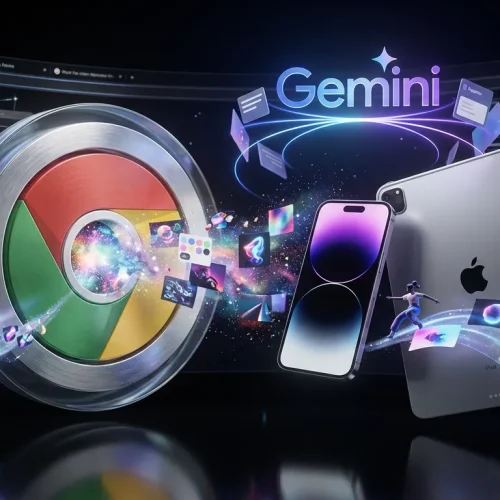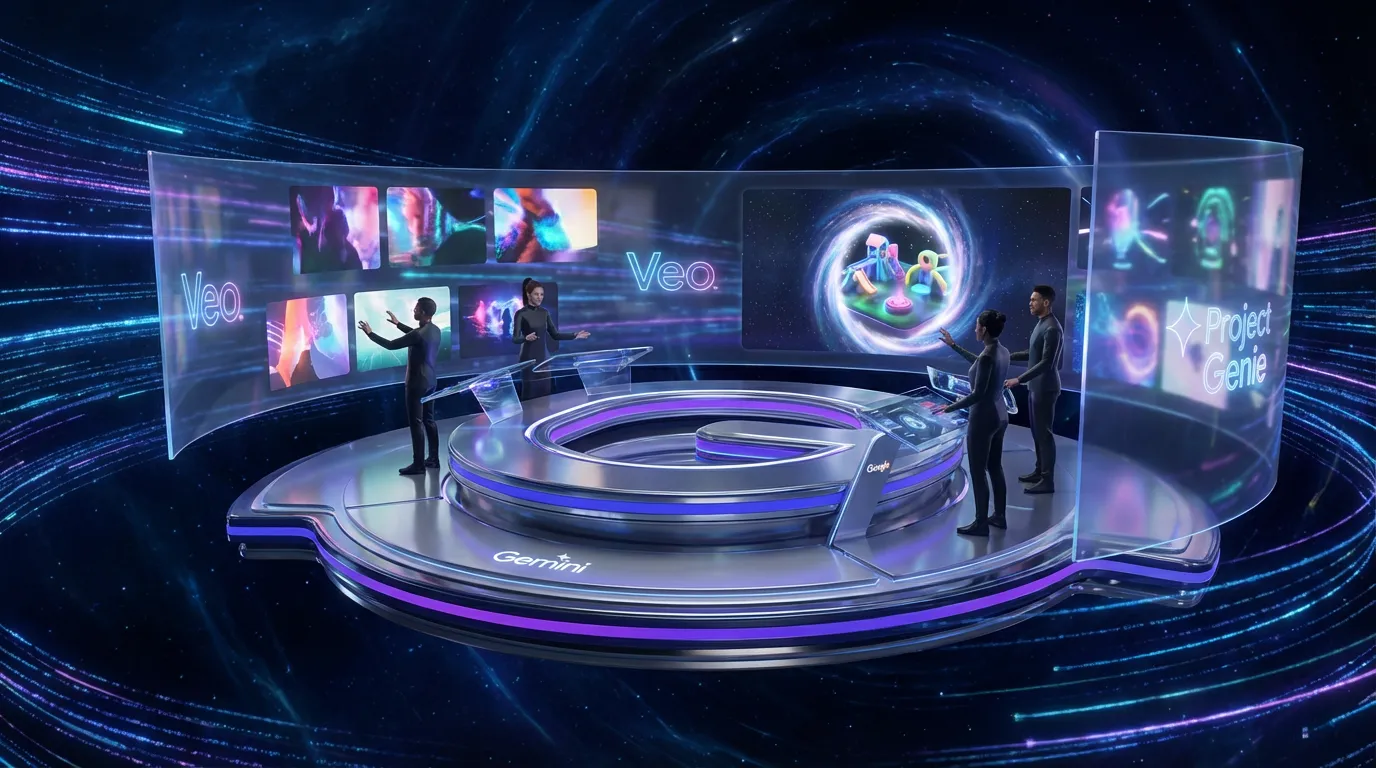
Google is stacking more creator-native generation on top of Gemini, with a clear message: stop treating AI like a chat box and start treating it like a production layer. The headline items are (1) easier video generation inside Gemini, (2) Project Genie, an experimental tool for generating explorable interactive worlds, and (3) a growing prompt-to-output approach that increasingly overlaps with lightweight web creation.
The most concrete, ship-and-use-right-now pieces are video generation powered by Veo and Project Genie’s interactive world building. The “instant website builder” idea is real as a workflow trend, but it is not as cleanly defined as a single Google launch page in the way the other two are. So the smarter way to frame this update is: Gemini is becoming a front end for multiple media engines (Veo for video, Genie for worlds), and Google is trying to collapse early-stage production into one place creators already open every day.
First stop if you want the official overview for the 3D world feature: Project Genie: AI world model now available for Ultra users in U.S..
What actually shipped
This is not one monolithic “Gemini update.” It is a bundle of capabilities across Google’s Gemini surfaces, and the key distinction is what’s productized vs. what’s experimental.
Here is the clean rundown:
- Veo-powered video generation inside Gemini (text to video, with photo to video where available)
- Project Genie for generating interactive worlds you can explore and remix (experimental, gated)
- A broader trend of prompt to structured output that increasingly bleeds into web-like deliverables via Canvas-style workflows and code generation
If you are tracking video specifically, the most direct official entry point is Google’s Veo in Gemini announcement: Try generating video in Gemini, powered by Veo 2.
Video moves upstream
The creator-relevant shift is not “Gemini can make video.” Plenty of tools can do that now. The shift is where video starts.
Instead of video being the final step (script, storyboard, edit, export), Gemini wants it earlier in the chain:
- brainstorm
- rough brief
- draft clip
- iterate
- hand off to a real editor if needed
That matters for fast creative cycles: social teams, agencies pitching concepts, founders building product teasers, and educators who need “good enough to publish” drafts on a Tuesday.
From text to clip
Google’s Veo flow in Gemini is positioned around short clips. In the Veo 2 in Gemini rollout, Google describes generating eight-second clips (with details like 720p and a 16:9 format depending on the surface and setting). It is still not a replacement for an editor, but it can replace a lot of low leverage work like:
- building placeholder b-roll
- generating scene tests for tone and lighting
- getting something visual into a deck without waiting on production
Photo to video is the sleeper feature
A lot of creators do not want to write cinematic prompts all day. They want to take an existing asset and add motion. Google has also pushed a photo-to-video capability in Gemini for paid subscribers, which matters because it turns your existing library into motion inventory.
Official write up here: Introducing Gemini with photo to video capability.
The real workflow win: If your starting point is already a brand-approved image, photo-to-video becomes a way to animate compliance instead of generating from scratch and hoping the logo does not turn into alphabet soup.
Project Genie arrives
Project Genie is the flashiest part of this bundle, but it is also the most clearly “Google DeepMind lab energy” of the three. It is positioned as an experimental world generator that produces interactive, explorable environments, not just static 3D assets.
Google’s official post is the one linked above, and it is worth reading because it clarifies the intent: this is a world model, more like “generate a space you can navigate” than “generate a mesh you can rig.”
What Genie is for
Creators should think of Genie as a tool for:
- previsualization (pitch worlds, scenes, environments)
- experiential concepting (brand activations, interactive demos)
- early game and immersive prototyping (fast iteration before committing to Unreal or Unity builds)
It is not primarily a final asset tool. At least not yet. The value is that it compresses what used to be a multi-day environment sketch process into something closer to a real-time sandbox.
The big constraint: access and maturity
Project Genie is gated. Google frames it as available to Google AI Ultra subscribers who are 18+ in the United States as an experimental rollout. The practical implication is simple: you cannot assume clients, collaborators, or your whole team can jump in immediately.
And because it is experimental, you should expect:
- uneven controllability
- limits on export and portability (depending on how Google evolves the pipeline)
- a wow demo effect that still needs human hands for production reliability
Still, for teams that live on pitches, it is hard to ignore how much faster this makes “show, don’t tell.”
Website creation: signal, not one button
The “instant web builder” framing is best treated as a direction of travel, not a single universally available Gemini button. Gemini is absolutely moving toward prompt-to-structured-output creation (including HTML and UI prototypes), but the clean, productized story today is clearer for Veo and Genie.
The most honest way to cover this, without hype, is:
- Gemini can generate web-ready code and page layouts via Canvas-style workflows and code generation
- Google’s broader product stack (Sites, Workspace, Firebase, and others) is the ecosystem where publish happens
- the implication is real: AI is compressing the time between idea and something clickable, even if one-click launch is not a single button yet
If you are a creator, the takeaway is straightforward: Gemini is becoming a place where you can draft page structure, copy, and basic UI logic in one flow, then publish via your existing stack.
What this changes for creators
The connective tissue across video, worlds, and web-like outputs is that Gemini is trying to own the first draft layer of creation.
That does not replace specialists. It replaces waiting.
Where teams feel the speedup
| Workflow moment | Old bottleneck | With Gemini’s new mix |
|---|---|---|
| Video concepting | Need editor or stock hunt | Generate short Veo drafts fast |
| Environment ideation | 3D team or moodboard limbo | Explore worlds via Project Genie |
| Launch assets | Copy plus layout plus build delays | Draft structures and variants quicker |
This is the human plus machine version of production that holds up: let AI do the rough passes, let humans do taste, story, and final polish.
The broader platform signal
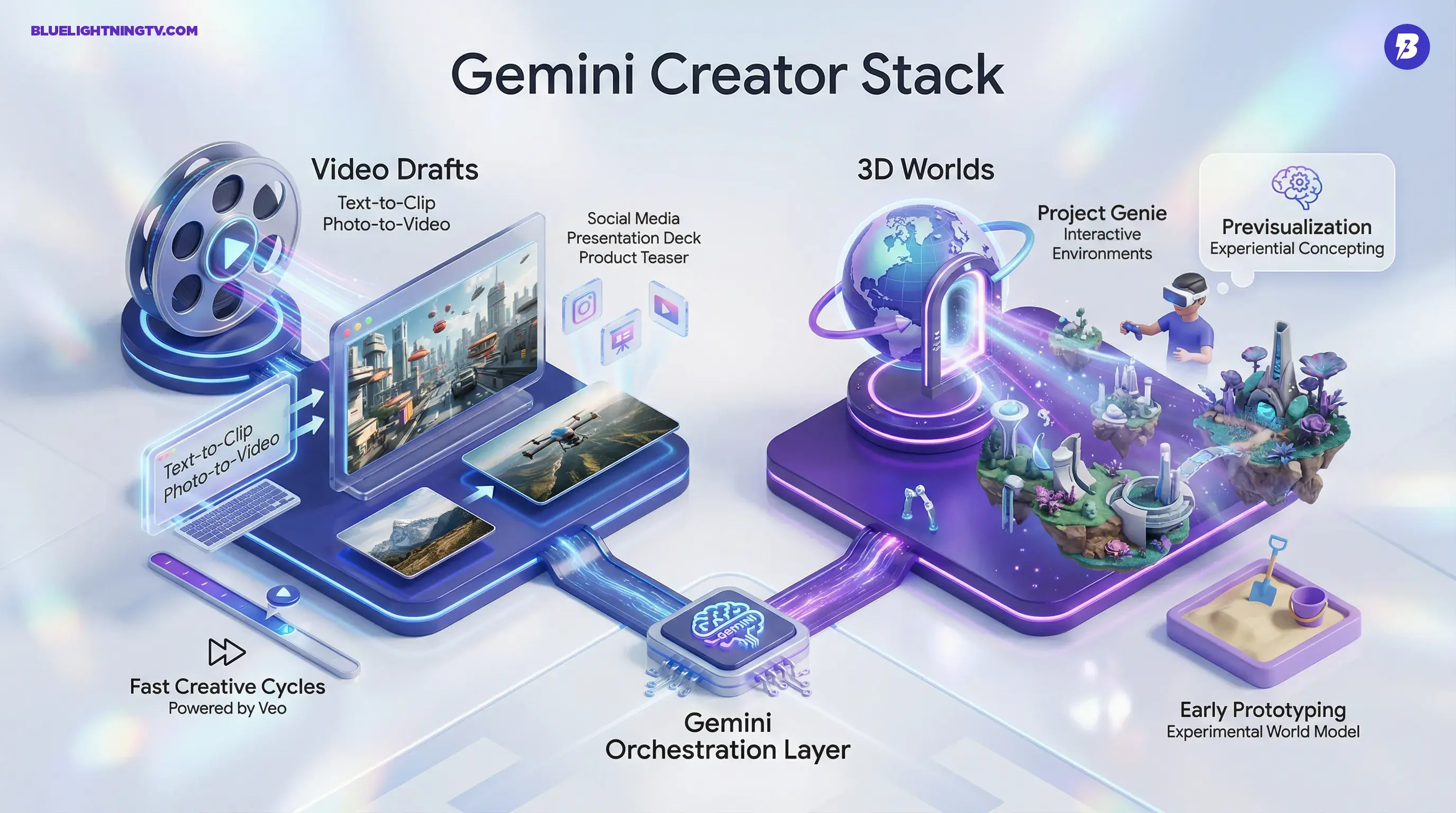
Google is not betting on one killer feature. It is betting on a creator stack:
- Veo for motion
- Genie for worlds
- Gemini as the orchestration layer
- subscriptions plus credits as the meter
If you are building content pipelines, the question to ask is not “is it magical?” It is:
- Can it produce usable drafts consistently?
- Can it fit into your existing toolchain without file chaos?
- Can your team access it without weird plan gating?
On that score, Veo in Gemini is already the most immediately practical. Project Genie is the biggest next-canvas idea, especially for creators who think in spaces, not frames. And the web builder direction is the quiet one: less sexy, more operational, which in creator life is usually the one that pays the bills.