Which AI Background Removal Tool Reigns Supreme?
Photoshop promises the magic of one-click background removal, but how does it stand up against the workhorses of background removal like Remove.bg and Pixelcut? Today, we dive deep into these tools to see which can save time while delivering sharp results. Spoiler: The outcome may not be what you expect.
The Contenders
Background removal tools are essential, especially in an era where digital content rules supreme. Enter Pixelcut and Remove.bg, the titans of AI-driven image editing. Will Photoshop’s touted “one-click AI magic” live up to the hype? We’ve tested these tools in a variety of real-life situations to find out.
Scenario One: Blended Clothing
Test Setup: An image where the subject’s clothing blends seamlessly with the backdrop is our first challenge. Tricky? Absolutely.
- Remove.bg: Drag and drop, and poof! First impressions scream precision, but those looking for full resolution will need to shell out for the premium version if blurry pictures aren’t your vibe.
- Pixelcut: Again, a speedy drop of the image, and the background is history! A pro-level interface offers a zoom slider for close-ups, and though it lacks the automatic features of Remove.bg, it serves clean, high-res images gratis.
- Photoshop: Known for its prowess, but let’s just say the edges looked like they were carved out using a ’90s lawnmower. Fingers? Blazer? Suddenly M.I.A.
Scenario Two: The Hairy Details
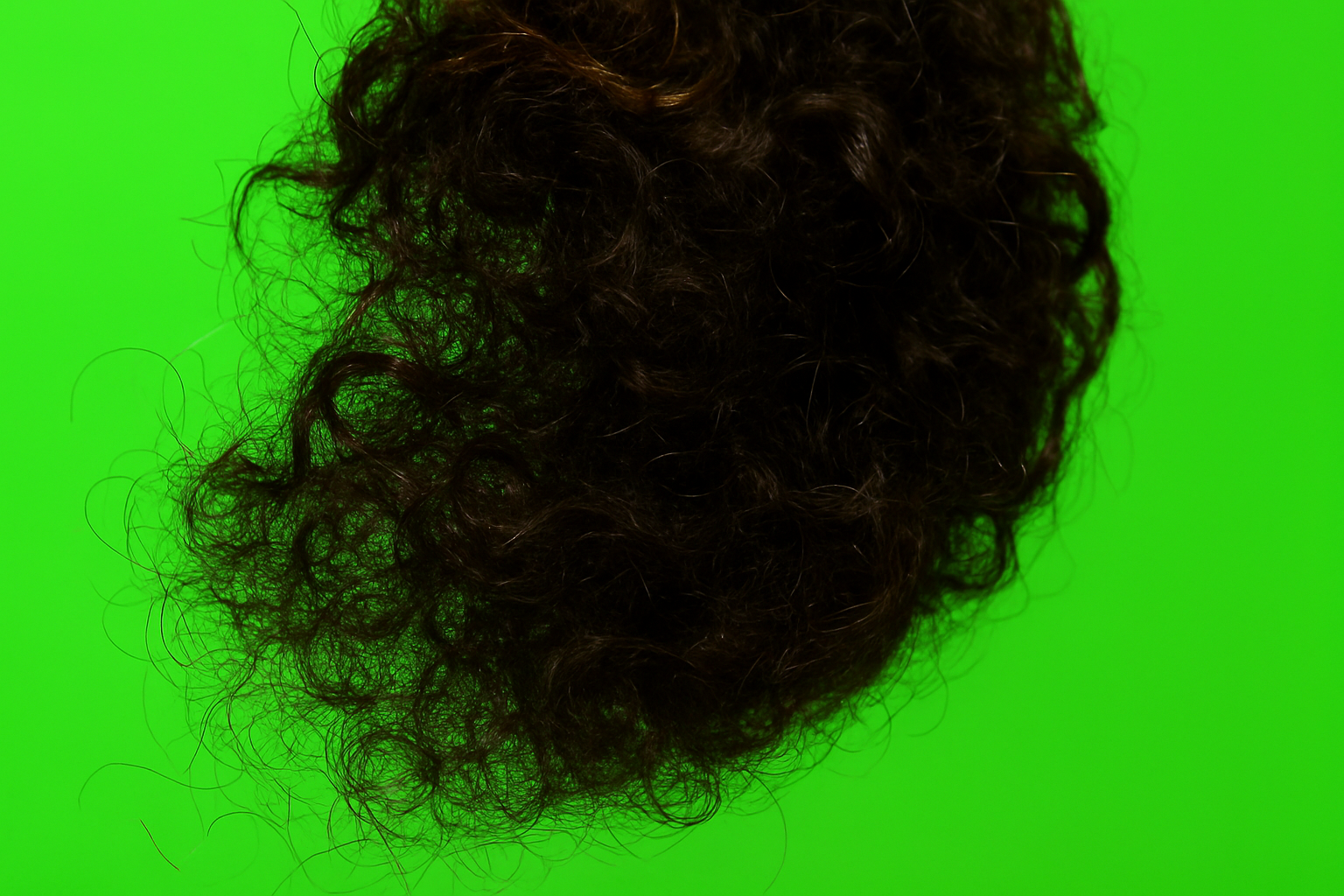
Test Setup: A woman with curly hair where individual strands dance to their own beat poses the next challenge.
- Photoshop: Come on, Adobe! Not only were the edges rough, but chunks of hair and clothing disappeared. You can almost hear it whisper: If at first, you don’t succeed…
- Pixelcut: Managed to tame wild tresses, eradicating rogue strands yet still struggled near contour edges. Consider it the artistic hedge-trimming of the background removal scene.
- Remove.bg: The best of the bunch here, maintaining the delicate strands and striking a balance between blending and excluding.
Scenario Three: Products with Sharp Edges
Test Setup: Testing a product photo for sharp edge retention and artifact avoidance.
- Remove.bg: No fringing but a small water droplet snuck through.
- Pixelcut: Did the AI equivalent of a victory lap with crisp cleaving of edges.
- Photoshop: While traditionally a maestro of the art, this time there was more fringe drama than a ’90s pop concert.
Scenario Four: Group Dynamics
Test Setup: Multiple people—a battlefield for many an AI tool.
- Remove.bg: Ran into a minor snag with a disappearing pinky but overall managed to keep heads attached.
- Pixelcut: Avoided a dystopian merge but left some background remnants untrimmed.
- Photoshop: Adobe’s AI threw in the towel here, leaving more background artifacts than the Louvre’s restoration department.
Who’s the Photoshop Don?
After running the gauntlet with all these tests, it becomes clear: each tool brings unique strengths. For sheer rock-solid results, Remove.bg shines bright. Providing free high-res images makes Pixelcut a strong competitor that punches above its price tier. Photoshop? It just might need an AI schooling session to catch up in this fast-paced race.
For small business owners, creators, or those who need quick, clean cutouts sans manual hassle, AI-driven tools like Remove.bg and Pixelcut can be game-changers. But if you need ultimate control and are equipped with time and patience, you may still reach for Photoshop on the shelf. What say you, pixel-perfect creators? Choicest tool in your book? Share in the comments!
Remember, in the world of AI editing, constant updates mean what’s king today might just be dethroned tomorrow. Keep creating, keep iterating, and if you liked what you read, let’s make sure the algorithm knows it!