
A Time-Traveler’s Journey in Photoshop
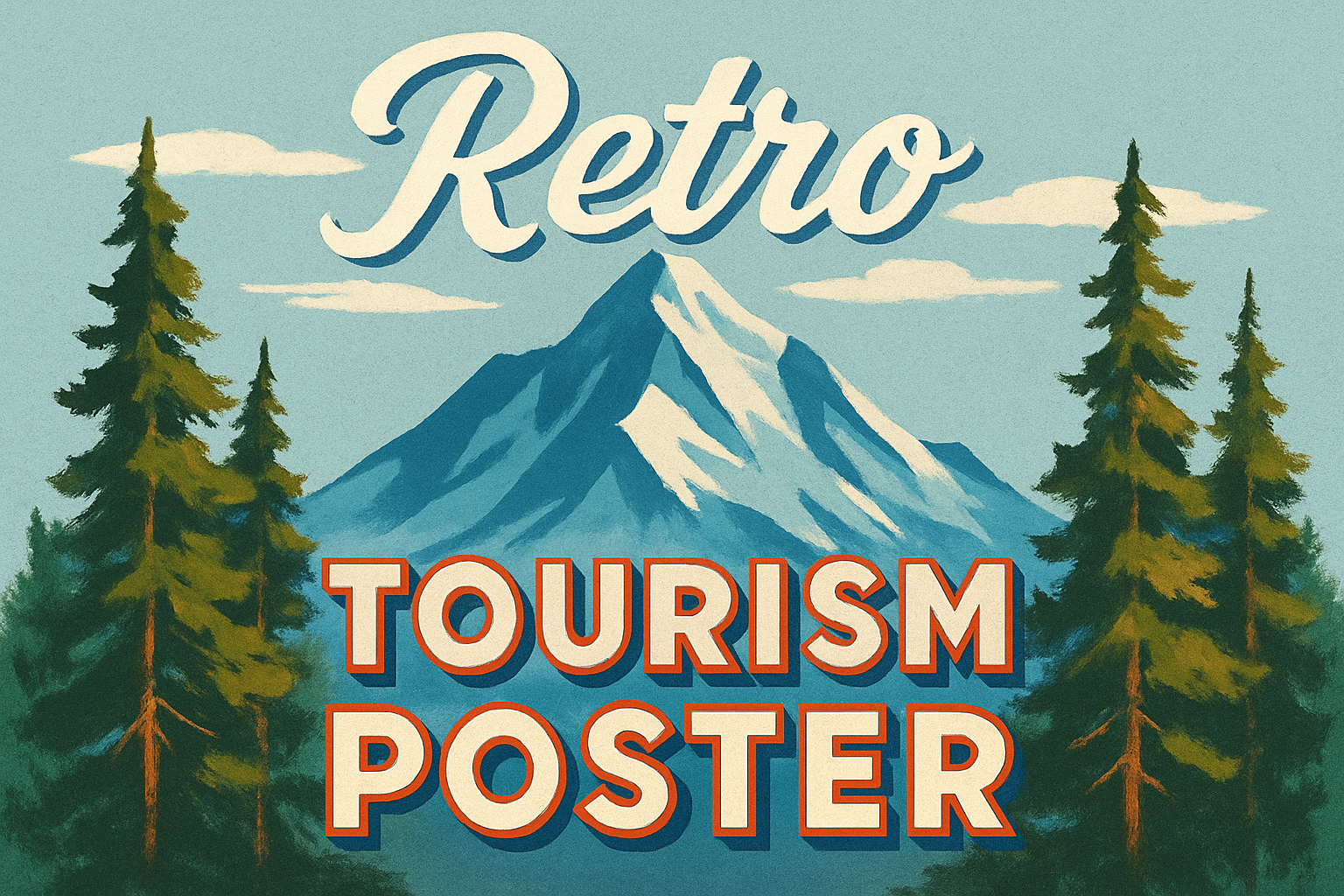
Feeling nostalgic for the golden era of travel posters with their bold colors and stylized graphics but can’t hop onto Marty McFly’s DeLorean? Thanks to the wonders of Photoshop, you can transform any scenic photo into a stunning retro travel poster, bringing a dash of yesterday’s charm into today’s world. Here’s how to set sail on this creative venture and throw a splash of retro magic onto your digital canvas.
Prepping Your Masterpiece
To start your retro travel adventure, choose a scenic photo. Maybe it’s an urban skyline at night or a tranquil lake surrounded by mountains. The key is to use an image that inspires wanderlust. Once your photo is open in Photoshop, the real fun begins.
Resolution Check:
Before diving into filters, ensure your photo is at the right resolution for the best results. Press Alt + Ctrl + I on Windows or Command + Option + I on a Mac to adjust your image size, ensuring it’s set at 300 DPI. This will maintain that crisp, professional-looking result when you apply those juicy effects.
Smart Objects Save the Day:
Transform your photo into a Smart Object by clicking the icon in the upper right of the Layers panel and selecting “Convert to Smart Object.” This Photoshop magic allows you to modify your image non-destructively. Yes, you can go ahead and experiment without sweating the small stuff!
Lo-Fi Filters and Sky-High Colors
Going Artistic: Cutout Filtering
Step into the artistic realm by applying a Cutout filter. Navigate to Filter -> Artistic -> Cutout. You’ll want to set:
- Levels: 8
- Edge Simplicity: 6
- Edge Fidelity: 1
This will give your photo those unmistakable posterized contours reminiscent of vintage ads and travel brochures that made Boredom Airlines exciting.
Stylish Blur: Smart and Sophisticated
Next, let’s add some polish. In the Smart Blur filter, set:
- Radius: 63
- Threshold: 32
- Quality: High
- Mode: Overlay
This ingenious overlap technique smooths out noise while cleverly retaining details, creating a hand-painted feel. It’s like employing an invisible curator for your gallery of pixels.
Vibrance and Saturation: Dial it Up
To give your colors a kaleidoscopic punch, use the Vibrance adjustment layer. The secret sauce here is boosting saturation. Vibrance quietly intensifies subdued colors, while saturation amplifies hues like it’s a ’70s disco.
Sky Ablaze with Stylized Clouds
For those wispy, dreamy clouds floating lazily across your poster, activate your quick selection tool and define parts of the foreground where you might want to hide clouds. Remember: In layer masks, white reveals, and black conceals, making it easy to tuck clouds behind mountain tops or skyscrapers.
Perfecting Puffs of Clouds
- Create Clouds Using Curvature Pen Tool:
– Click to create Anchor Points until the clouds float just right.
– Right-click the path, choose “Fill Path,” and select a color for your cloud puffs. - Positioning:
– Unlink your layer mask and cloud layer to move clouds with ease.
– UseViewto check or uncheck “Snap” if cloud movement becomes more jerky than aesthetic.
Typographic Treats
Let’s talk typography because no snazzy travel poster is complete without eclectic fonts.
From Print to Pop:
- Create a new layer and group text-related layers into one tidy folder.
- Choose a bold typeface like “American Captain Regular”—it’s all about channeling that retro vibe.
Styling:
- Convert your text to shapes for easier customization.
- Use the fill and stroke features to add colors and borders, expressing the elegance and bold personality of your vintage designs.
Adding Final Flourishes
A final touch of texture adds authenticity to your retro travel narrative.
Texture Time:
- With all layers selected, convert everything into one Smart Object.
- Apply
Filter->Texture->Texturizer. - Choose Sandstone for that tactile feel at settings of Relief: 3-4, Scaling: 200%.
Feel free to tweak the texture’s light settings to match your vision—you’re the conductor of your design symphony.
With the tools of the digital age, nostalgia is only a few clicks away. So go ahead and take that old photo and make it a timeless piece of art, worthy of a place on any travel journal or blog post. All that’s left is to book that imaginary ticket to wherever your imagination roams. Happy creating!





