
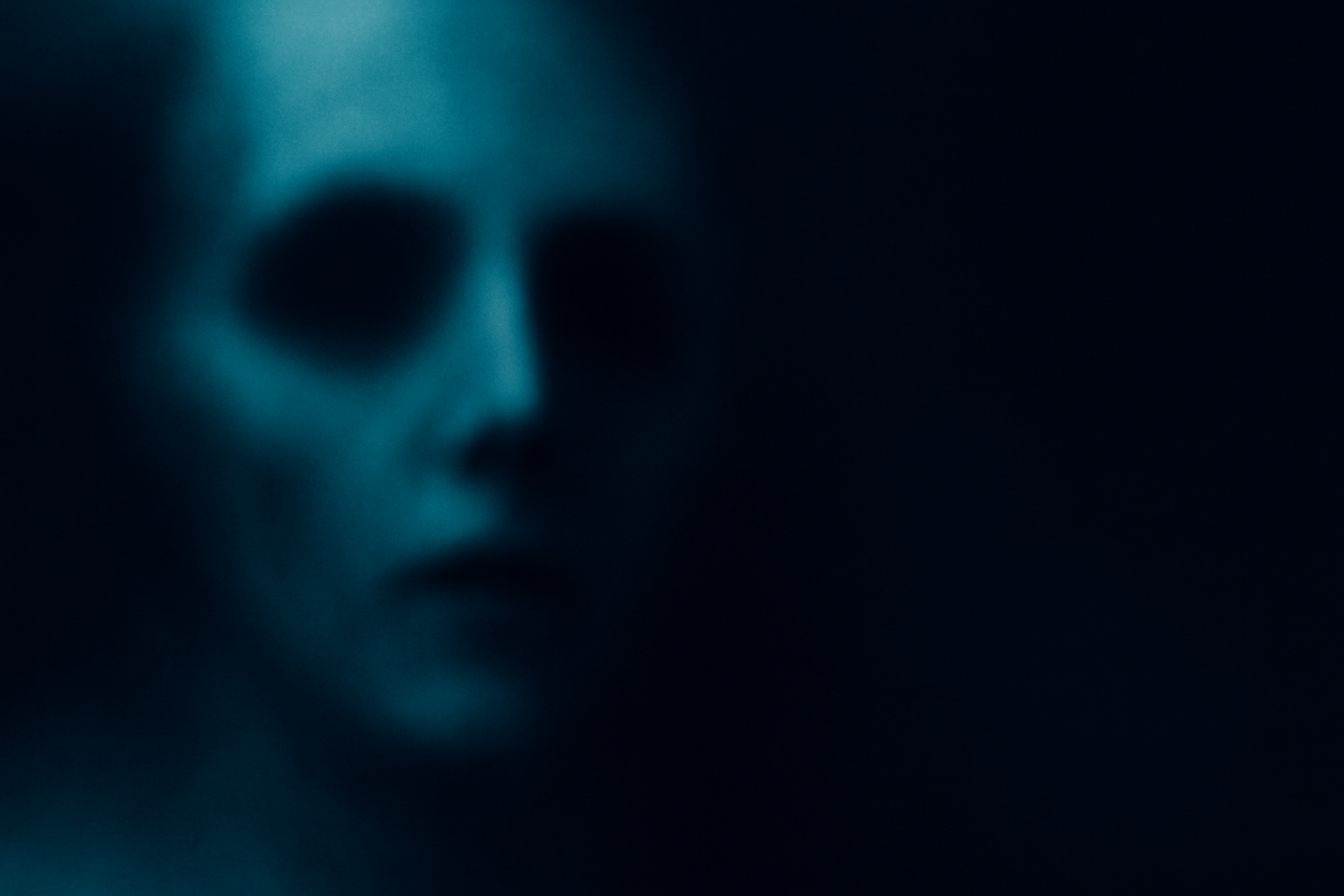
Unleashing Spooky Creativity: Crafting a Ghostly Spirit in Photoshop
Halloween might just be the best time of the year for creatives. It’s a canvas for all kinds of ghoulish delight, and what better way to celebrate than by conjuring up your very own ghostly spirit using the powerful tools at your disposal—Photoshop! In this post, we’re going to break down the ethereal process of creating a haunting, spectral figure that’s guaranteed to spook all the right people.
Setting the Scene
Before summoning any spirits, a proper setting is vital. A creepy background acts as a perfect stage for your ghost. Think along the lines of dimly lit interiors or haunted hallways—the kind that tells stories of echoes from the past. For this ghostly endeavor, we’ve handpicked a photograph of a girl dressed as a ghost, complete with an eerie fog brush to set the ambiance dripping with atmosphere.
Separation Anxiety: Isolating Your Subject
In Photoshop (especially useful if you’re operating on CC 2020 or later), the first step toward spookification involves separating your wisely chosen spectral subject from its origins. Unlock the background and call upon the properties panel. A click on ‘remove background’ is like chanting an incantation that isolates your ghostly figure with a clean layer mask. Not using the latest version? Fear not! The magical combination of a quick selection tool and select subject will serve well for earlier versions.
Bringing the Ghost to Life
Now, onto the sorcery of dragging your spectral figure onto the atmospheric background. This process involves some size adjustments using the transform tool, but remember: precision is spectral bliss. Adjust your figure’s size and position until it feels just right, because once we hit smart object status, reverting will be akin to attempting to undo eternal curses.
Color Cast Conjurings: The 3D Look-Up Table
Color grading in the film industry translates surprisingly well when crafting apparitions. By adding a color lookup adjustment layer—opting for presets like horror blue—you can dial in the exact shade of mystery. Think of it as the ghost’s glow from beyond.
Blurring the Lines Between Dimensions
Enter the realm of blurs with the blur gallery: field, iris, and more. Field blur allows us to define gradients of blurs over multiple points, while iris blur adds focus and mystery to our figure, setting your ghost at 50 pixels so detail drifts into the edges like lost echoes.
Perfecting Ethereal Details: Blending with Layers
Blend settings in Photoshop, like “blend if,” channel the supernatural by making the subject merge seamlessly with its surroundings. Adjust sliders to fine-tune luminance, allowing parts of the spirit to veer in and out of phase—producing an authentically ghostly image.
Darkening the Mood: Fine-Tuning Blends and Highlights
Multiplying layers and experimenting with blend modes such as pin light intensifies the eerie appearance. Lower the opacity to soften and heighten the spooky aura. By duplicating layers and altering opacity, your spectral figure gains depth and that haunting translucence.
A Glowing Fog of Mystery
No apparition is complete without the added element of mystic fog. This is where the fog brush we prepared earlier comes into play. Choose a soft round brush for smooth edges; a quick strike with an adequately lowered opacity does wonders to envelop your ghost in a supernatural mist.
The Final Haunting Touch: Transformations and Tweaks
With layers complete, transformations let your inner ghost become fluid. Accentuate with warps and radial blurs, tweaking the opacity to plant your spectral figure firmly into the surreal realm. Utilize Photoshop’s tools to drag points and reshape until your ghost’s silhouette is cried into perfection.
Embrace the Unseen
Creating a ghost with Photoshop—a process initially daunting—becomes an exhilarating journey into understanding layers, blends, and the beauty of the spectral world. This is not just about seeing the unseen; it’s about learning to work with tools that free your creativity and elevate the eerie to an art form. Let your imagination wander spooky corridors, and enjoy the haunting possibilities borne from this digital adventure.
Armed with this guide, unleash the spirits within your creative endeavors, and remember—what’s most fun in digital art is the ability to conjure magic and digital shades with just a few clicks!
Transforming pixels into phantasms? Now that’s magic.





