Master the Creation of Custom Coffee Creations
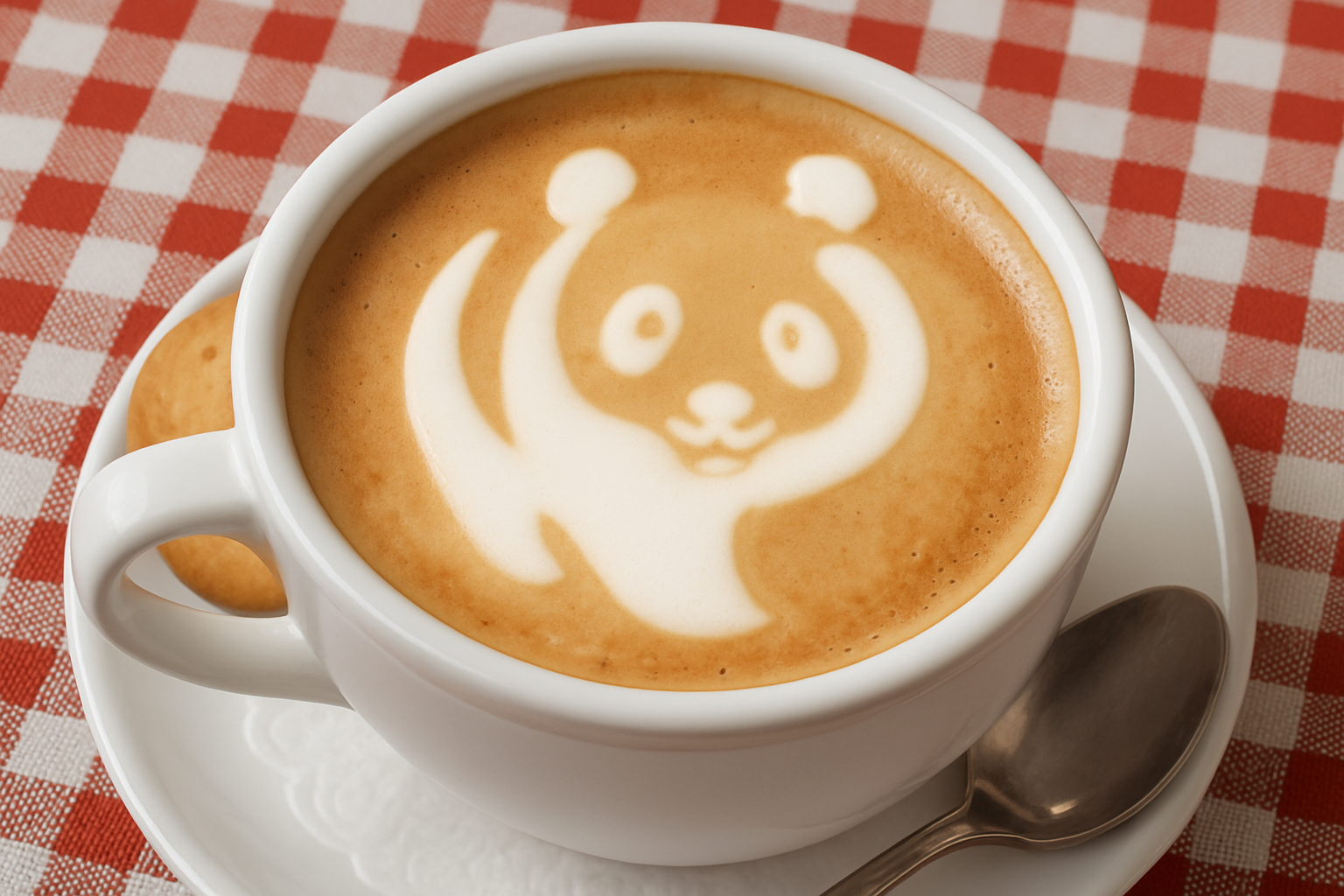
Do you ever marvel at the artistic swirls and intricate designs on top of a perfectly brewed latte in your local café? While it might seem like these coffee artists possess magical powers, mastering latte art is now within reach using the digital magic of Photoshop! Buckle up as we dive into the world of latte art and explore how you can create your own customizable, photorealistic coffee magic with just a few clicks.
A Blank Canvas: Preparing Your Materials
Latte art starts with a good base, much like any masterpiece. For this project, we’ll use a simple photo of a coffee cup, which you can find linked in the video’s description or project files. But the real magic begins when you choose a high-contrast, black-and-white graphic you want to transform into latte art. This could be anything from a company logo, funky clip art, or even a quirky piece of text.
Once you have your graphic prepared, it’s as easy as dragging it over to your coffee cup image. Visibility is key, so ensure your graphic layer’s opacity is reduced while positioning it to ensure it fits just right.
Bring in the Designers: Transform & Adjust
Reposition and resize your graphic by using the almighty Transform Tool, a friend to all digital artists. Photoshop versions may vary slightly in their processes, but it all boils down to artfully adjusting your graphic in relation to the beverage center stage.
As any seasoned barista will tell you, foamed milk doesn’t feature sharp edges or corners. Enter the soothing ease of Gaussian Blur, which rounds out our graphic, ensuring it mirrors the beautiful, tactile nature of real-life milk foam. With a few tweaks utilizing “Threshold,” you can balance out the blur’s impact on your design — it’s your cup of coffee, after all!
Crafting the Illusion: Non-Destructive Editing
The power of Photoshop isn’t just in what it can create, but how non-destructive its processes can be. By converting your graphic into a Smart Object, you future-proof your work, leaving room for infinite creativity without permanent change. A few clicks to add some layers and adjust the Layer Style with Color Overlay, Satin, and perhaps a splash more Bevel and Emboss creates depth and texture as convincing as any frothy milk topper.
Pay attention to the details, using different Blend Modes like Multiply and specific hexadecimal color codes — think of them as the secret spices in your digital latte recipe. Each choice enhances the tactile realism of your visual brew.
Distortion and Dimension: Adding Personality
Latte art is all about personality; it’s the wink your barista gives your morning brew. To capture this ethos digitally, use tools like the ZigZag Filter and Gaussian Blur to add a playful, less-uniform aesthetic to your piece. You’re shaping a cloud on a cup; think of symmetry as merely a suggestion.
Finally, take a composite snapshot of your current scene. Using the Patch Tool, add those quintessential air bubbles. Playing with Patch modes, “Normal” vs “Content Aware” offers unique effects—experimenting with these will help you find the right texture and coverage.
From Mug to Screen: Sharing Your Latte Art
And there you have it — a guide to translating the beauty of latte art into the world of pixels and screens. Share your creations on social media to show off your new skills to friends or use them as personal creative projects to sharpen those Photoshop skills. Latte art isn’t just for coffee cups anymore; it’s a digital movement!
Now that the mystery of latte art is unlocked, it’s your turn to get brewing in the realm of the virtual café. With these tools and techniques, your coffee creations are just a click away from being the next big hit on your social feed. Grab your Photoshop, prepare your stylus, and start creating masterpieces brewed to perfection!