
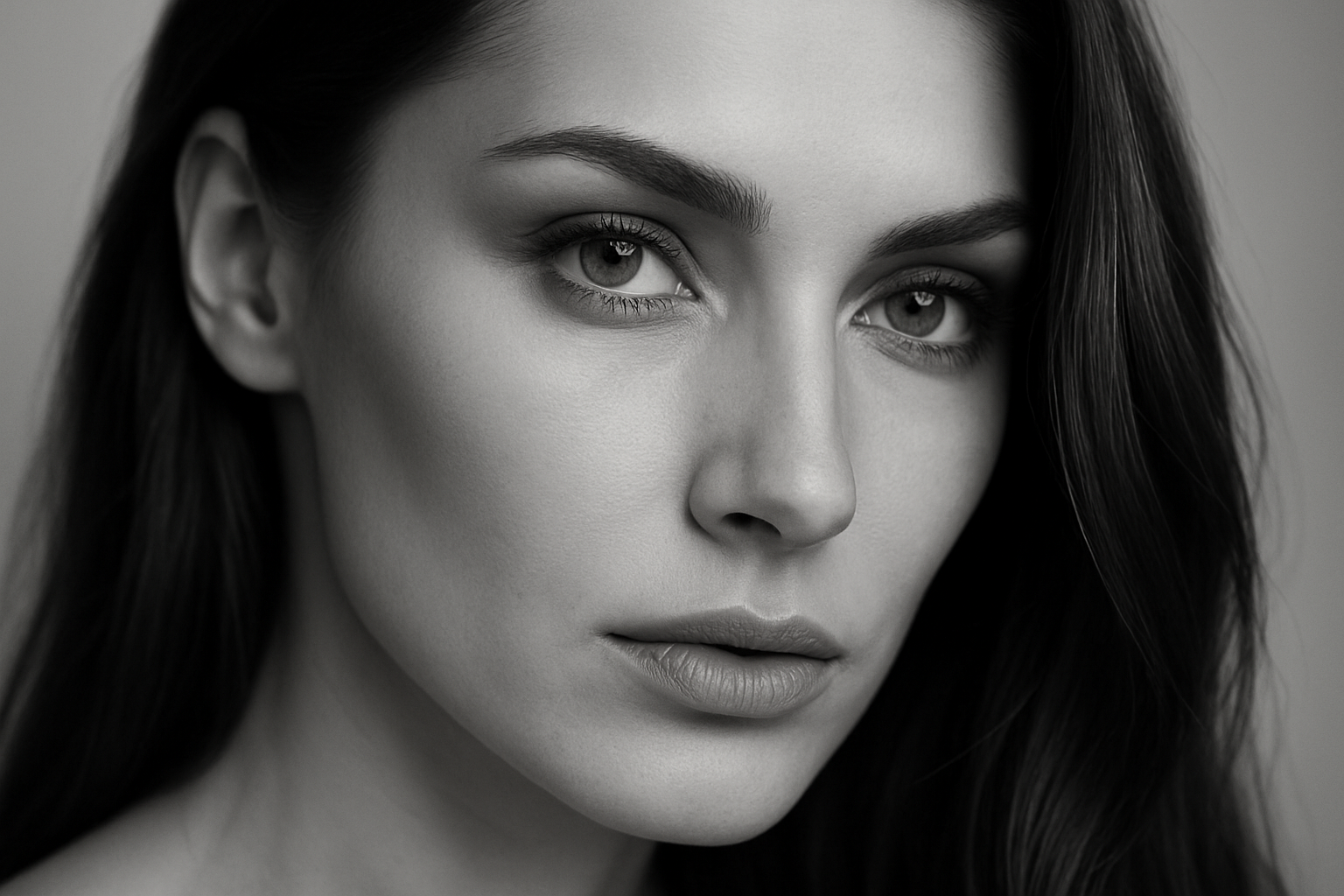
Welcome, time-travelers and Photoshop tinkerers alike! Today, I’m taking you on a journey to the hauntingly beautiful world of 19th-century photography. Imagine it—a time when pictures were captured on glass plates and had that distinctly sepia-toned, weather-beaten charm. We’re about to conjure up that wet plate look from the comfort of your digital home, using nothing more than Photoshop and a dash of creativity.
Unpacking the Magic of the Wet Plate Collodion Process
The wet plate collodion process, birthed in the 1850s, was a game-changer. Instead of relying on paper, which was sensitive to wear and tear and the elements, this method employed glass as a stable, less expensive alternative to metals like iron and copper. The artistry of wet plate photography lay not just in its aesthetics but in its limitations. The process was sensitive to light: warm colors appeared dark while cool colors shone with bright uniformity.
Preparing Yourself for Photoshop Sorcery
Before we plunge into the technical depths, you’ll need a few things. Most importantly, a high-quality color photo. Ensure that your chosen image isn’t blurry or overly grainy; cleaner is better for this faux-nostalgia trip. To really hit the ground running, download the PSD project file provided in the video description—complete with old film textures and artistic scratches.
Step One: Sharpen Your Image
The first step in our Photoshop odyssey is to sharpen the overall image using the high pass filter. Here’s how:
– Make a duplicate of your image layer. Press Ctrl/Command + J to achieve this faster than you can say “vintage.”
– Navigate to Filter > Other > High Pass. Adjust the radius until you’re satisfied with the detail that peeks through. Typically, around 2 pixels should sharpen things just right.
– Change the layer’s blend mode to “Overlay.” Toggle between the original and modified layers to admire the sharpened difference.
Step Two: Transforming to Smart Object
Next, let’s work some magic to transform our image into a smart object. This step is more than just a fancy name—it allows for non-destructive edits. Shift-click the layers you want to include and convert them by selecting “Convert to Smart Object” from the layers panel menu.
Step Three: Motion Blur, but Make it Artsy
What’s a period piece without a touch of the dramatic? Add a motion blur with a subtle angle:
– Go to Filter > Blur > Motion Blur.
– Choose an angle between -5 and -15 degrees and a distance of about 20 to 25 pixels.
Restore Focus Where It Matters
Now, we bring back detail to the most crucial part of your photo—the subject’s face.
– Make sure your foreground color is black and your background is white. Press D if it’s not.
– Select the brush tool and use it on the eyes to reveal them in sharp detail. Adjust opacity for other facial features like the nose and mouth as per your liking.
Sprinkling the Old Film Charm
Layer the old film and scratches textures to authentically age your photo.
– Drag the subject below the old film texture. Set the scratches layer blend mode to “Multiply” and the film texture to “Soft Light.”
Channel Mixer: The Secret Sauce
The Channel Mixer adjustment layer is pivotal. It’s your ticket to that sultry sepia tone:
– In the adjustment layer, check “Monochrome.”
– Drag the Blue Channel to the right. Increase contrast by pulling the Red Channel left.
– For brightness control, tweak the Green Channel.
Final Flourishes
Your creation nears its finale with a few more enhancements:
– Adjust the Curves layer to brighten midtones.
– Tweak the Levels adjustment to decrease mid-tone contrast by bringing the white slider inwards.
– Apply a sepia-tone photo filter at 25-35% to cement its age-old allure.
And there you have it—a seamless marriage of modern photo tech and historical artistry. Feel free to adjust each setting to suit your creative whimsy or to tailor each picture you bring into the workshop. Happy editing, and let each photo whisper tales of a bygone era!
So, are you ready to amaze the internet with your fine blend of digital mastery and antiquarian spirit? Dive in, start crafting, and remember—forging past into present is as easy as a few clicks and a dollop of imagination!





