
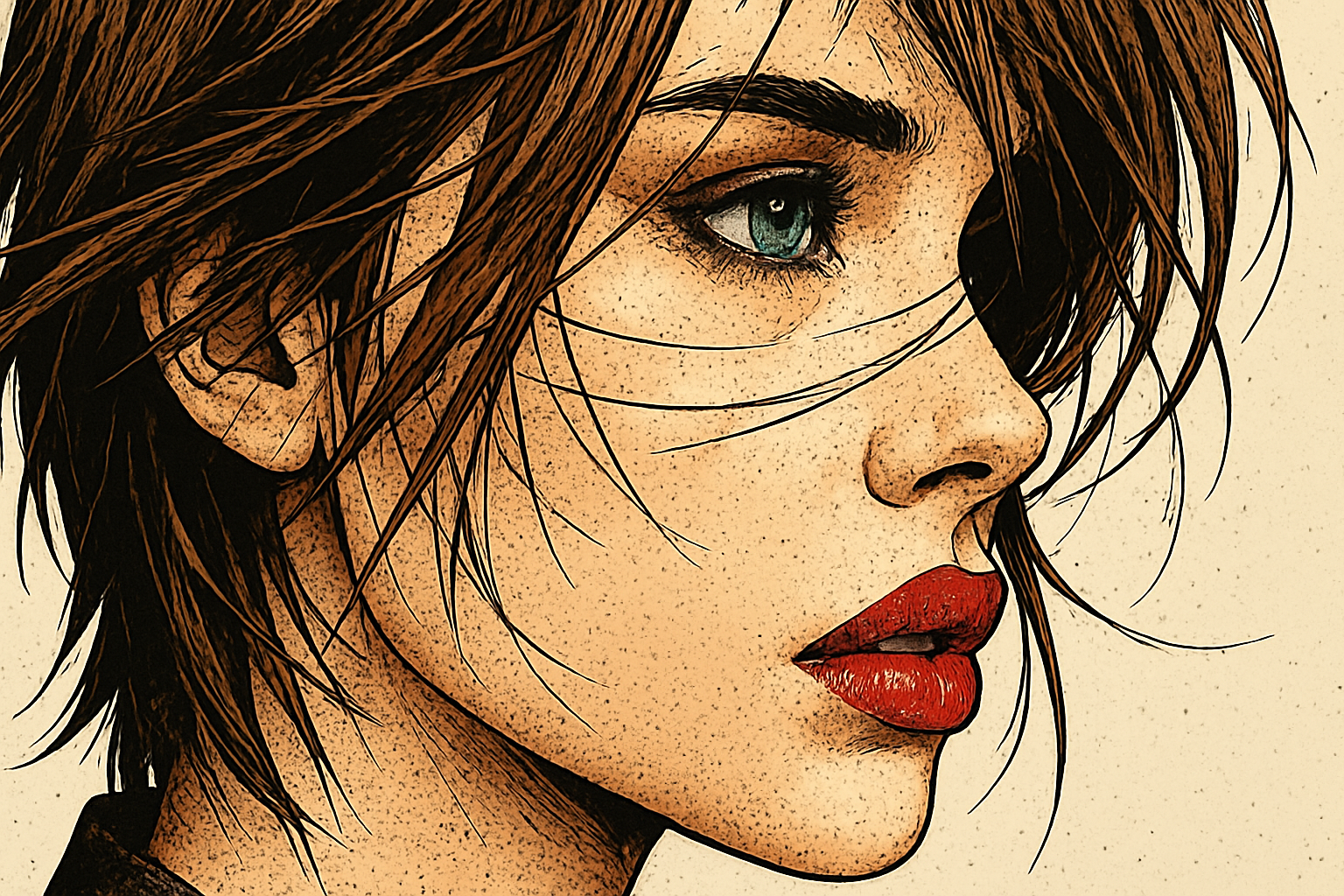
Unlock Your Creative Potential with Photoshop and Blue Lightning TV’s Step-by-Step Guide
There’s something undeniably exhilarating about taking a relatable, sometimes mundane photo and turning it into a colorful work of pop art. It’s like giving your pictures a stylistic shot of espresso—perfect for those who enjoy visual boldness. Today, we’re diving deep into how you can easily create pop art-style cartoons from your photos using Adobe Photoshop. Plus, we’ll explore smart tools and techniques that ensure a fun and creative editing experience!
Pop Art Transformation: A Modern Twist on a Classic Style
Pop art is synonymous with vibrant colors, playful themes, and bold contrasts—think of the works of Andy Warhol or Roy Lichtenstein. This form of art is not only captivating but also remarkably versatile, lending itself well to modern digital adaptations. And guess what? You can create this stunning style at home with just a few clicks. We see a steady march towards digital art forms, with Photoshop offering a playground where your creativity knows no bounds.
Keep It Smart: The Power of Smart Objects
When it comes to photo editing, one of the key elements is ensuring non-destructive editing—a technique beautifully facilitated by Smart Objects in Photoshop. By converting your photos into Smart Objects, you open up the door to endless modifications without losing your original image. Want to swap out a picture halfway through your edit? With Smart Objects, replacing your original image without repeating all the effects becomes a breezy affair.
Setting the Stage with Image Size and Resolution
No one likes jagged edges, right? To maintain the crisp quality of your creation, make sure your image resolution is set at 150 pixels per inch. This not only gives you vibrant, clear results but also ensures your image plays well on both digital and printed platforms, should you choose to showcase your art offline.
Blur and Filter Magic for That Authentic Look
Did someone say airbrushed charm? To achieve that smooth, dreamy quality, utilize filters like “Surface Blur” with adjusted radius and threshold settings. These elements will work the magic of making your image glow from inside out—almost as if your photo took a soft spa day.
The Filter Gallery gives you a vast collection of artistic tweaks such as “Poster Edges,” adding those iconic bold lines and sharp contrasts. The edge thickness, intensity, and posterization levels can be adjusted to your liking—imagine it as a perfect digital cheesecake where you can choose your toppings.
Blend Modes: The Symphony of Layers
The real fun starts when you begin blending layers. Using Blend Modes like “Color Dodge” can manipulate how colors interact in layers. You’ll witness your image morph from flat to fervent, filled with energy as hues complement each other dynamically. It’s like musical notes harmonizing into the perfect melody.
Streamlined Swapping: Embedded Forms in Photoshop CC
For those who have embraced the wonders of Photoshop CC, altering the image mid-project is straightforward with the “Place Embedded” feature. This allows you to effortlessly insert a new image, enriching your project with fresh creative possibilities—because let’s be real, inspiration can be as whimsical as an elusive muse.
Final Touches: Transform and Impress
Once you’re satisfied with your pop art spectacle, you might want to resize or reposition the final image for that perfect Instagram post or home gallery display. The handy Transform Tool beckons once again for easy adjustments, ensuring your art is centerpiece-ready.
Wrapping Up: Why This Matters in the Creative World
Turning photos into pop art cartoons isn’t just a task. It’s a journey—a Wild West of creativity where the only sheriff is your imagination. Not only does this technique offer a superbly engaging way to digitize the iconic pop art style, but it also provides invaluable practice with Photoshop. Furthermore, it can become part of your creative toolkit for freelance projects or personal enjoyment.
For those captivated by the endless possibilities, keep exploring and keep experimenting. The thrilling world of digital art awaits, whispering to the artist in each of us: What will you create next?
(Note: Want to take your Photoshop skills further? The newest version of Photoshop CC offers even more handy tools, priced at just $7.99 per month which includes Lightroom and 20GB of cloud storage.)
Whether you’re a seasoned digital artist or a weekend warrior with a passion for design, feeling inspired yet? Dust off that creativity and dive into the technicolor world of pop art!





