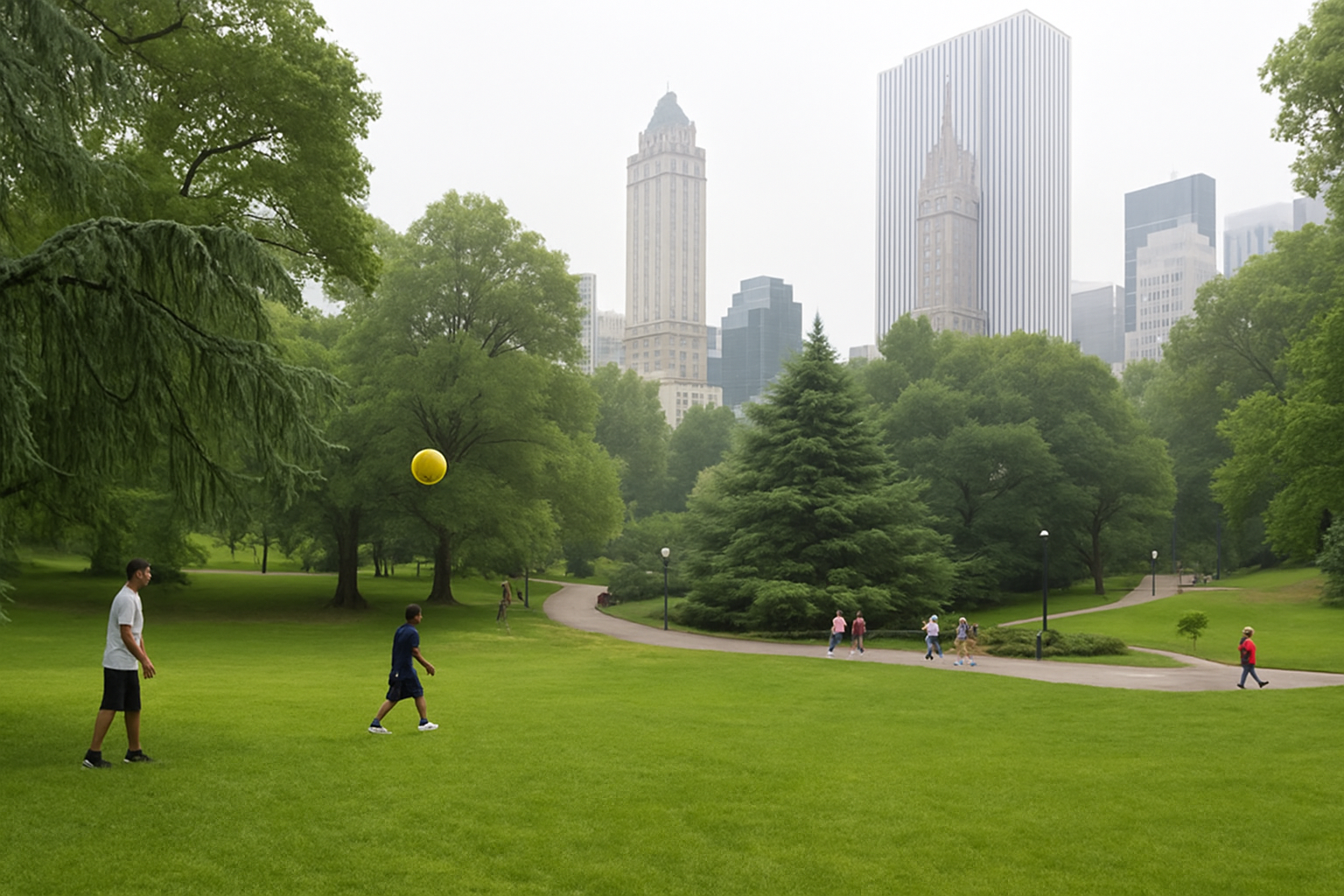
Embrace Nature’s Mystique with Digital Fog and Mist
Have you ever been captivated by the haunting beauty of fog-draped landscapes? Whether it’s the hushed serenity of a misty morning or the ethereal allure of fog rolling over the mountains, these weather phenomena hold a special place in our imaginations. But what if you could recreate that enchanting ambiance in your photographs, all without lifting a camera at the break of dawn? Enter Photoshop, your gateway to crafting mystical fog and mist effects that breathe life into your images.
The Art of Digital Fog and Mist
Fog and mist aren’t just weather occurrences; they’re atmospheric elements with unique personalities. Fog blankets landscapes, creating a gradual transition from visibility to obscurity, while mist clings to the ground in feathery patches. By understanding these nuances, you can harness their potential to add drama and depth to your photos.
Preparing Your Canvas for Magic
Let’s dive into how you can transform your photos with these ethereal effects. First, choose an image that sets the stage for mystique. Ideally, select a photo that gives your fog room to breathe—think scenery captured from a human perspective. This makes the fog effect more relatable and authentic.
Crafting the Illusion
Now that you have your canvas, follow this step-by-step Photoshop journey to conjure captivating fog and mist:
- Desaturate and Lighten: Start by creating an adjustment layer for Hue/Saturation. Desaturate by dragging the saturation to the far left and lighten everything by shifting the lightness to the right. Your image should now resemble a white canvas waiting for the fog to roll in.
- Gradient Magic: With the gradient tool, apply a black-to-white linear gradient from the bottom of your document upwards. This step introduces a naturally fading, fog-like effect.
- Highlighting the Foreground: Use the Quick Selection tool to highlight foreground elements, such as trees or structures that need to stand out. Then, employ the Refine Edge tool to enhance the selection’s detail.
- Brushing Back Detail: With a soft brush, gently brush across the selected area to bring back some brightness and color to the foreground, reinforcing the fog’s layered effect.
Enhancing with Misty Veils
To complete your weather transformation, add mist to your scene:
- Clouds Filter: On a new layer, use the Clouds filter with black and white as your foreground and background colors to generate a natural mist pattern.
- Transformation Magic: Adjust the layer with the Transform tool. Tilt, resize, and position your mist to hover serenely over the landscape.
- Layering the Mist: Duplicate, reposition, and reduce the opacity of the mist layers to achieve depth and textural variation. The key is subtlety, crafting a believable atmospheric effect without overwhelming the scene.
Mistakes to Avoid
As you tinker with these tools, keep these tips in mind to avoid common pitfalls:
- Heavy-Handed Edits: Keep your opacity settings low when applying fog and mist. Less is more; you want a delicate touch that enhances the photo rather than obscuring it.
- Ignoring Light and Color: Remember how light interacts with fog and colors fade with distance. Maintain these natural interactions to create a more authentic impression.
- Uniform Fog Application: Avoid blanket uniformity. Nature is diverse, with densities and patterns that change. Apply fog with variations that mimic real-world conditions.
Why Bother Creating Fog?
While the toolset seems vast, the potential for creativity is boundless. Fog isn’t just a pretty effect; it serves pivotal storytelling roles. It can transform a mundane scene into a mysterious narrative or evoke an emotional atmosphere that resonates with viewers. Fog adds layers—literally—to your storytelling, making your images stand out in a visually saturated world.
Don’t just witness nature’s misty spectacle; create it. With Photoshop, you’re not just manipulating pixels, you’re weaving atmospheric tales that captivate and inspire. Whether you’re enhancing a mystic vibe for a film poster or setting the scene for an epic landscape, digital fog is your trusty sidekick in artfully bending reality. So go ahead, stir up some atmospheric drama and let your creativity fog up the ordinary.
Remember—the most magical effects are those woven and entwined subtly, transforming reality into a visual poem that delights the imagination.
Elevate your photo edits and conjure the fog—transforming your imagery into captivating, ethereal landscapes that dance on the edge of reality and dreams.