
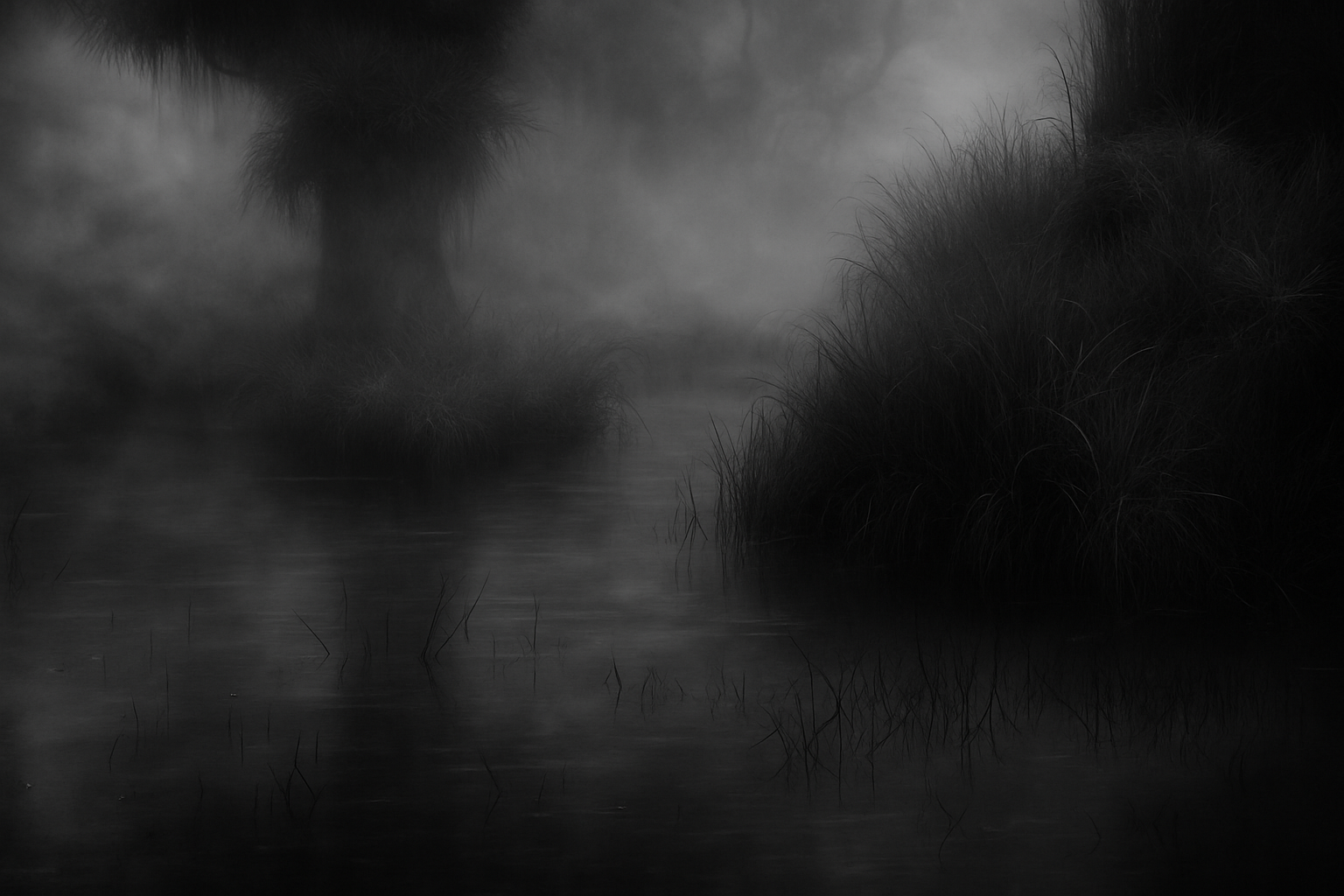
Channel the Retro Horror Vibes with Photoshop
If you’ve ever fancied your name splashed across the silver screen of a 1950s B-horror flick, or simply want to get your hands a little dirty with some retro Photoshop magic, you’re in the right place. Today, we’re diving into the wacky world of vintage movie titles, complete with eerie fonts and enough film scratches to make you feel like you’re at a classic drive-in theater.
Starting with Vintage Assets: Phantom Intros Await
We’ve left no stone unturned. You start with a handy Photoshop file containing all the good stuff: a photo, vintage studio credit, and those ever-important film scratches, ready to use. If you can’t find it nestled beside your Beetlejuice DVD, download it using the link in the video description.
We’ll guide you through unleashing your inner ’50s film producer, from mastering adjustment layers to bending text like a not-so-generic B-movie director would bend reality.
Adjusting Colors and Layers for that True B-Movie Feel
Color Play:
- Begin by diving into your Layers panel like a boss. Create adjustment layers to transport us back into the iconic grayscale aesthetics of horror legends.
- If you’re on Photoshop CS6 or later (because time travel also respects tech upgrades), use the Color Lookup feature and load the mystical “Night from Day.CUBE.”
- If you’re in earlier versions, fear not, the journey isn’t forsaken—go for a desaturate and level adjust ride instead.
A Brush with Retro:
- Next, create a “Black & White” adjustment to strip all color, akin to the soul-stealing black-and-whites of ages past.
- The mighty keystrokes of Ctrl/Cmd + Shift + U and, later, a tap into Levels for Highlights adjustment will guide you into the vintage universe.
Picking the Font of Eerie Confidence
Style your movie title using the eeriest font you can muster, like the aptly named “Green Fuz.” If this font isn’t lurking in your system, fear not—download it and make your film debut in typographic style. Make sure the font size commands attention; we set ours at 150 points, ensuring it’s impossible to ignore.
Creating Drama with Text Arrangement
Now, let’s unleash your creative flair with some killer text effects. Stretch, skew, and shift your text using various Photoshop tools, shaping letters until they scream in the night. Use options like “Leading” and “Baseline Shift” for that meticulous arrangement, and warp your text into the ominous “Rise” shape for a title that’s anything but ordinary.
Pro Tip: Bring home that dramatic look by employing the “Align Centers” feature to keep everything centered in ghastly perfection.
Layer Styles: Bringing Text to Life
Incorporate a dazzling “Gradient Overlay” with a linear setup and a precise angle to make your letters gleam in the ghastly moonlight. Adding styles like “Bevel & Emboss” brings even more life—or undead to your text, setting the opacity levels just right to achieve spectral intrigue.
Smart Objects are your backstage pass to text transformation. They let you change your title without banishing your precious effects and filters to the land of lost layers.
The Finishing Touch: Film Scratches and Smoky Overlays
No B-movie is complete without those characteristic film glitches. Layer on your “Motion Blur” and “Radial Blur” for offbeat effects, and integrate a smoky overlay with Photoshop’s cloud render feature to shroud your masterpiece in mystery.
Lastly, keep the credits visible. Add those authentic film scratch textures and choose “Multiply” in your Blend Modes to invoke true vintage flair.
Wrap-Up: Make It Yours
Magic does not stop here. Whether calling yourself the new Ed Wood, or an earnest Hitchcock, you’ll want to adjust, readjust and tweak until your fictional titular terror fully embodies your vision. From the tilt of your ghostly letters to how they drift like shadows into obscurity, every pixel of your piece should strike with incorporeal delight.
So, future filmmakers—even if it’s just for a day—grab your digital tools, fire up that Photoshop, and let the spirit of ’50s B-horror possess your screen. Stay bold, stay spooky, and create film title magic the likes of which the drive-in’s never imagined.
Remember, when you’re ready to share your spine-tingling designs with the world, you can use Squarespace to create a website to host your electrifying portfolio. Use the offer code Blue to save 10%.
And as always, let your creativity shine under the moonlit glow of your favorite graphic design program.





