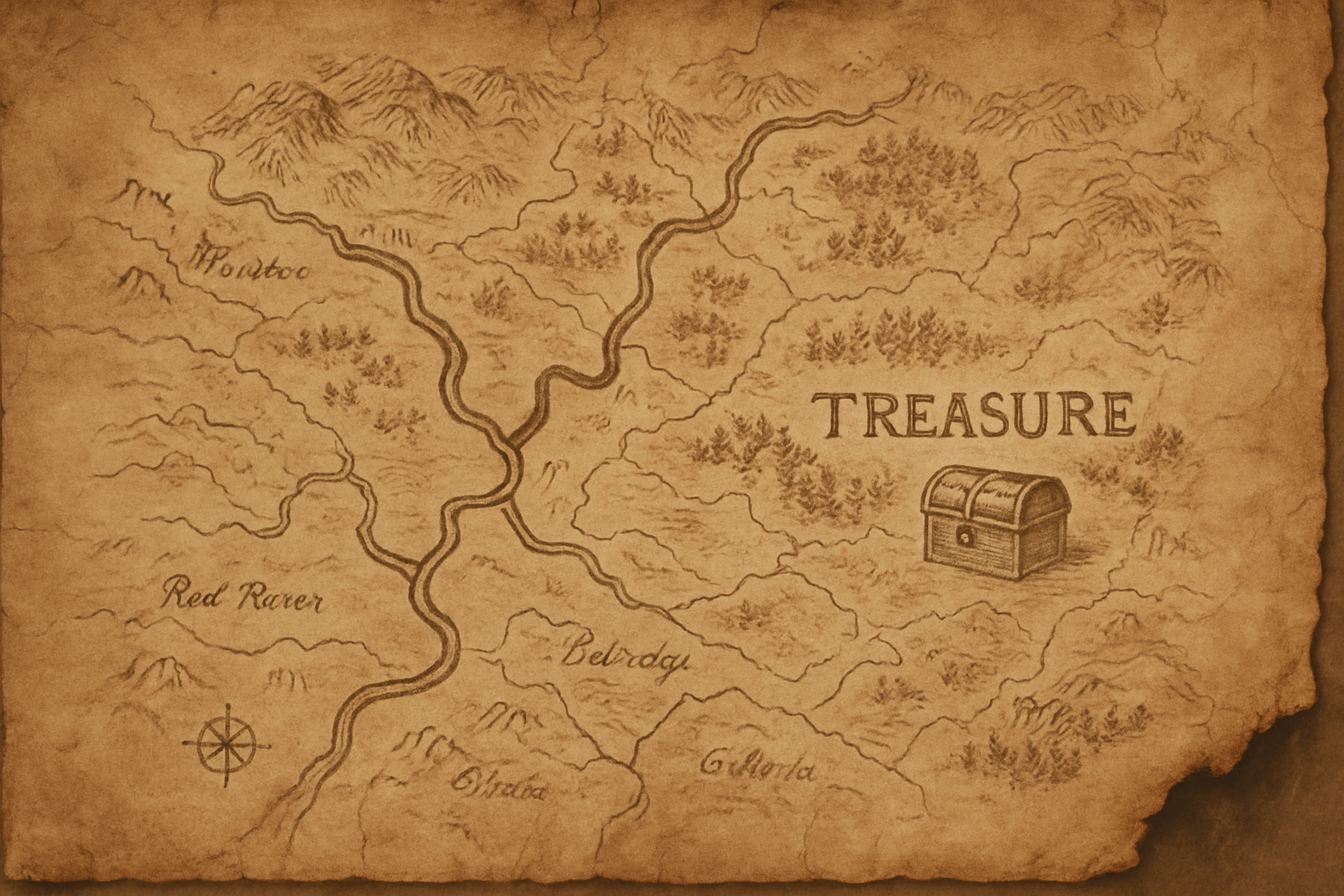
Unleashing the Art of Pirate Cartography
Ahoy, digital adventurers! Have you ever wanted to create a pirate treasure map that looks convincingly ancient and weathered? Well, assemble your digital brushes and hoist your Photoshop sails because today, we’re diving into the process of crafting an old-school pirate treasure map. This project is the perfect blend of history, design, and a pinch of swashbuckling fun—all without leaving your desk.
Setting the Stage: Gather Your Digital Resources
Kick-start your journey by downloading a handy template, which includes beach sand, a piece of worn paper, and palm tree shadows. These assets are essential to creating the authentic vibe of a hidden treasure map. If you’re feeling adventurous, you can also personalize your project by replacing the provided treasure map with your own, provided it’s in black and white. This choice offers a neat alignment with the historical limitation of early map-making techniques, adding to the map’s authenticity.
Designing the Base: Layering and Coloring Techniques
Begin by making the sand layer active and creating a new layer above it.
You’ll then choose a warm sandy yellow color by typing in the hex code #f3d39b.
This brings in the golden tones reminiscent of sunlit beaches.
You’ll invert the colors to get ready for the next step, ensuring a balanced color palette for your cinematic map.
Transitioning smoothly, you’d then select a soft beige tone (#bb8d3e) as your foreground color before diving into the Filter Gallery.
Here, the magic really starts as you apply a clouds filter followed by the texturizer effect to give the sand layer a realistic, gritty look.
Crafting the Paper: Making Your Map Weathered and Intriguing
Creating that authentic old map feel involves deactivating and reactivating layers like a crafty pirate working with tides.
With the paper layer, you’d change the blending mode to Linear Burn, which will deepen the colors in your design.
This change helps your map paper look like it’s seen some sea storms.
For the darker edges of the paper—a target for authenticity—utilize an adjustment layer and use a Color Balance effect.
A small shift towards the red side of the spectrum brings in a sun-bleached, coastal appearance.
Mapping the Treasure: Import and Blend Your Cartography
Import your chosen treasure map into your workspace.
By changing its blending mode to Color Burn, you further integrate the design into the overall picture, ensuring it appears both ancient and cohesive.
You have the power to resize and reposition until everything looks just right.
This flexibility is crucial for matching the aesthetic of genuine pirate maps, which were known for their imperfections and character.
Finishing Touch: Adding Waves, Shadows, and Final Enhancements
Achieving that added pizazz involves a distortion effect, using the wave filter in Photoshop.
By tweaking settings, like amplitude and wavelength, you can refine the appearance to mimic the rolling of waves that carried the ship far and wide in search of treasure.
To give depth to the image, a shadow for the map is necessary.
Using the brush tool on a low opacity setting adds that final touch of realism, casting a subtle shadow that suggests wear and tear over countless voyages.
Lastly, fine-tune the brightness of the entire image with Levels to ensure your map doesn’t get lost in the digital sands.
With all layers prepared, you can make the palm tree shadows visible, pooling your efforts into a display that’s both functional and impressive.
With these steps, you now have a pirate map that could easily be believed to lead to hidden marvels, right from the golden age of exploration! Whether you need it for a project, a game, or just to show off your Photoshop prowess, this method encapsulates both an artistic flair and a historical nod to the maps of yore.
And there you have it, a stunning piece of digital artistry worthy of any seafaring adventurer. As timeless as the stories of pirate lore and as intricate as the lines of your Photoshop layers, these skills will not only improve your prowess in digital manipulation but also inspire a sense of adventurous creativity. Until our next digital voyage—anchors aweigh!