
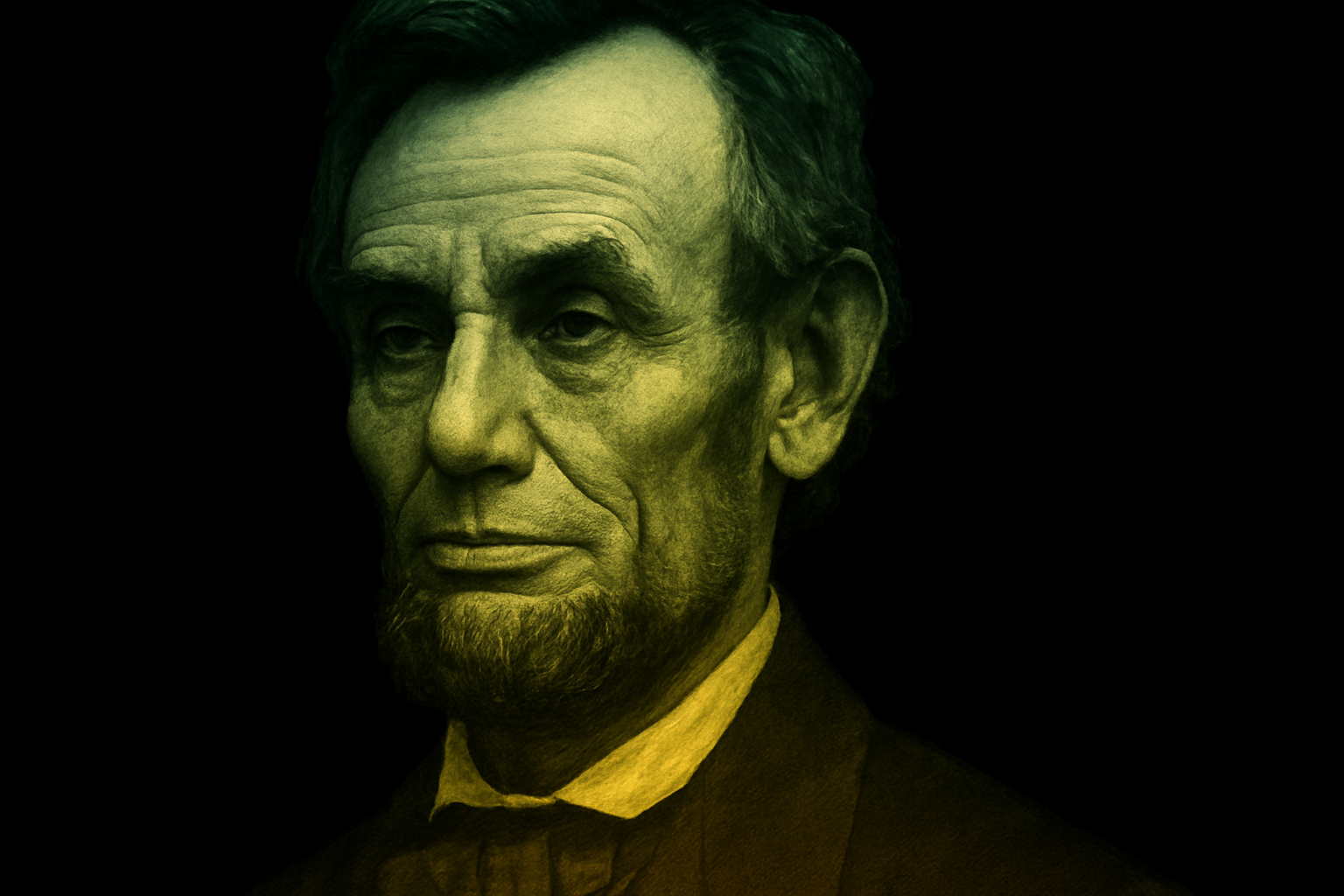
Unleash Your Inner Wordsmith with Photoshop’s Text-Driven Portraits
Have you ever yearned to merge your favorite poems, lyrics, or speeches with your favorite photographs in a visually captivating way? Welcome to the world of text-driven portrait posters! In this tutorial, we’ll take you through the creative process of designing an extraordinary poster where text flows tantalizingly around the contours of a face. Whether you’re a quote collector or a Photoshop wizard, this guide is your ticket to blending imagery and typography in a way that’s sure to stand out.
Kicking off Your Creative Journey with Image Selection
Start by picking a photo of the person whose visage will become your canvas. After you’ve chosen an image, you’ll need to isolate the head and shoulders by making a selection around them. While there are multiple techniques to achieve this, pick the one that fits your skill level and the photo’s context best.
Envision in Monochrome
Once your model is set, it’s time to make things black and white, literally. Desaturate the image by pressing Control + Shift + U on a PC or Command + Shift + U on a Mac. This step ensures that the focus remains on the text, rather than being distracted by colors.
Resizing – Because Size Matters
Fine-tune the size of your portrait to fit the intended layout. Use the Transform tool (Control + T on a PC, Command + T on a Mac) to stretch or shrink your photo as needed, by holding down Shift and Alt (Option on Mac) while dragging the corners.
Setting the Stage for Text Magic
Shift your beautifully desaturated portrait slightly to one side. We’re preparing prime real estate for the text on the other side of the image, making room for your literary flourish.
Crafting the Displacement Map
This is where your high school geography comes in: creating a contour map, digitally. Make a new layer below your image, filled with black, and use this as a displacement map to cascade your text over the visage. By saving this setup as a Displacement Map file (through Photoshop’s ‘File’ and ‘Save As’ options), you’re ready to weave your text across the face seamlessly.
Wordsmithing Your Way to Poster Glory
Next is selecting your body of text. It could be an epic song lyric or an inspiring quotation. Copy your text (Control + A, then Control + C) and prepare to paste it in a text block on your portrait.
Letting the Lines Speak
Once pasted, go wild with customizing your font settings—Arial at 12 points could be a starting point, but the world is your typographic oyster. Adjust spacing, or leading, as much as you need to ensure your text block is full and balanced.
Wrapping Your Text Around the Face
Success is derived from attention to detail. Employ the ‘Displace’ filter in Photoshop’s ‘Filter’ menu to bend the text convincingly around your subject’s features. This gives your project the delightful illusion of text interacting with dimensions of the face.
Adding Color and Depth — The Visual Jazz
Heighten your design’s drama with a vibrant gradient overlay. Blend it in ‘Color’ mode for a splash of hue, and pick seductive tones that complement the grayscale vanity below.
A Framed Masterpiece
A frame can do wonders—just ask Mona Lisa. Add a classic frame around your poster for that finished look. Scale the frame appropriately using the Transform tools.
Sign Off with a Flamboyant Font Choice
Round off your poster with a signature flair — the person’s name in a tasteful, eye-catching font. Websites like DaFont can provide just the dose of uniqueness you need. Play with sizing and colors until it looks just right.
Bringing It Together
With the words melting seamlessly over the face and gradients breathing life into monochrome, you’ve just designed a pièce de résistance. A post-modern homage canvas, waiting to hang triumphantly on your wall, or be shared to astonish friends, inspiring them to see words and images in a tantalizing twist.
Take this tutorial as a springboard to unlimited creativity. Whether it’s for personal never-before-seen artwork or a client commission, understanding the art of text-driven portrait posters opens doors to innovate your graphic design practice. So break free from the ordinary and let your portraits speak volumes!





