
Bringing Vintage Vibes to Your Digital Creations
Imagine this: you’re browsing through a digital gallery of vintage-style fruit crate labels, the kind that evoke a nostalgic sense of simpler times. Now, picture yourself being able to design these timeless labels right from the comfort of your own computer using Adobe Photoshop. Today, we’re diving into the fascinating process of creating a custom fruit crate label, weathering it with abrasions, rips, and scratches to give it that authentic, lived-in look. Ready to unleash your inner digital artisan? Let’s break it down!
Gathering Your Digital Toolbox
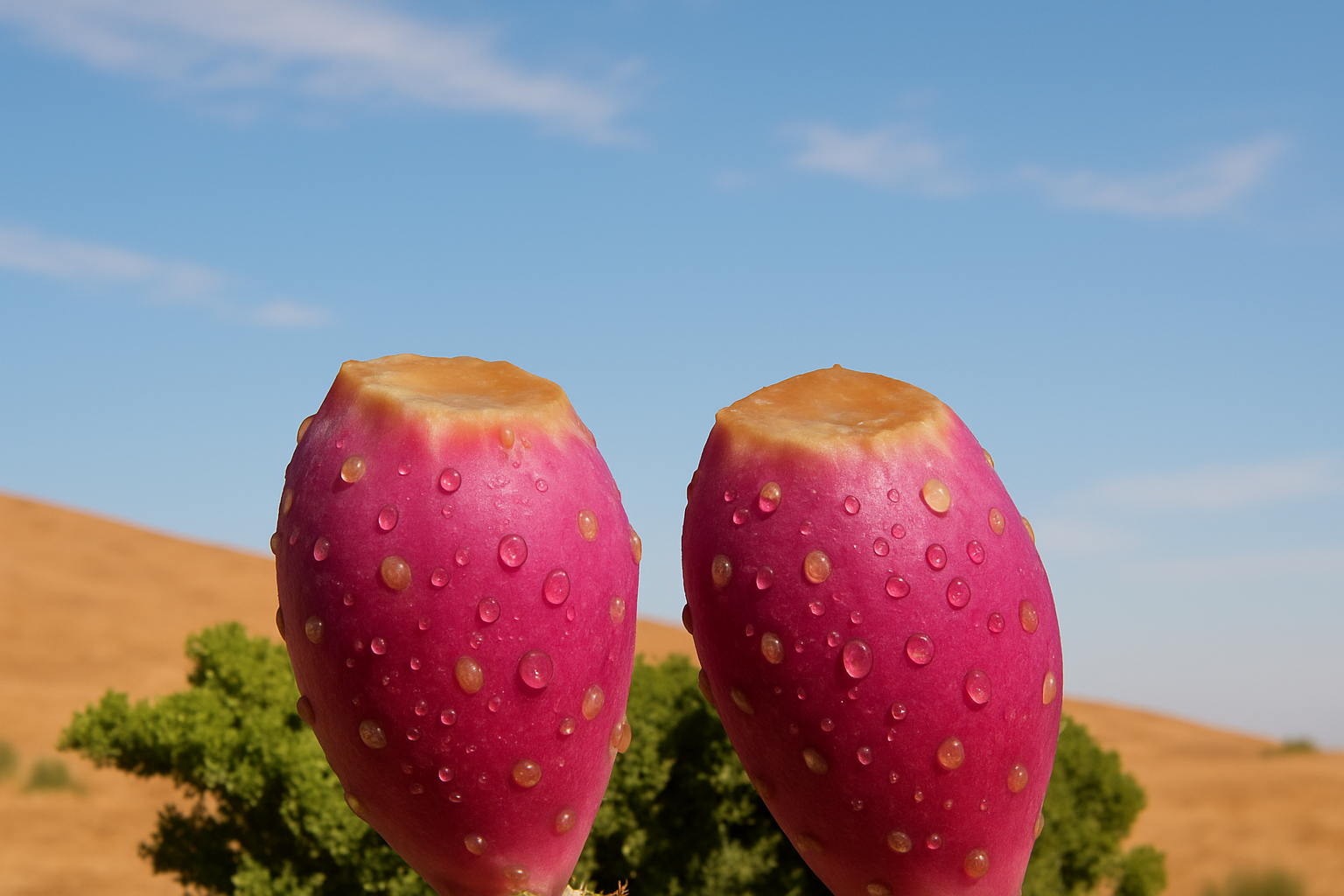
Before we dive in, there’s some digital prep work you’ll want to take care of. We’ve conveniently provided a PSD file packed with all sorts of goodies: a background photo, a banner, some textured paper, and a prickly pear fruit ready to star in your label. Not to mention, we’ve assembled a set of scratch brushes perfect for adding that weathered effect. You’ll need to have these elements downloaded and the accompanying fonts installed on your computer, so your workflow remains seamless. And if you’re scratching your head about installing fonts, it’s all covered in the description of the tutorial video.
Creating the Base for Your Label
Alright, let’s talk about creating the base. We begin with a blank document that’s 1,290 by 677 pixels at a crisp 50 pixels per inch resolution—ideal for crisp visuals. One neat trick—use the ‘Vibrance’ adjustment layer to pump up those colors, breathing vibrant life into your label design. Don’t forget, this layer needs to be clipped to affect only the layers necessary, avoiding any unintended psychedelic results on other parts.
Perfecting the Borders
Next, on to the artistry of borders. Creating a 17-pixel stroke border and an accompanying inner glow isn’t just about aesthetics—although they sure add a pop. This dual-border technique frames your design perfectly, accentuating your vintage label’s vibrant authenticity. And the satisfaction of watching that crisp, colorful border frame your work? Immense.
Designing Your Text
Fonts! This is where the character of your label really comes into play. A mix of fonts like FHA Condensed French and Marmala Jam Demo bring oodles of old-school charm. Only have a few seconds to capture your audience’s imagination? Consider bending the text for a dynamic, eye-catching effect. The secret lies in the warp options, and you’ll find arching your text horizontally by 20% does wonders.
Let’s Talk Fruit Graphics
No fruit crate label would be complete without, well, the fruit! Snipping the prickly pear fruit from its background might seem daunting, but with a solid tool like the Pen or Quick Mask tool, it’s a breeze. Remember, the key is precision here. Floating your fruit over to your label design and using transformation tools to find its place creates a piece that looks both cohesive and professionally curated.
Time Travel to Photoshop Weathering
Here’s where we add the magic touch, simulating the passage of time on your digital label. By applying a layer mask and wielding custom grunge brushes, you can peer through that polished surface to reveal the rugged wooden crate underneath. This step requires a dash of creativity—overlapping different brush strokes will give your crate a quintessentially rustic charm.
The Vanishing Point Effect
For that final touch, we’re ‘plastering’ our label onto a digital wooden crate. The Vanishing Point filter is your ally here, letting us warp the label’s perspective to adhere to the three-dimensional structure of the crate. If you’ve ever marveled at ominously real-world artwork, this is that secret sauce you’ve been looking for. Nudging the label into just the right position maintains the authenticity of your craftsmanship.
Conclusion: Your Signature Vintage Crate Label
And there you have it—a deeply personal yet universally inviting custom fruit crate label, all built from the comfort of your keyboard and screen. Blue Lightning TV has guided countless creatives like you through mastering such awe-inspiring designs, and this project is just the tip of the iceberg. Check out more resources, and revel in the endless possibilities that digital artistry offers.
Ready to infuse some vintage essence into your digital repertoire? Go ahead, craft a label that not only stands the test of time but also showcases your Photoshop prowess. Don’t forget to check out socials for updates on more tutorials, and keep those creative juices flowing!





