
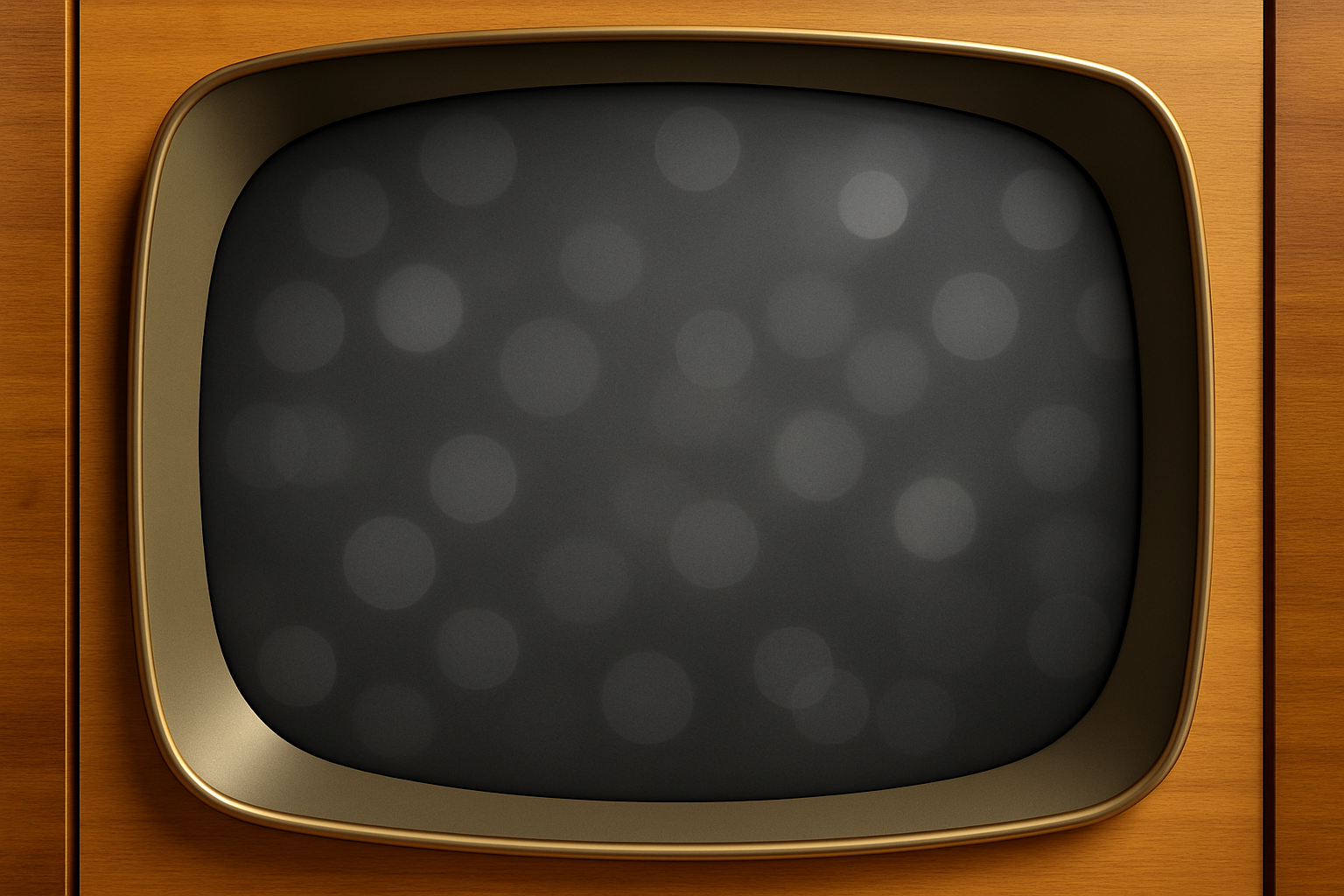
Travel Back in Time with 1950s TV Show Graphics
Long before neon hues and pixel-perfect precision became the norm, the world was captivated by the charming and whimsical black-and-white TV show titles of the 1950s. For creatives looking to capture that nostalgic charm, today we’ll journey back to that era and explore how to craft customizable 1950s-style TV show opening titles using Photoshop.
But First, Let’s Talk Resources
Before you dive into the nitty-gritty, you’ll need a few essential resources. Luckily, we’ve got that covered. The magic begins with a pre-designed color version background pattern. You can grab this vintage goldmine directly from the description in the YouTube video. And for that old-school television template where your show’s title will sit, yes, there’s a link for that too. These groundwork elements are meticulously prepared to save you time so you can get straight to the fun part—creating!
Crafting the Old-Style TV Title
- Start by opening the background pattern and dragging it into your TV template. A nod to simplicity: Hide the background layer by clicking its eyeball icon—no, not literally, we mean in the layers panel!
- Activate the magic wand tool. Adjust its tolerance to five, ensuring the anti-alias and contiguous options are checked.
- Click within the dark expanse to make a selection. Reactivate the pattern by toggling visibility and make a layer mask from your selection.
- Quick trick: desaturate the color using
Ctrl + Shift + Uon Windows orCommand + Shift + Uon Mac. Voila!
Bringing in That Retro Vibe
- Nostalgia calls for a reduction of brightness to minus 80, but don’t let it affect all layers—just the one beneath our adjustment layer. Clip it carefully by nudging the layer to the right.
- Next, invert your color settings using the snazzy curved arrow or slap on an 'X'.
- Time to engage your elliptical marquee tool. Shift-click-drag for a circle selection. Need to reposition it? Hold the space bar.
- Fancy up the spotlight effect with some feathering (23 pixels) and sprinkle it around the screen using black fill. Once your spotlight’s all set, hit
Ctrl + DorCommand + Dto dismiss the selection.
Delve into Texture and Typography
- To infuse some texture, utilize the foreground 50% gray tone and explore the filter gallery, where the halftone pattern awaits, yearning for size tweaks and line renderings. When it settles well on line type, switch to overlay mode at 20% opacity.
- Don’t forget the bevel and emboss styling—we’re chipping away to get that chisel hard look; depth, direction, angle—it all matters.
- As for fonts, capture the spirit of the times using something like fontdiner.com sparkly, downloadable from dafont.com.
Strategic Embellishments
- You’re not just typing lines; you’re making 1950s artistic statements. With selections packed, consolidate all your text into one spirited bunch.
- Deserve a smart décor? Do it with smart objects. Turn those titles into textured historical memorabilia using opacity-drenched drop shadows.
- For an untouchable reverberation of names sans starry interruptions, employ the quick mask and pencil tool. A color pop here, a layer rename there—Jimmy and Juliet, you’re ready for the limelight.
Final Flourishes and Faux Broadcast Features
- Your show’s opening title needs presence, weight, and dare we say, rustic radiance? Composite snapshots, blur it echoingly with Gaussian, feather it for antenna-inspired perfection.
- Wave distortion will be the cherry on top, imperfectly perfect for TV’s bygone glitch.
- Join these effects, thriving in ensembles, as you shuffle layer orders towards a signature 1950s broadcast tableau.
Live in the Past (Graphically, That Is)
With this method, you’re not just witnessing history—you’re constructing fabric-like graphics reminiscent of the radiant, cherishing charm that epitomized early TV. Marty may have transported you to a simple, grayscale era, but as you now bring alive that creative magic, you’re in the driver’s seat, steering a dazzling interplay of nostalgia and narrative. Enjoy creating the series that never was—or perhaps should have been!
Catch the video guide above to build your 1950s TV show title masterpiece today.
Enjoying these time-traveling techniques? Keep exploring and keep creating.





