Creativity Unleashed: Crafting Balloon Art from Cartoons
Ever wanted to turn your favorite cartoon characters into whimsical balloon art? Now you can with some creativity and a little help from Photoshop. This intriguing technique is not only a fun exercise in digital design but a fantastic way to add a quirky touch to your graphic projects. Let’s dive in and see how you can transform beloved characters like Homer Simpson into playful balloon figures and bring a smile to your (and everyone else’s) face!
Setting Up Your Canvas: The Basics
To begin, open up a new document in Photoshop. In the video tutorial, the canvas size used was 500 by 413 pixels with a resolution of 72 pixels per inch. Why these dimensions, you ask? It’s a comfortable size for screen viewing and quick render times, making for a smooth experimentation phase. While setting up your base, remember to find a clear cartoon character image through Google Search or your preferred repository—whether that’s Homer Simpson or your own unique choice. This image will be the foundation of your balloon art creation.
Creating Layers for Balloon Components
The first step in creating balloon art is about layering: a simple technique yet powerful in execution. In Photoshop, press Ctrl or Command + J to create a copy of your selected cartoon image. If you’ve ever tried photoshopping before, you likely realize this is a tried-and-true method to preserve the original while experimenting on the duplicate.
Next, bring down the opacity of this duplicate layer. This lower opacity will help in positioning different balloon sections precisely over your character for that perfect spatial transformation. The idea is to preserve the character’s essence while redefining their form in delightful ways—meaning, your cartoon is poised for a delightful twist!
Working the Magic with Transform Tools
With your duplicate layer primed, it’s time to employ the Transform tool. By pressing Ctrl or Command + T, you enable free transformation. Here comes the fun—hold Shift and Alt (or Option on Mac) as you click and drag a corner to resize the image from the center. This method ensures proportioned alteration, which can allow individual features—like eyes or noses—to morph into charming balloon forms.
An essential quality of balloon art is its exaggerated dimensionality; therefore, repeating this process on different sections ensures various parts of the character reflect this rotund playfulness.
Tailoring Each Detail with Warp Tool
Bear in mind, each feature of your character’s face needs individual attention. The warp tool is your ally for detailed shapeshifting. Once your distorted elements are precisely located, click the Warp button, which divides your selection into segments. Each segment provides handles for you to tweak and morph as needed.
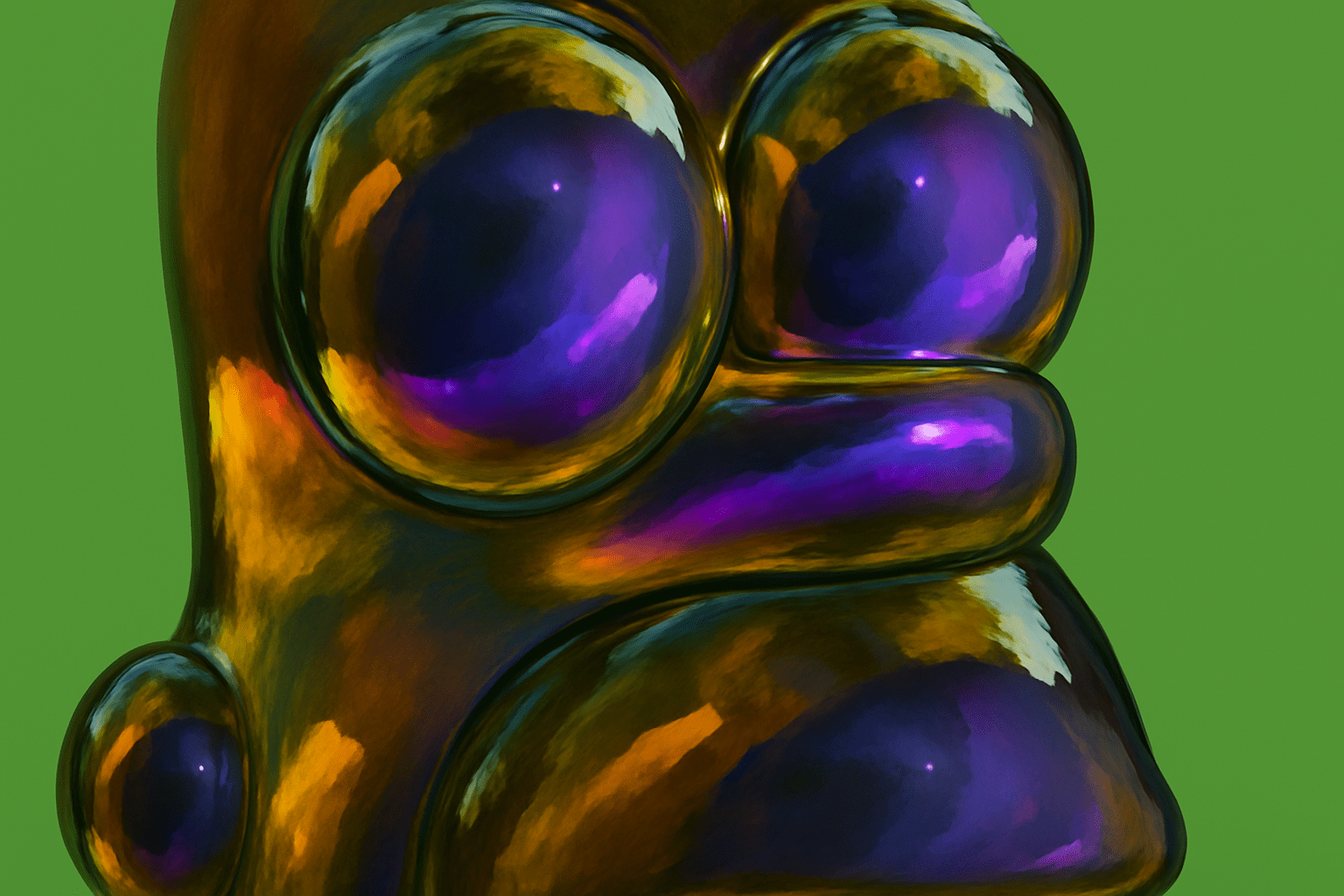
Thus, Homer Simpson’s head, eyes, and bulbous nose can transition into balloon forms through manipulation, precision, and a touch of patience.
Sculpting the Final Touches
The true artistry reveals itself in how you blend these balloon shapes seamlessly. Ensuring layers flawlessly unite is achieved through a combination of masks and skillful brushing. By selecting the Brush tool (press B), and setting your foreground color to black, you can gently paint over edges to merge them with neighboring segments, yielding an effortless blend.
Ultimately, the purpose of these techniques is to bring cohesion to your creation, emulating the smooth, consistent surface of a balloon.
The Grand Finale: Background and Inspiration
Your balloon cartoon needs a stage, and what better way than a complementary gradient background? Opt for colors that harmonize with your transformed artwork. Radial gradients infused with corresponding hues add depth and a professional finish to your art.
Unleash Your Imagination
The mesmerizing allure of balloon art lies in its creative freedom. From children’s beloved characters to personalized designs of loved ones, the potential is limited only by your creativity. Whether you’re jazzing up a social media post, customizing birthday invitations, or merely indulging in the art of fun, the process is largely a form of boundless joy.
Through these methodical steps and transformative techniques, cartoon aficionados and Photoshop enthusiasts alike can delve into this creative pastime. Have fun stretching and morphing pixels into buoyant balloon replicas and turning ordinary images into extraordinary art!