
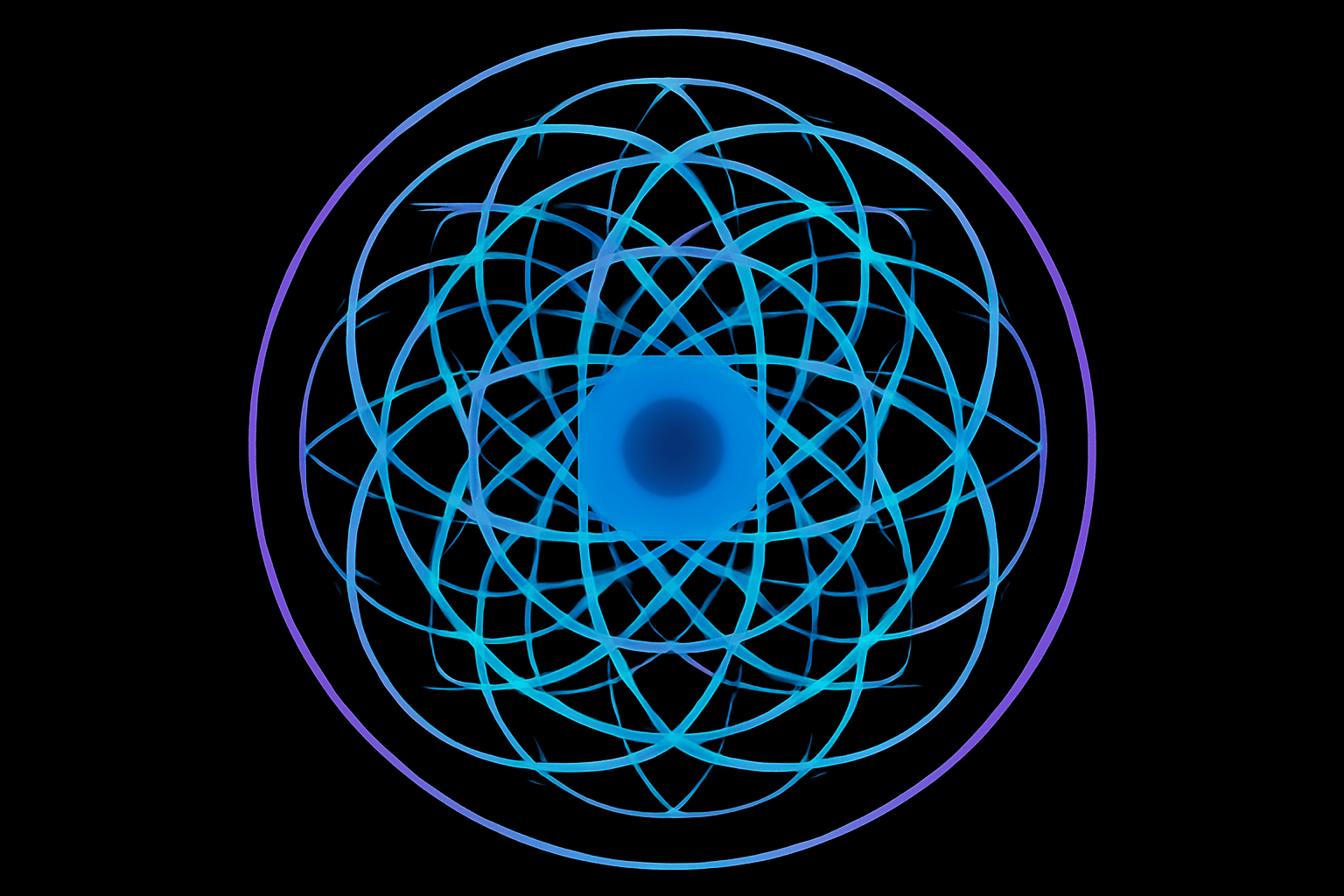
Turning Personalization into Art
Creating art is all about finding new ways to express individuality, and what better way to make your creative mark than by designing a personalized mandala with the letters of your own name? This unique artistic endeavor can transform something as simple as text into an intricate pattern that’s both visually striking and deeply personal. In today’s journey into digital creativity, we’re exploring the steps to craft a beautiful mandala using Adobe Photoshop. This project not only showcases the endless possibilities within Photoshop but also celebrates the nuances of personalized art.
Getting Started: Setting Up Your Canvas
The first step to creating your name-based mandala is setting up your digital canvas. Begin by creating a new document in Photoshop with dimensions of 1000 by 1000 pixels and a resolution of 72 pixels/inch. This provides a neat, square canvas that is perfect for centering and balancing your mandala design. Be sure to enable both “Rulers” and “Snap” under the “View” menu to maintain precision as you work through this creative process.
To kick things off, locate the exact center of the document by using guides. Simply drag guidelines from the rulers on the edges towards the center until they snap into place, creating crosshairs.
Bringing Text to Life: Choosing the Right Font
Choosing the correct font is crucial in designing a captivating mandala. Opt for something with intricate details—a font that will lend itself well to the symmetry and complexity of a mandala. For this tutorial, we’ve gone with “Strasbourg Franktur,” which you can find on DaFont.com. With your Type Tool selected, click at the center of your canvas and type out the letters for your name or any chosen word.
Transforming Text into a Mandala
With your text in place, it’s time to unleash the magic of Photoshop’s transforms and copy features. Begin by rasterizing your text layer, which allows you to manipulate the letters as shapes rather than editable text. Once rasterized, use the Transform Tool (Ctrl/Command + T) to position your text layer precisely at the center.
Making Rotational Copies
To build out your mandala, duplicate the rasterized layer (Ctrl/Command + J) before rotating it using the transform handles. Hold Shift while rotating to ensure you maintain perfect angles; aim for a full 360-degree rotation for your copies. When your name or word appears upside down, accept the transformation and merge the layers (Ctrl/Command + E). Continue duplicating and rotating the text layers, aligning them into a balanced circular motif.
Adding the Decorative Touches
Now it’s time to add some pizzazz. Using your Elliptical Marquee Tool, create concentric circles around your mandalas, applying strokes to these selections for added emphasis. A thicker stroke could encircle your main text design, while a thinner one layers inside for depth.
Gradient Magic
The magic truly appears when you apply a gradient. With your selection still active, choose the Gradient Tool and select from a range of gradients or create your own. The “Noise Samples” gradient set can yield especially vibrant and captivating results. Applying a radial gradient enhances the central focal point, creating an alluring visual effect.
Finishing Touches and Practical Uses
Set your masterpiece against a contrasting background—a solid black works beautifully to set off the colors and intricacies of your mandala. Consider adjusting layer styles like strokes for additional flair. Remember to occasionally hide the guides (Ctrl/Command + H) to appreciate your creation in full.
This personalized mandala isn’t just a pixelated decoration; it’s a testament to how digital art can be intertwined with personal narratives. Beyond merely existing in your Photoshop file, why not take it further? Think about getting your design custom-printed on a t-shirt or using it as a unique greeting card.
Art created in this way is perfect for gifts, showcasing a level of thoughtfulness and creativity that’s sure to impress. Whether you make it for yourself or for someone else, creating a mandala from the letters of a name is a beautiful way to celebrate identity through art. So go ahead, open up Photoshop, and start creating something truly remarkable with just a few clicks.





