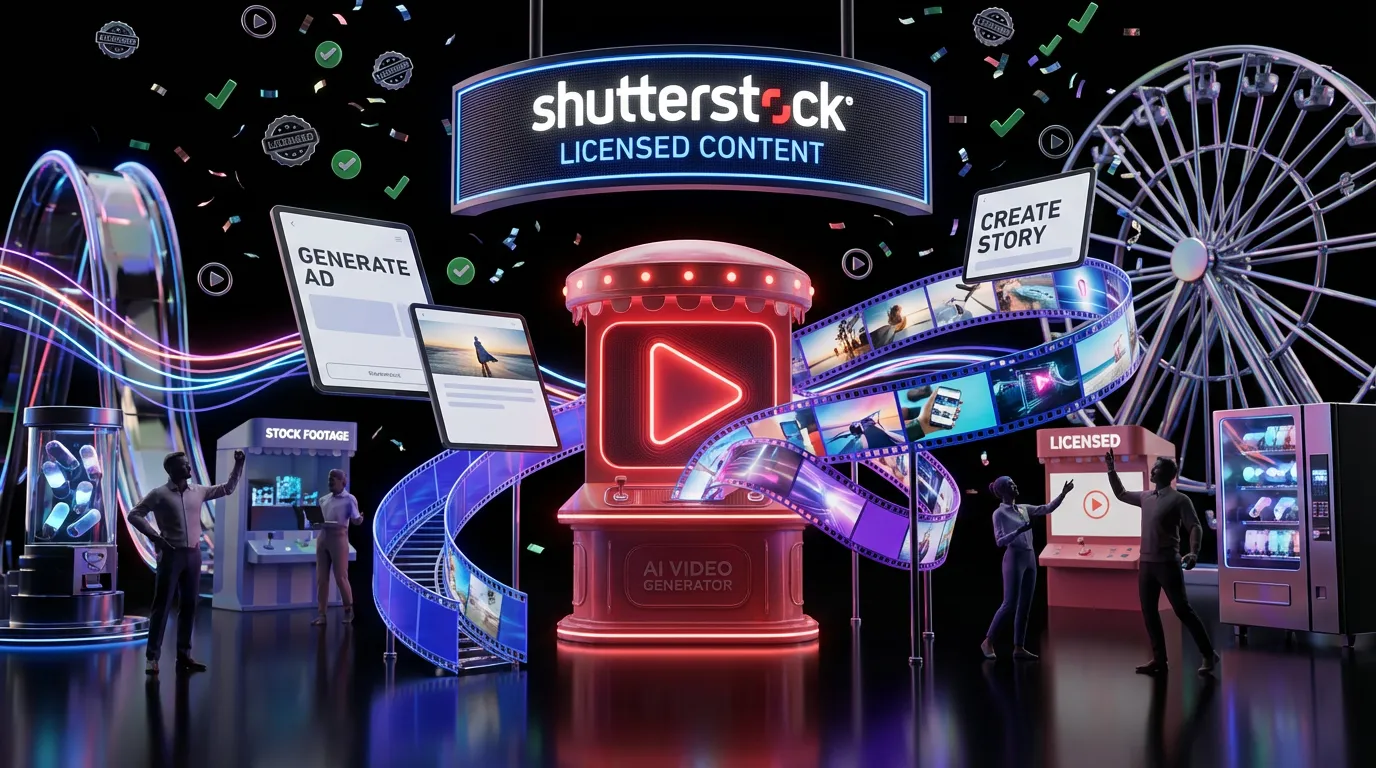
Shutterstock just dropped an in platform AI Video Generator that turns text prompts or still images into short video clips and it lives where a lot of teams already source their commercial assets. The headline: faster ideation, fewer tabs, and licensing that’s actually designed for client work, not “hope your legal team doesn’t notice.” The product is available here: https://www.shutterstock.com/ai-video-generator.
This launch matters because it’s not another standalone “look what AI can do” demo. It’s a workflow play. Shutterstock is positioning generative video as just another stock adjacent building block, something you can generate, license, and ship without building a Frankenstein pipeline of random tools, downloads, and rights guessing games.

The real story isn’t that Shutterstock can generate video.
It’s that they’re trying to make “commercial ready” the default setting, inside a platform brands already trust for usage rights.
What shipped
Shutterstock’s AI Video Generator sits in its web platform and supports two main creation paths: text to video and image to video. Shutterstock also frames this as part of a broader set of “commercial ready” GenAI tools for creative teams, emphasizing licensing clarity and professional use cases in its announcement coverage via PR Newswire.
Text to video basics
You write a prompt, pick key parameters, and it outputs short clips suited for early concepts, social drafts, and quick iterations. Shutterstock’s own product write up highlights the generator as a prompt first tool with controls meant for everyday marketing formats on the Shutterstock blog.
Image to video basics
You can also start from a still image and generate motion from it, useful when you already have a product photo, hero visual, or brand approved image and want movement without doing a full motion shoot. This is the “make it move” button a lot of content teams have been quietly begging for.
What you can control
This isn’t a full NLE replacement, and Shutterstock isn’t pretending it is. The controls are aimed at helping non technical teams get usable outputs without needing to speak fluent diffusion model.
According to Shutterstock’s description of the tool, you can select clip duration options and choose common aspect ratios for modern placements source.
Quick spec snapshot
| Control | What it affects | Why creators care |
|---|---|---|
| Prompt or reference input | Subject, style, motion cues | Faster iteration on concepts |
| Duration options | Clip length | Helps match ad and social slots |
| Aspect ratio | Vertical vs widescreen | Stops crop chaos later |
Licensing: the point of the point
If you’ve used generative video tools lately, you know the vibe: outputs can be gorgeous, but the licensing story is often vibes based. Shutterstock is leaning hard into the opposite: clear licensing inside a known marketplace.
Shutterstock’s licensing terms live in its standard license documentation here, and the company is explicitly positioning AI generated video outputs from this tool as intended for commercial use within its ecosystem. The key practical implication for teams: you’re not just generating a clip, you’re generating a clip in a system built to sell commercial usage at scale.
That doesn’t mean “do whatever you want forever.” It does mean the product is designed around the reality that brands need to ship work, not just post experiments.
Generative video is fun.
Generative video you can confidently put in a client deck is a different product category.
The free taste, then credits
Shutterstock is offering two free video generations so anyone can test the tool before paying. Shutterstock’s launch write up also notes that a generation can return two variations per request source. That’s a smart move: creators don’t need another subscription commitment to learn whether the output style fits their brand.
This “try it twice” approach also signals how Shutterstock expects teams to use the product: quick experimentation, then a credit based workflow for ongoing production.
What’s actually new here
Generative video isn’t new. What’s new is the packaging: Shutterstock is trying to turn generative video into stock’s next logical feature.
It’s a workflow consolidation play
Most marketing teams already have some combo of:
- a stock subscription
- a separate AI image tool
- a separate AI video tool
- a shared drive full of “final_v7_reallyfinal_THISONE.mp4”
Shutterstock is saying: keep the chaos if you want, but you could also generate and license in the same place you already source footage. Less switching, fewer broken links, fewer “wait, are we allowed to use this?”
It’s built for volume
Shutterstock’s core customer base is people who produce a lot of content: agencies, brand teams, and content studios. For them, the magic isn’t a single cinematic clip. It’s making 30 variations for 10 audiences without turning production into a scheduling mini game.
Who this is for
Shutterstock is positioning the tool for the people who live in the land of deadlines and deliverables.
Marketing and brand teams
If you need fast motion assets for paid social, internal pitches, landing pages, or campaign tests, this fits. Especially when you’re doing “good enough to approve direction” work before you pay for full production.
Agencies
Agencies routinely pitch directions that later die in procurement or legal. Shutterstock is clearly aiming at the “pitch it with assets that won’t explode later” workflow, where the licensing story is part of the pitch, not an awkward follow up email.
Content teams scaling formats
If your job is turning one campaign concept into 9:16, 1:1, 16:9, plus platform specific cutdowns, generative clips can be a fast way to fill gaps, particularly for transitions, atmospherics, backgrounds, and abstract motion.
What to watch in real use
This launch is promising, but the practical questions creators will care about won’t be answered by the words “commercial ready” alone.
Consistency across variations
A lot of AI video tools still struggle with repeating the same character, product, or composition across multiple clips without drift. Image to video helps when you can anchor on a real asset, but teams will still need to test whether outputs stay on brand over multiple generations.
Where it fits in the pipeline
For most teams, this won’t replace production. It will replace:
- placeholder clips
- rough animatics
- we need motion by tomorrow moments
- expensive stock searches when you actually need something very specific
Why it matters now
The generative video market is crowded, but most products still treat licensing like an FAQ footnote. Shutterstock is doing the opposite: making licensing the front of house feature and generation the engine behind it.
If this works, it nudges the industry toward a more boring standard, as a compliment: AI video that’s designed to be used, not just generated. That’s a win for creators who want speed and fewer headaches, because nothing kills creative momentum like realizing your coolest clip can’t go anywhere.