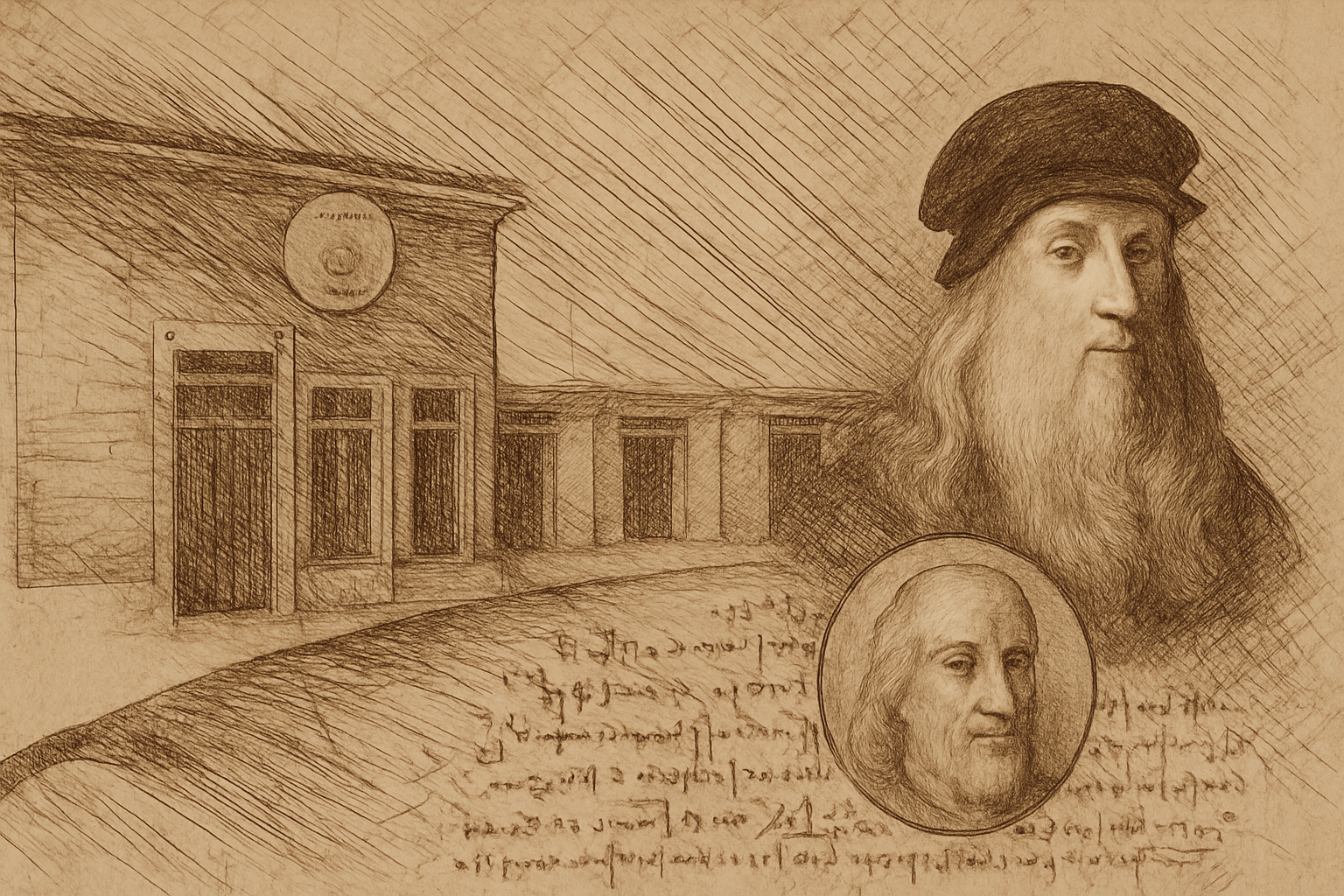
The Renaissance at Your Fingertips: A Simple Way to Turn Photos into Art
In the age of Instagram filters and AI-generated art, what’s old is new again. Imagine transforming your favorite photo into a Leonardo da Vinci sketch in just seconds. Thanks to an incredible Photoshop action available on Envato Elements, this magical transformation is now at your fingertips. Want to impress your friends or simply add a historical twist to your digital scrapbook? Set your lens on Photoshop and let’s unravel the charm of this artistic tool.
The Digital Age Meets the Renaissance
Photoshop actions have been saving time and enhancing creativity for designers across the globe. This particular action is crafted to metamorphose any photo into a realistic interpretation of a da Vinci drawing. We’re not talking about a simple sketch filter here, but a comprehensive transformation that imbues your digital photograph with the characteristic strokes and textures reminiscent of the master himself.
Why Use This Photoshop Action?
- Simplicity and Speed: Separate your subject from its background and let Photoshop do the hard work for you. You’ll have Renaissance flair in the blink of an eye.
- Complex Detailing: This action performs the intricate layering and texturing needed to simulate da Vinci’s masterful touch.
- Customizable Elements: Reposition and adjust elements to suit your artistic vision. This means your resulting image isn’t just a carbon copy but your own unique creation.
Unleashing the Power of Photoshop Actions
Are you scratching your head about Photoshop actions? You’re not alone. In simplest terms, actions in Photoshop are predefined sets of editing steps recorded so that they can be applied to other items or projects with a single click. They’re like a macro for Photoshop. These tiny processes can be tweaked and customized, giving you both power and flexibility to enhance your creative output.
But the real question is, how do they breathe life into your work so seamlessly? Here’s how:
- Automated Creativity: Actions speed up repetitive tasks without compromising on detail, allowing you more time to focus on fresh ideas.
- Artistic Freedom: Modify and augment actions to suit your needs. Switch up the details, change colors, or adjust textures—the power is in your hands.
- Consistent Results: Achieve a uniform look and feel across multiple files or projects. It’s perfect for branding or series work.
Join the Creative Renaissance
Intrigued by the prospect of turning your photos into works of art? Envato Elements offers an immense library of assets, tools, and inspirations for creative professionals. From stock videos, sound effects, templates, and yes, Photoshop actions, it’s a treasure trove for designers and creators looking to push the boundaries of their imaginations.
These Photoshop actions are more than just time-savers. They’re enablers, transforming the impossible into the plausible. Whether you’re a professional looking to add a refined touch to client work or an enthusiast wanting to explore the realms of artistry, these tools offer immense possibilities.
Time to Get Creative
So, what are you waiting for? Dig out those photos—it’s time they got the da Vinci touch. Transform ordinary images into timeless art that wows, inspires, and elevates your creative projects. Let Photoshop actions be your guide on this artistic journey, where you call the shots and history meets the digital age.
Want more? Blue Lightning TV offers a plethora of Photoshop tips, tricks, and tutorials. Stay curious, stay creative, and above all, stay inspired. With treasures like these, the only limit is the horizon.
Ready to dive deeper into digital artistry? Check out the video and embark on a creative journey to recreate history, one photo at a time. Whether you’re a Photoshop newbie or a seasoned pro, this Photoshop action will have you channeling your inner da Vinci in no time.