
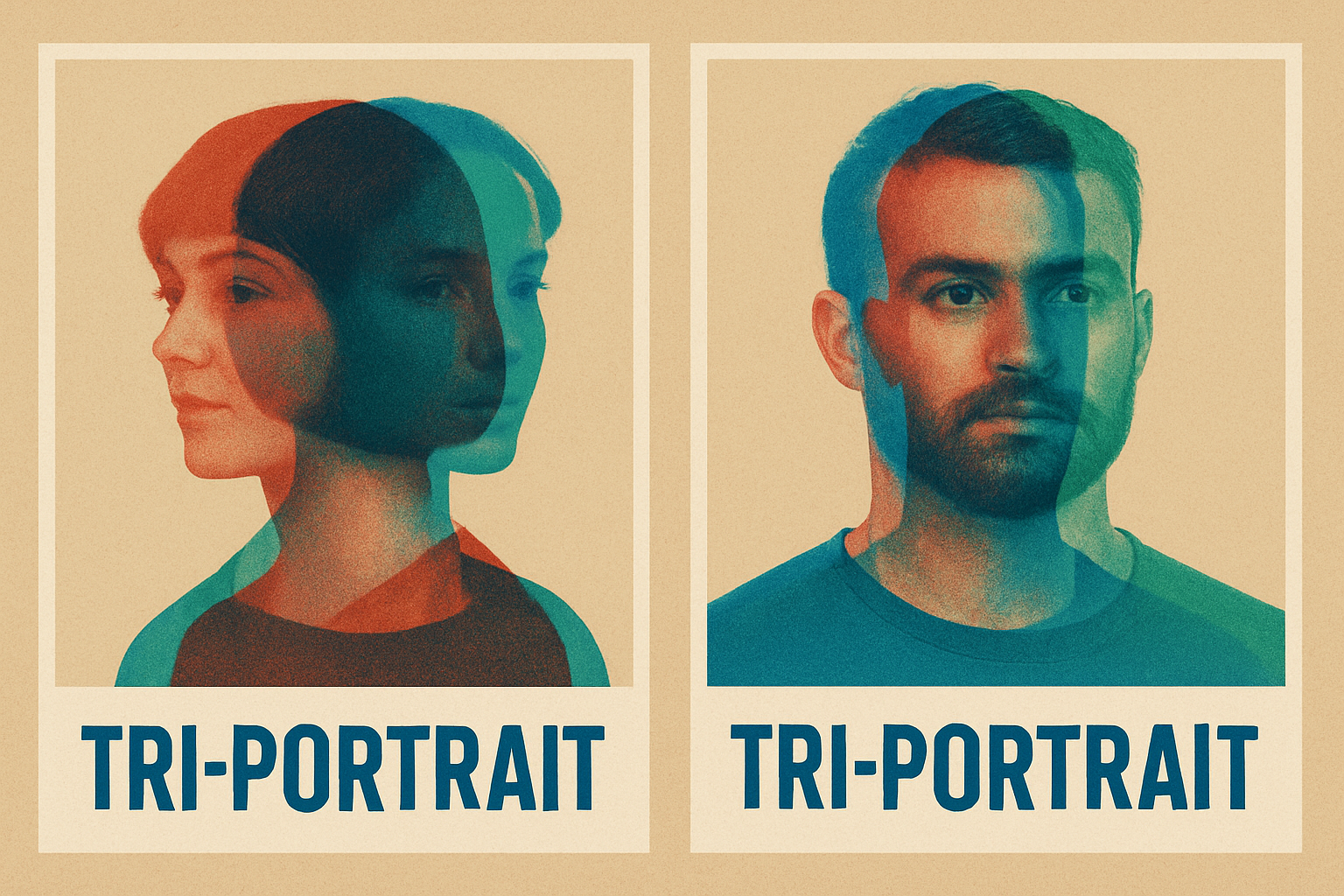
Dive into the Tribal Artistry with Photoshop’s Magic
If you’ve ever yearned to create a compelling tribal portrait that captures not just the essence of your subject but also the intricate vibes of tribal designs, you’ve come to the right place. Photoshop wizardry can guide you through a journey where pixels meet the pigments of authentic tribal artistry, transforming an ordinary face into a work of colorful and structured art. The world of tribal designs is brimming with creative flair and cultural depth. But before we embark on this exhilarating creative expedition, let’s watch the tutorial video for visual guidance:
Preparing Your Canvas – The Foundation of a Tribal Portrait
Before you conjure up digital magic, you must prepare your canvas. Start by choosing a striking portrait of a face. This will be your base image, the plain wall on which you’ll splash your tribal designs. Marty used an image from Shutterstock; you can find yours from your favorite image site. Once chosen, it’s time to adjust the size and resolution. Aim for a width and height of around 4400 pixels with a resolution of 300 pixels per inch, especially if you have designs on having your art physically admired.
Separating the Subject – Free the Face
Your artwork’s soul lies within the face. It needs separation from its mundane background. Use the Quick Selection Tool in Photoshop, set to a 10-pixel radius. Drag this digital brush over the face to select it. If you accidentally include more than you wished, holding ‘Alt’ or ‘Option’ will backtrack those selections. Want precision? Toggle ‘Quick Mask Mode’ by hitting ‘Q’ – a tool of choice for any digital artist worth their salt.
Making the Cut – Refine Those Edges Like a Pro
Photoshop offers tools that transform your rough selection into clean edges. Using ‘Select and Mask’ or ‘Refine Edge,’ you can meticulously refine those pixelated boundaries. Adjust settings like the Smart Radius for the softer, feathery edges of your subject. Once satisfied, output the selection as a new layer with a layer mask. This step provides you the flexibility to play around without worrying about destructive edits.
Channel Your Inner Pen Tool – Drawing Tribal Shapes
Now, direct your creative energy into defining tribal shapes using the Pen Tool. Both horizontal and vertical guides help center your design. Draw shapes that echo tribal motifs around your subject, structuring an alluring pattern. This meticulous use of the pen tool is where many artists express their true creativity.
Smart Objects –Your Non-destructive Best Friend
Your artwork, like any good story told, should be open to changes. Convert your masterpiece into a smart object. Doing so allows you to trial different filters, enhancing your tribal motif without permanently altering your base image.
Bringing Color and Depth – The Background Dance
A compelling tribal portrait isn’t limited to just the face. Your background must complement the energy of your subject. Unlock it, and favoring colors that resonate with your idea. Want diversity in hues? Brush through your layers with Gradient Overlay, gently letting colors ease into each other. Radial gradients with gentle reversed pulls complement the oft vivid tribal art.
The Stylish Overlay of Text – Make It Speak
Tribal art often tells a story, and this is your opportunity! Overlay text to meaningfully add to your portrait’s narrative. Choose a bold and expressive font. Use high contrasts and strategic placement to ensure your text doesn’t just fade into the canvas but sits there with purpose.
Final Flourish with Texture – Embrace the Paper Feel
Channel the nostalgia of a handmade craft by adding a subtle, papery texture. Through the Filter Gallery, explore options like ‘Texturizer’ to impart a sandstone feel to your digital artwork. This tangible aura urges the observer to reach out and almost touch.
Play with Color – A Dynamic Change Anytime
Finally, with a simple adjustment through the hue/saturation tool, shift the color spectrum of your background. Modify it to match themes, seasons, or simply your mood on a given day. The beauty of digital art is its endless possibility for change and iteration.
Art takes on numerous forms and expressions, with each brushstroke—each pixel—holding the potential to unveil something profoundly unique. The creation of a tribal portrait using Photoshop is an ode to both technological advancement and tribal traditions. With tools at your fingertips and creativity in your heart, there’s no limit to what you can achieve in the realm of digital artistry.
Happy creating!




