
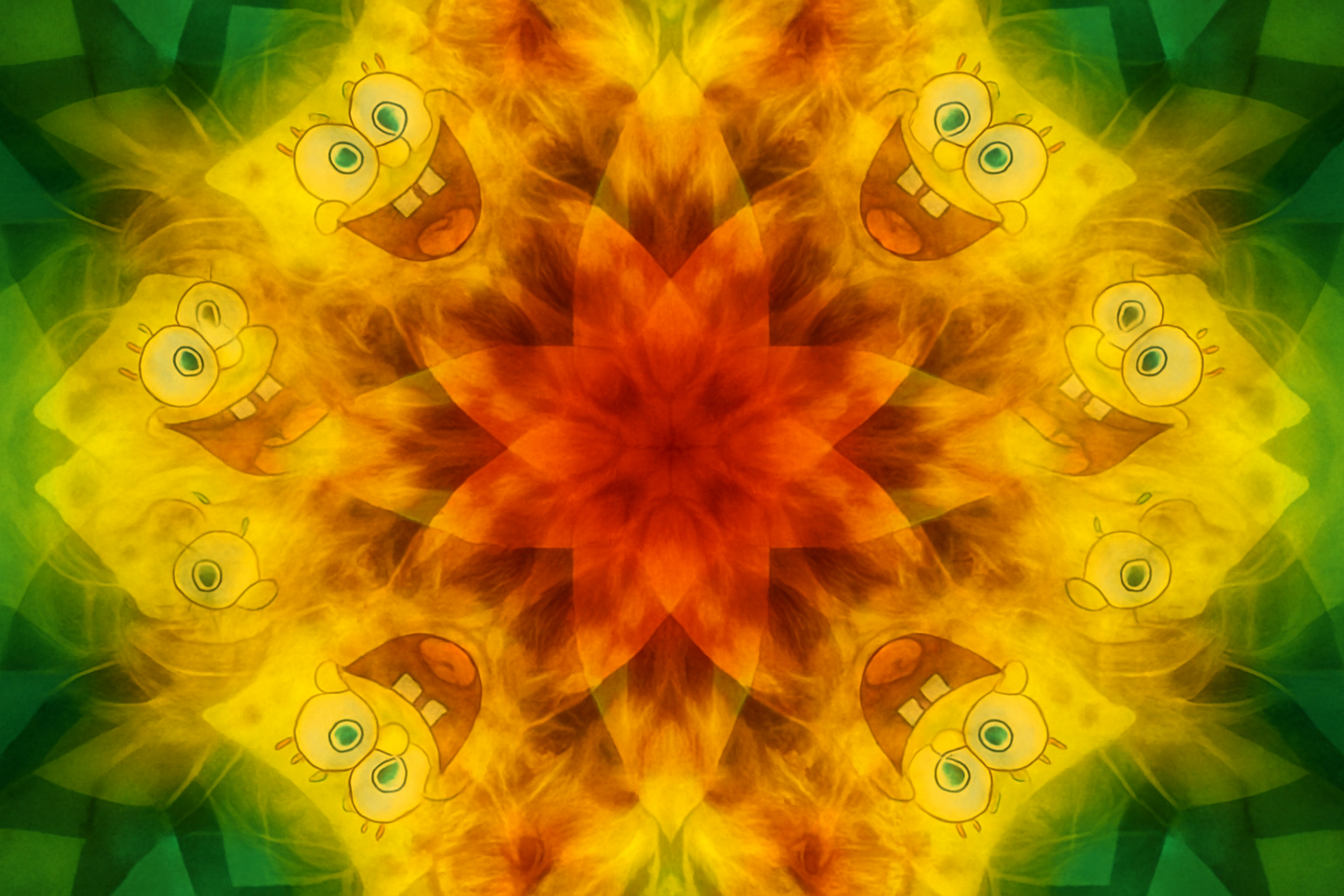
Unleash Your Creative Sides: Transform Photos into Mesmerizing Kaleidoscopes
Let’s face it; you’ve been there — staring at your collection of photos and wondering how you can breathe new life into them. Well, the solution is here, and it’s got a groovy twist. We’re diving into the vibrant, symmetrical world of kaleidoscopic art. With this tutorial, not only will you learn how to get that visually stunning look, but you’ll also be creating it from scratch using nothing more than your trusty Photoshop software. No plugins needed. Snarky, curious, and rooted in the internet zeitgeist, we’ll guide you through turning your mundane snaps into captivating whirlwinds of color and symmetry.
Why Kaleidoscopes? Because They’re Hypnotically Cool!
Kaleidoscope designs are not just a throwback to the psychedelic ’60s — they’re a transformative art form that gives your photos a whole new dimension. By creating these effervescent patterns, you take something ordinary, like a frog in a flower bed, and elevate it to unparalleled allure. Who needs filters when you can create entirely distinct visual masterpieces?
Preparing Your Canvas
Before we commence on your kaleidoscopic journey, let’s set up our digital canvas in Photoshop. Start with a document sized at 1000 x 1000 pixels, with a resolution of 150 pixels per inch. Next, make sure your foreground and background colors are set to black and white. Quick tip: Press ‘D’ to set the default colors and ‘X’ if you need to swap them. Let the magic unfold!
Automate and Elevate – Record an Action
Let’s streamline the process by recording an action. This is Photoshop’s version of a cheat code. Open the Actions panel, create a new set named “FX”, and add a new action named “Kaleidoscope”. Start recording, and every tweak and transformation you make will be stored, ready for one-click use on other photos.
The Dance of Layers and Blending Modes
1. Layer Magic: Duplicate the background layer multiple times.
2. Transformations: Rotate these layers by 45 degrees using the Transform tool (Ctrl or Command + T).
3. Blend Well: Set the blend mode to “Multiply” to add depth and interaction with your layers.
4. Final Touches: Flatten the layers when satisfied, but be sure to keep a backup.
The Brightness and Mask March
Now, to adjust the lighting dynamics:
– Use the Brightness/Contrast Adjustment Layer to control your light spectrum — bump the brightness up all the way, and the contrast, all the way down for a dazzling effect.
– Duplicate for extra glow.
Moving off from plain overlay adjustments, braid in a layer mask and choose the radial gradient to orchestrate light focus. Invert the mask to get just the right emphasis on the center.
Unleash the Inner Shape Artist
We’re not just stopping at layers; we’re forging paths with shapes:
1. Custom Shapes: Hunt down a shape that screams you! In this tutorial, we fancy a star shape, but any geometric design will do.
2. Center and Scale: Ensure your shape maintains its center definition as you drag it out for effect.
3. Be Bold: Overlay your shape selection using Ctrl or Command + J and adjust its blend mode to “Overlay”.
Finishing Flourishes
As your kaleidoscope nears completion, you may want subtle tweaks or dramatic shifts — the choices abound:
– Blending Mode Alchemy: Don’t be afraid to tinker with it post-process.
– Brightness: Tap into your adjustment layers once more for that custom brightness.
Let Your Creativity Cascade
This is just one way to generate endless visual satisfaction. Want more variations? Use different pictures, shapes, or even play around with blending options, and watch a simple imagination spiral into a vibrant swirl of colors.
All the while, remember — there’s no right or wrong way to shape your kaleidoscope. Every formation is uniquely yours. Photoshop’s like a digital playground, and once you’ve figured out the swings and slides of these techniques, you’ll be slinging out swirling starburst designs like nobody’s business.
Check out more with Blue Lighting TV and revolutionize your creative projects. The possibilities really are… kaleidoscopic!




