
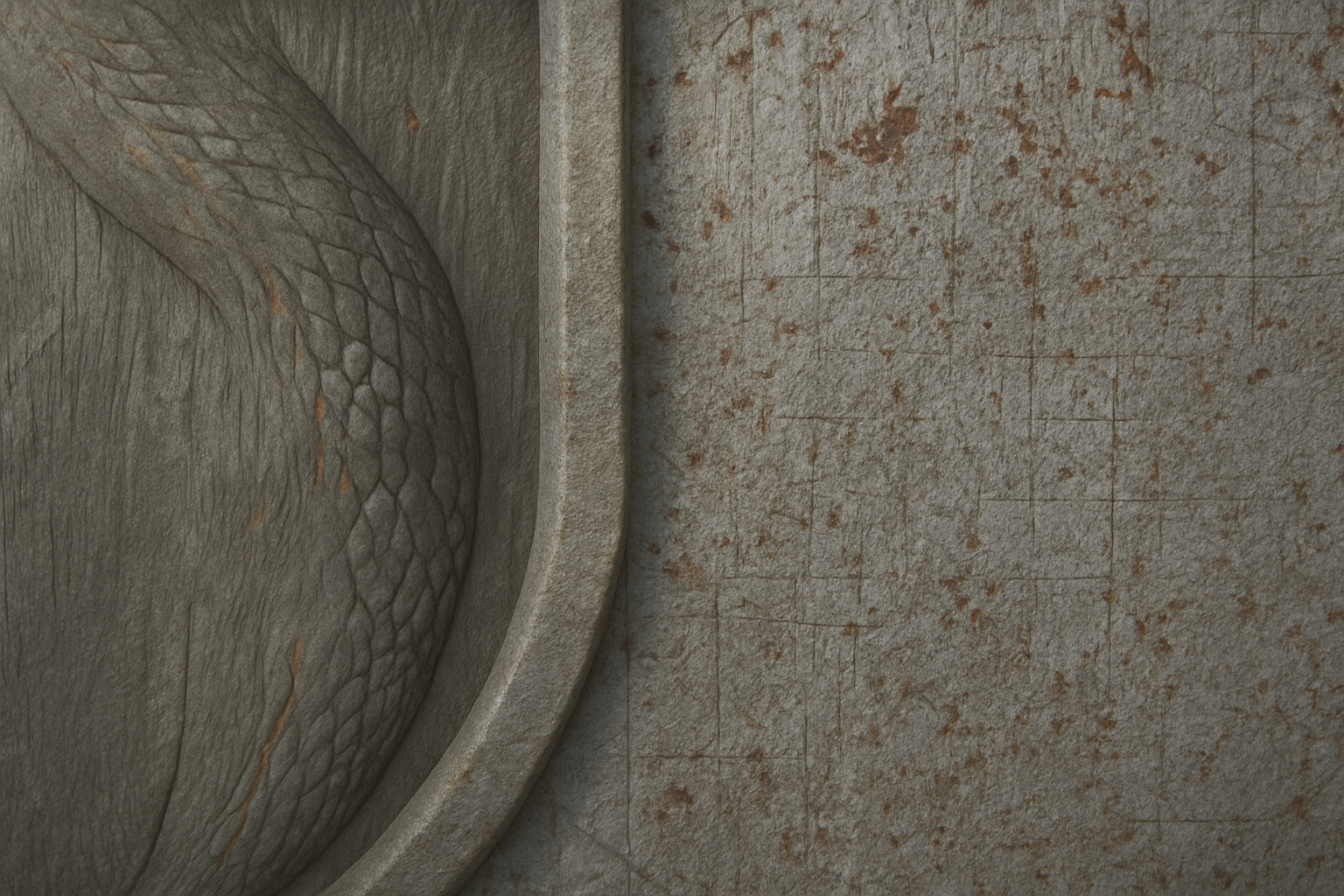
Unleash Your Inner Viking with Photoshop
Who doesn’t want to wield the visual power of the legendary Vikings? The must-see tutorial on how to create an ancient iron Viking motif in Photoshop brings forth a bit of Norse charisma every digital artist needs in their toolset. This isn’t your average Photoshop lesson—this one promises to deliver authenticity wrapped in cool metallic textures and ornamental detail.
Begin Your Quest with Essential Resources
Before we storm the digital battlefield of creativity, let’s arm ourselves with the essentials. The tutorial offers two indispensable Photoshop documents for download—each jam-packed with resources like a metal background and an ornamental Viking border. If you fancy typing out something worthy of a runestone, the “Cabaletta” font, known for its ancient flair, is your new go-to. You can find links to these resources conveniently nestled beneath the YouTube video description.
Crafting Your Ironwork
Setting the Scene with Lens Correction
Our journey begins with visual wizardry—working the lens correction magic. With a subtle swipe to the left on the vignette controls, we conjure a moody, dark envelope around the edges. This nifty trick thrusts the spotlight onto the centerpiece, lending a hint of drama worthy of a Viking saga, while showcasing the range of Photoshop’s capabilities to manipulate focus without a hitch.
Mastering the Magic Wand
Here’s where digital sorcery meets precision: the Magic Wand Tool. Set the tolerance to 50, make sure to check anti-alias, and unshackle the tool by unchecking contiguous. With just a click in the white space and a decisive press of the delete key, the unwanted elements are banished into digital oblivion. Reducing the fill to zero adds elegance to the bold frame, paving the way for our hero—bevel and emboss—to take center stage with a flourish.
Crafting the Viking Shield
The Art of Polar Coordinates
It might sound like a navigation command, but in Photoshop, polar coordinates can transform your layout from flat to fab. Our metal plate is enrolled in a new destiny, distorting from rectangular to polar form, and now resembles a round shield straight from Odin’s armory. With another nudge of the Magic Wand and delete ritual, the task is set for our forged border to take full shape.
Capturing the Viking Essence Through Text
Perfect Text with Bold & Bevel
Any Viking knows a true emblem isn’t complete without words of power. Choose a fittingly ancient font like “Cabaletta” to match the historical theme, and let your text radiate strength with an imposing point size (285, say?). After centering your text and laying it over the shield, enhance it with the same texture that held the shield together.
Enhance with Shadows for Drama
Creating depth and intrigue with shadows is more than meets the eye—literally. Hidden shield layers serve as a subtle canvas for shadows playing tricks with light angles. By managing shadow opacities, altering angles, and layering them in different directions, your artwork breathes life and contrast, making it not just a piece, but a masterpiece.
Final Thoughts
This tutorial isn’t just about learning Photoshop techniques—it’s about tapping into the mystical aura of an ancient tribe renowned for their art and force. Using these steps, not only can you replicate this Viking treasure, but the knowledge here adds a versatile skill set to your creative arsenal, whether you’re conjuring a fantasy scene, designing a captivating book cover, or adding some Nordic flair to a digital project.
So, sharpen your digital tools, let your creativity set sail, and unlock the secrets of ancient iron Viking imagery right within Photoshop.





