
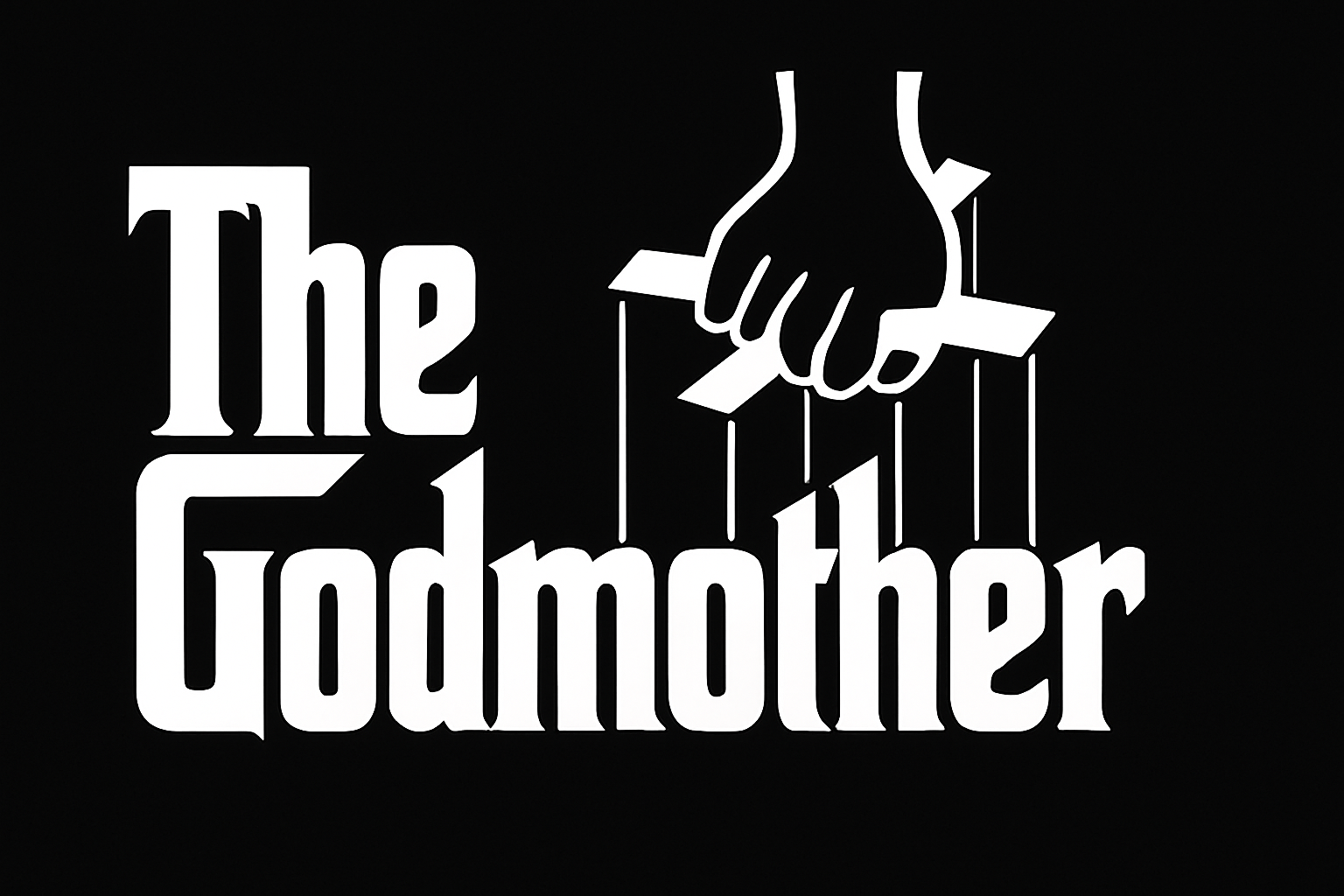
Unleash Your Inner Don with a Personalized Godfather Poster
Ever wanted to see your name—or your likeness—in lights? Or perhaps, more fittingly, in the shadowy noir style of The Godfather’s classic movie poster? Now you can, thanks to this nifty guide on recreating that iconic look. Whether you’re looking to impress your film-buff friends or just want to spice up your living room decor, we’re here to guide you through every meticulous step!
Why Recreating this Iconic Poster is a Big Deal
This poster isn’t just any old cinematic artwork—it’s a staple of popular culture. Designed with a simplistic yet powerful style, The Godfather poster art is known for its heavy use of contrast, unique font, and a mysterious ambiance perfectly capturing the essence of the film. Being able to create your own version not only provides a great exercise in photo editing but also gives you a chance to engage with one of cinema’s classic icons. Plus, it’s just plain fun!
Tools and Resources to Get You Started
- Photoshop: This tutorial relies heavily on Adobe Photoshop. If you’re new to it, consider checking out some basic guides to get comfortable with the controls.
- Template and Fonts: You’ll need The Godfather template and appropriate font for that quintessential look. Lucky for you, a downloadable template is provided in the video description or project files. Don’t have the font yet? There’s a handy link for you to get the “Corleone” font as well.
Step-by-step Guide for Creating Your Custom Poster
Let’s dive into the process of crafting your customized masterpiece.
Step 1: Preparing Your Image
Open the photograph of the person you wish to feature on your poster. If the image is in color, transform it into vintage black and white by using the shortcut Ctrl + Shift + U for PC or Cmd + Shift + U on a Mac. For a more polished look, improve the brightness and contrast with Ctrl + Shift + L (Auto-tone).
Step 2: Crafting a Selection
Gently carve out your subject from their background using the “Quick Selection Tool.” Set the brush size to 15 pixels and hardness to 100%, perfect for most image scales. Adjust as necessary to fit your image’s size and resolution.
Step 3: The Quickmask Magic
Press “Q” to transform your selection into a quickmask. This magical phase allows precise editing, enabling you to invert colors and paint over any areas that need adjustment. When satisfied, press “Q” again to revert back to a selection.
Step 4: Blending Your Subject
With your subject successfully isolated, use Ctrl/Cmd + J to cut them out from their background. Move it into the template by dragging onto the tab of the poster.
Step 5: Resizing and Positioning
Adjust your photo’s dimensions and angle like an artistic pro using Ctrl/Cmd + T for the Transform tool. Make sure it fits seamlessly with the rest of your design.
Step 6: Amplifying Contrast with Threshold
Navigate over to Image > Adjustments > Threshold. Here, settle into that mystical 128 default level, tweaking as necessary for your photo’s needs.
Injecting the Classic Godfather Style
The most distinctive part of The Godfather poster is its iconic title design. Initiate the process by editing the title text layer. Time to flex those creative muscles; replace “The Godfather” with text of your choice using the type tool, and the Corleone font you’ve cheerily installed.
Understanding Font and Text Dynamics
- Corleone Font: This font captures the essence of the Godfather’s distinct style.
- Setting Up Text: Open the Character Panel and reset the settings. Select white as your color for that classic flair, set font size to 68, and use leading box adjustments to primp your text into aesthetic submission.
Final Touches and Adjustments
Mastering Layers
Cap off your creation by managing layers like a digital art boss. Gather them up by shift-clicking, selecting all layers, and employing the Transform tool to resize or reposition your finished design.
Voila! Your Very Own Movie Poster
For those out there feeling downright inspired, feel free to personalize even more. Add roses, tweak text, and customize credits to impress your audience. The sky’s the limit for your creativity.
Conclusion
Now you’re all set to adorn your life (or wall) with a personal take on an iconic piece of art. Who knew that becoming the Godfather—or at least looking like one—could be so accessible? So, put on some film noir soundtracks, grab a glass of Chianti, and enjoy the process of crafting your own cinematic relic. Have fun and make sure to showcase that masterpiece!
Happy editing, and may your creative journey be as memorable as a night at the Oscars!





