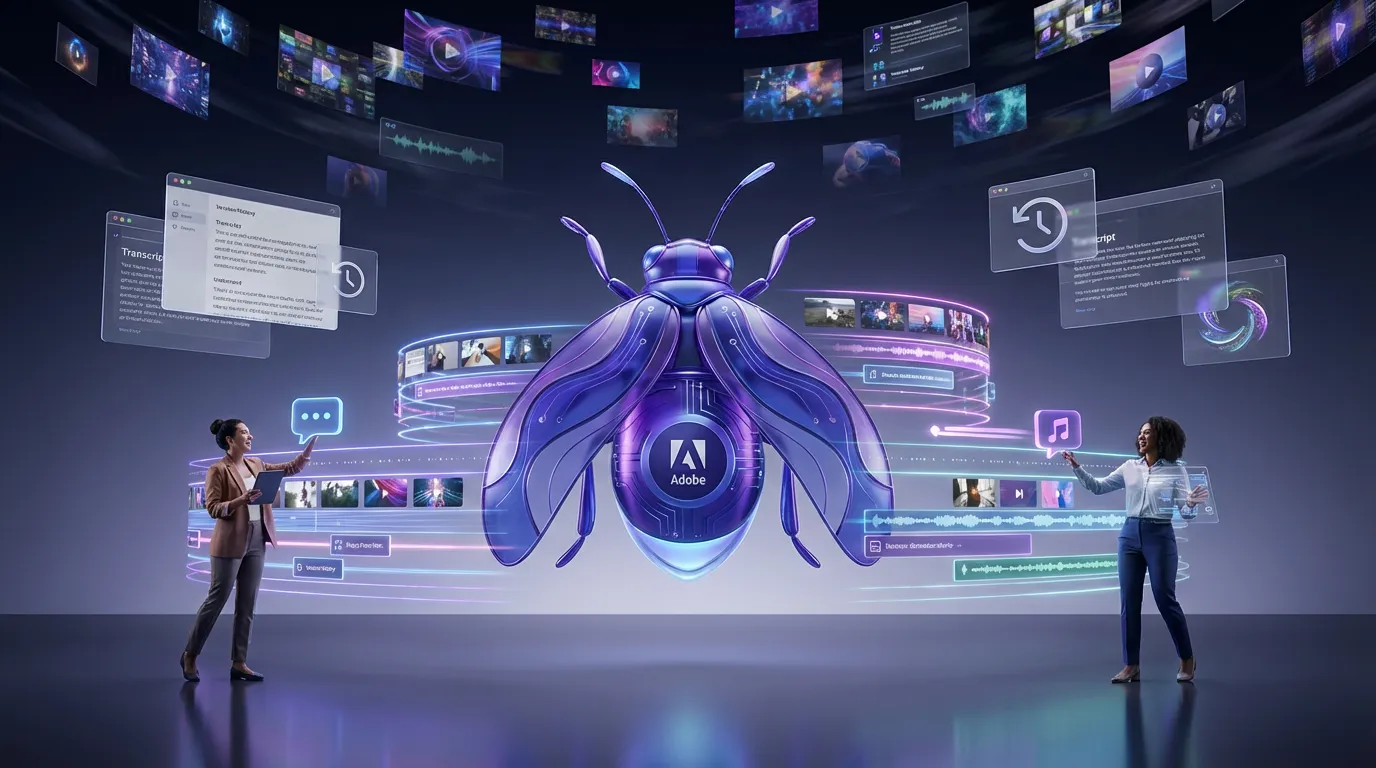
Adobe’s Firefly video editor (beta) is quietly turning into a real browser-based NLE, not just a “generate a clip and bounce” playground. The latest rollout adds a multi-track timeline, transcript-based editing, and tighter Generation History integration, three upgrades that matter because they move Firefly closer to a centralized workspace where AI generation and actual editorial decisions happen in the same tab. You can try it through Adobe Firefly on the web.
If you’re a creator juggling AI clips, talking-head footage, VO, music, and “can we just cut the part where I say ‘um’ 47 times?” this update is Adobe aiming directly at your calendar.

What just changed
Firefly’s browser beta now looks less like a demo and more like an early-stage editing hub: stack layers, edit speech by text, and pull previously generated assets back into your project without hunting through download folders like it’s 2016.
Adobe’s own documentation frames Firefly video editor (beta) as a web editor with a multi-track timeline and built-in Firefly generation tools inside the same interface (About Firefly video editor (beta)). The key is that these features aren’t “nice to have.” They’re workflow glue.
Here’s the practical shape of what shipped.
Multi-track, finally
The headline feature is the multi-track timeline, in the browser. That sounds obvious until you remember how many AI video tools still force you into a single-clip mindset: generate, export, repeat, assemble somewhere else.
With a real timeline, Firefly is effectively acknowledging a truth creators already live with:
Generative clips don’t ship by themselves. Edits ship.
Multi-track means you can layer:
- video on top of video (B-roll, cutaways, overlays)
- audio under everything (music beds, VO, SFX)
- text layers, including text you can add directly from a transcript (where supported in the current beta)
And because this is browser-first, it’s also a subtle bet: Adobe wants Firefly to be the place you rough-cut and iterate, even if you finish in Premiere later.
Why it matters now
The market is moving from “text-to-video exists” to “text-to-video survives real production.” That requires basics that aren’t glamorous but are essential: layering, timing control, project organization, and versioning.
A multi-track timeline is Adobe saying Firefly is no longer just a generator. It’s becoming a workspace.
Transcript edits, not scrubbing
The other big move is text-based editing via transcripts. Firefly can generate a transcript aligned to time, and you can build rough cuts and trim dialogue by working from the transcript instead of scrubbing waveforms.
Adobe’s HelpX docs describe Firefly’s transcript workflow for building rough cuts and trimming dialogue (Text-based editing).
This matters because transcript editing isn’t a novelty anymore. It’s one of the fastest ways to turn long, messy talking footage into something tight and postable.
What it unlocks
For speech-heavy content (podcasts, interviews, founder videos, UGC testimonials), transcript editing changes the labor curve:
- Search instead of scrub: find the moment by text
- Delete by sentence: cut cleanly without hunting frames
- Rearrange by paragraph: move an answer up top without timeline surgery
- Filler-word cleanup: possible in the transcript workflow, but accuracy and behavior can vary by speaker, audio quality, and current beta changes
The real implication
Transcript editing lowers the skill barrier without dumbing down the output. It’s not “editing for beginners.” It’s editing for people who want their Tuesday back.
Generation History becomes useful
Firefly’s Generation History is what turns “AI outputs” into “reusable assets.” Instead of treating generations as disposable, Firefly keeps a history of what you generated so you can bring earlier versions back into new work.
Adobe documents Generation History as a place where your generated media is saved and can be managed and reused (View generation history).
That sounds basic, but in generative workflows it solves an expensive problem: iteration chaos.
Why versioning matters in AI video
In normal editing, versions are deterministic: you know what changed. In generative, versions can drift wildly. Generation History becomes the memory of what actually worked.
This also changes how teams can collaborate. Instead of “I generated a better clip earlier but I can’t find it,” you get a panel of past outputs you can pull from, compare, and re-drop into the timeline.
The workflow shift
These features together push Firefly toward a new category: AI-first rough-cutting.
Not “full replacement for Premiere.” Not “one prompt makes your campaign.” A middle layer where creators can iterate quickly, assemble ideas, and get to a reviewable cut before they ever open a heavyweight NLE.
Here’s how the workflow is starting to look in practice:
| Workflow need | Old approach | Firefly’s new approach |
|---|---|---|
| Layering clips and audio | Export AI clips, assemble elsewhere | Multi-track timeline in browser |
| Cutting dialogue fast | Scrub waveform, trim manually | Edit by transcript text |
| Reusing past generations | Download folder roulette | Pull from Generation History |
That’s not hype. It’s simply removing the friction that made many AI video tools feel like “cool demos” instead of production surfaces.
What this means for creators
This update is especially relevant for creators doing high-volume, high-iteration work:
- UGC ads and performance creative
- talking-head + B-roll social content
- podcast cutdowns and clips
- internal comms, training, explainers
- agency draft edits that need fast revisions
The big advantage isn’t that Firefly suddenly makes perfect video. It’s that it compresses the early edit loop, where most time gets wasted.
If you want a related look at where Firefly’s video tooling is heading, see our coverage of Firefly Prompt to Edit.
The limits to keep in mind
Firefly video editor is still beta, and the browser-first approach comes with practical realities:
- Your connection matters: cloud workflows feel amazing until Wi-Fi decides to freelance.
- Finishing is still finishing: color, sound design, and precision motion graphics still belong in dedicated tools for many teams.
- Transcript accuracy varies: noisy audio, multiple speakers, or heavy accents can introduce cleanup work.
- Availability can vary by region: the video editor is positioned as a public beta, but video features may still be limited or rolling out in select countries.
Adobe’s approach looks intentionally staged: make Firefly strong at rough cuts, iteration, and AI asset handling, then let pros finish in the apps they already trust.
Bottom line
Adobe isn’t trying to win the “coolest AI demo” contest with this update. It’s trying to win the workflow contest, where creators live or die by iteration speed, version control, and how fast you can get to a clean cut.
The multi-track timeline, transcript-based editing, and Generation History integration are all signals of the same direction: Firefly is becoming a browser-based content assembly hub, not just a generator. For creators who want AI to reduce friction (not add tabs), this is a meaningful step forward.