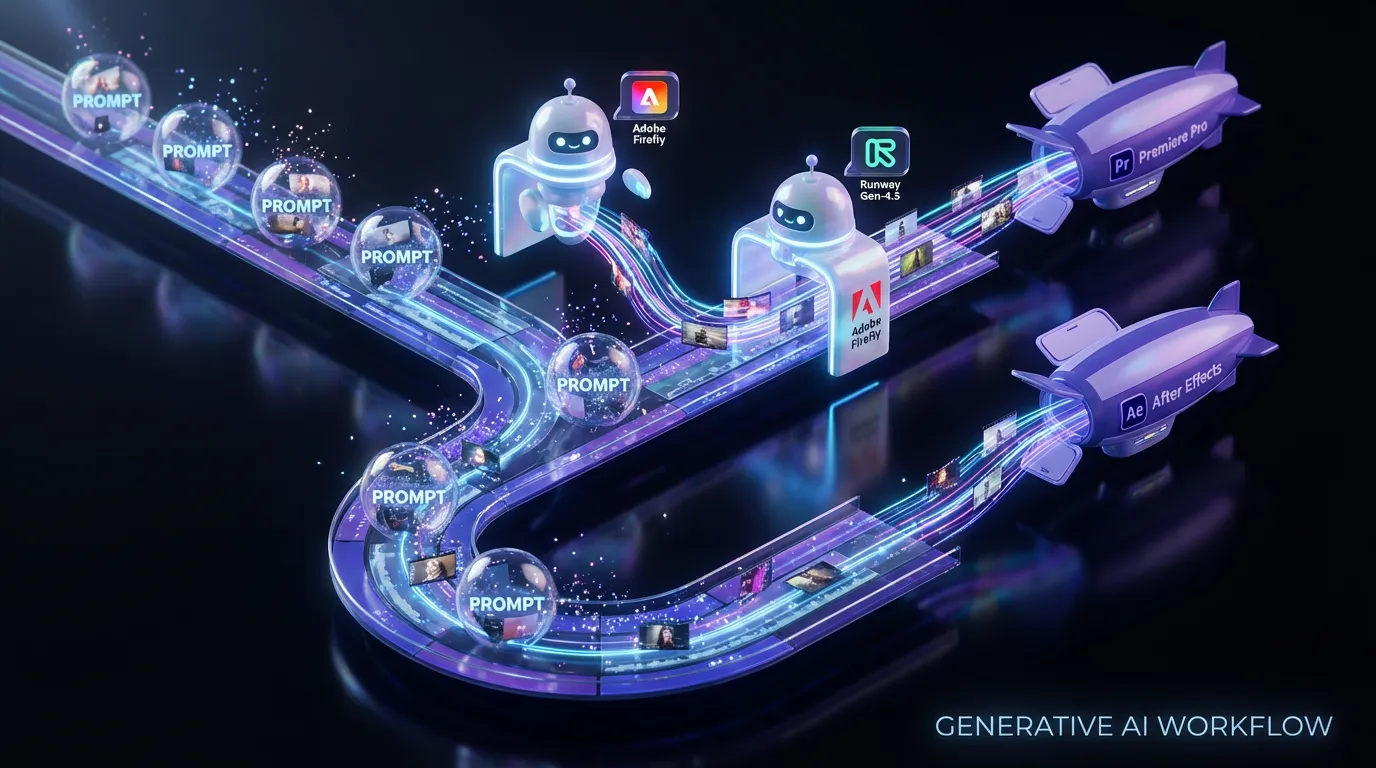
Adobe just pulled generative video one step closer to normal software you use every day by integrating Runway’s Gen-4.5 model directly into Firefly. The headline is simple: you can now generate prompt-based video inside Firefly using Runway’s Gen-4.5 model and move those clips downstream into Creative Cloud without the usual export and import gymnastics. Adobe’s official partnership announcement is here: Adobe and Runway partner.
This is not a press demo kind of update. It’s a workflow play. Firefly becomes the front door for experimenting with AI video, while Premiere Pro and After Effects remain the place you finish. That division of labor generate in Firefly, polish in Creative Cloud sounds obvious, but it’s exactly what has been missing from most standalone text-to-video tools.
If you’ve been using AI video for moodboards, pitch comps, or we’ll replace this shot later edits, this is Adobe trying to make that part of production feel first-class.
What actually shipped in Firefly
The key change is that Firefly’s video generation options now include Runway Gen-4.5 as a selectable partner model in Firefly’s video generation surfaces. Adobe frames this as an early step in a longer partnership where Firefly can surface best-in-class models without pretending everything is built in-house.
From the product side, Adobe’s Runway page positions Gen-4.5 around familiar creator-facing promises like improved motion quality, visual fidelity, and stronger controllability. Runway Gen-4.5 in Firefly
What matters for creators: this is not a separate Runway product you have to sign into. It’s accessible inside Firefly under Adobe’s partner model workflow.
Gen-4.5 inside Firefly: the practical knobs
Adobe’s HelpX documentation shows this behaves like Firefly’s broader partner model setup: you choose the model, then set video parameters like aspect ratio, duration, resolution, and frame rate. Generate videos using non-Adobe models
As documented there, Runway Gen-4.5 generation in Firefly is structured around production-ish constraints, including 720p resolution at 24 fps, with duration options of 5, 8, or 10 seconds.
Why this matters: the handoff problem is the whole problem
Text-to-video tools have been getting better fast, but the friction hasn’t been about model quality alone. It’s been about handoff:
- Where do those clips live?
- How do you version them?
- Who approves them?
- How do you get them into the timeline with the right settings?
- How painful is it to iterate?
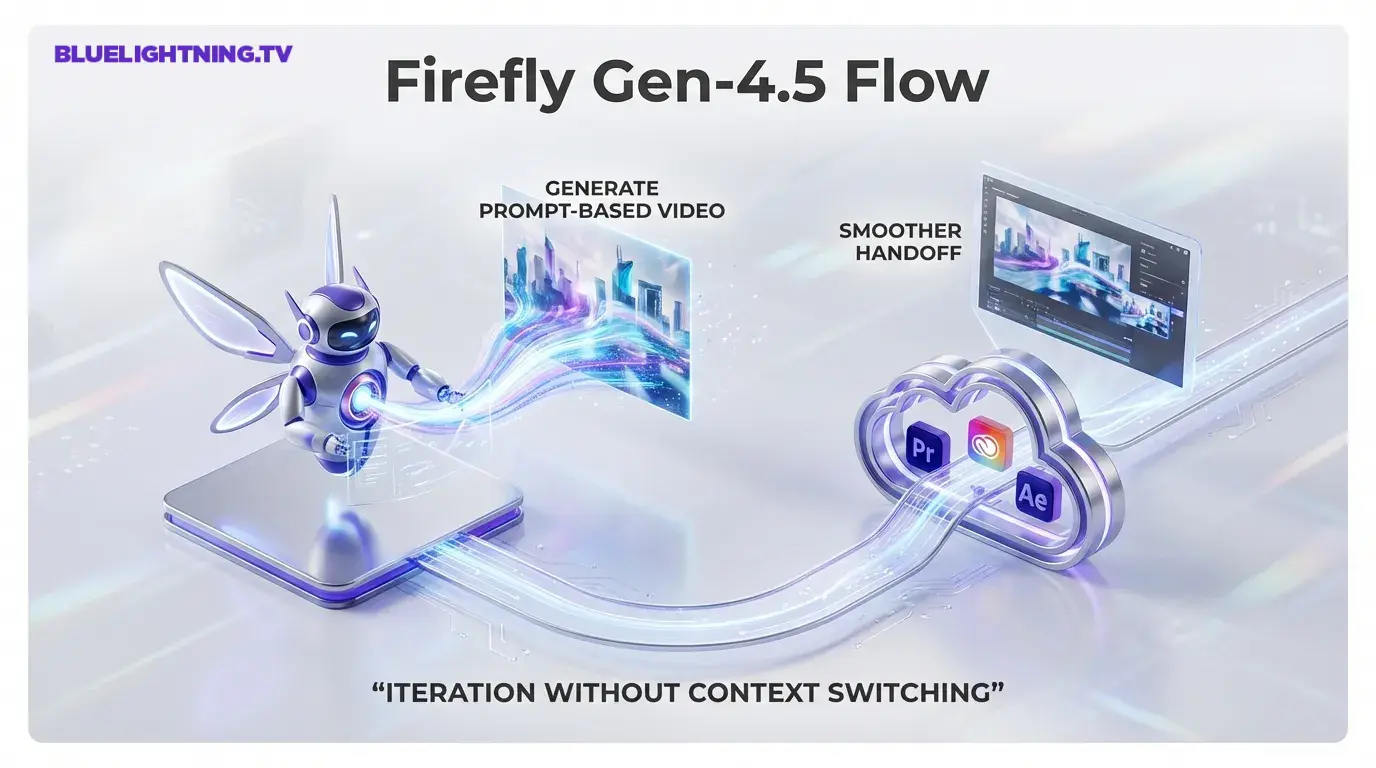
Adobe’s bet is that creators don’t just want better generations. They want AI video to behave like an asset in a real pipeline. Firefly is being positioned as the generator and staging area, and Creative Cloud is still the finishing suite.
The real win: iteration speed without context switching
The most time-wasting part of AI video right now is not generating. It is everything around generating. Uploading references, downloading results, renaming files, re-importing, tracking which version was the good one, then doing it again.
Putting Gen-4.5 into Firefly compresses that loop. Even if the underlying model quality were identical to using Runway directly, the UX consolidation is a feature.
This is Adobe saying: Stop tab-hopping. Start iterating where your projects already live.
What Gen-4.5 brings to the table (in creator terms)
Runway’s own documentation for Gen-4.5 focuses on improved motion quality, stronger prompt adherence, and better temporal consistency. Creating with Gen-4.5 (Runway)
Translation: fewer why is the character melting moments, more usable shots per batch.
That said, it is still generative video. You are not getting a guaranteed edit-ready sequence every time. You are getting something closer to high-quality previz, plus a faster path to refine or replace pieces in post.
Who benefits first (and who benefits later)
Immediate impact:
- Social teams generating short-form variants
- Editors who need quick placeholder coverage
- Creative directors building pitch comps
- Motion designers sketching style and movement
Later impact (once teams build habits around it):
- Agencies standardizing AI video ideation inside Creative Cloud
- Studios using Firefly as an internal concept render layer
- Marketing ops teams pairing video generation with other Firefly services (localization, reframing, etc.)
The multi-model strategy is getting real
Adobe’s broader signal here is bigger than Runway: Firefly is turning into a multi-model layer, a place where different engines can be selected depending on the task.
If you’ve been watching Firefly evolve, this is consistent. Adobe wants to own the workflow surface area UI, integration, and provenance, not necessarily every model weight.
That is a pragmatic stance. The model landscape changes too quickly for single-vendor purity to be a winning strategy, especially in video.
If you want a wider view of how Adobe is approaching multi-model access inside Firefly, see our earlier coverage: Adobe Firefly integrates Google’s Gemini 2.5 Flash Image
A quick snapshot: what changes for creators
| Workflow step | Before | With Gen-4.5 in Firefly |
|---|---|---|
| Generate AI video | Often in a standalone tool | Inside Firefly |
| Move clips to edit | Manual export and import | Smoother handoff into Creative Cloud apps |
| Iterate on concepts | Tabs, downloads, file sprawl | Centralized inside Adobe’s ecosystem |
| Team adoption | Extra vendor and learning curve | Familiar UI and account structure |
The pragmatic caveats (because yes, there are some)
Even with the integration, creators should keep expectations calibrated.
Short clips still rule the day
Firefly plus Gen-4.5 is positioned around generating short segments you can assemble. That is not a knock. It is the current reality of most high-quality AI video tools, and Firefly’s documented Gen-4.5 durations are 5, 8, or 10 seconds.
Prompt-based iteration is not deterministic editing
You can absolutely describe changes and generate new variants, but this is not the same as having granular, deterministic controls like you do in After Effects. It is better thought of as directional iteration: you steer, the model re-renders.
Model choice adds power and responsibility
Multi-model workflows are great, but they also mean you will need to learn what each model is good at. Firefly is becoming a creative control panel, not a one-button answer machine.
What to watch next inside Creative Cloud
Adobe and Runway describe this as a multi-year partnership with deeper co-development planned, including capabilities designed specifically for professional workflows inside Adobe apps. That’s the part to track, because it suggests the next updates may be less about text-to-video exists and more about editorial control: versioning, shot continuity, project-level management, and tighter integration points with Premiere Pro and After Effects.
For creators, the implication is straightforward: if Firefly is where AI video starts, Creative Cloud is where AI video has to prove it can finish.
And honestly, that’s the bar generative video needs to clear in 2026.