
Say Goodbye to Unwanted Distractions
Adobe has done it again with the release of Photoshop 2025, introducing new and improved features that promise to revolutionize the way creatives manipulate images. Gone are the days of painstakingly using the clone stamp tool to remove unwanted elements from photographs. Among the latest bells and whistles, two new photo retouching filters stand out. One magically removes people, and the other gets rid of pesky cables and wires. Let’s dive into these cutting-edge filters and see how they can elevate your photo editing game to the next level.
Firefly AI Gets an Upgrade
Aside from the killer retouching filters, Adobe Firefly AI has received a major update, now on version 3. This latest iteration promises to make the editing process smarter and more efficient than ever. It’s safe to say that with these additions, your Photoshop toolbox just got a lot more interesting. Whether you’re a professional photographer looking to streamline your editing process or an avid hobbyist who loves to experiment, Photoshop 2025 is packed with tools to fuel your creativity.
Removing People – A Social Media Savior
The new filter designed to remove people from photos is a game-changer, particularly for those who frequently post on social media or work in advertising. The filter automatically detects and isolates all individuals in an image, except for the one it identifies as the main subject. This can be particularly useful when you’ve captured the perfect shot, but a crowd of strangers has wandered into the frame.
How It Works
To use this function, open the “Remove” tool and click on the “Find Distractions” button at the top. You’ll find two main modes: the automatic mode, which may utilize generative AI depending on the situation, and the manual content-aware fill mode. The auto mode allows Photoshop 2025 to make the call on which technology will deliver the best result, taking all the guesswork out of the equation. When you click “People,” the filter analyzes the photo and cleverly encircles unwanted individuals in pink. Think of it as giving your image a good scrub, removing the grime but leaving the gem.
Eliminating Cables and Wires – Clean and Crisp
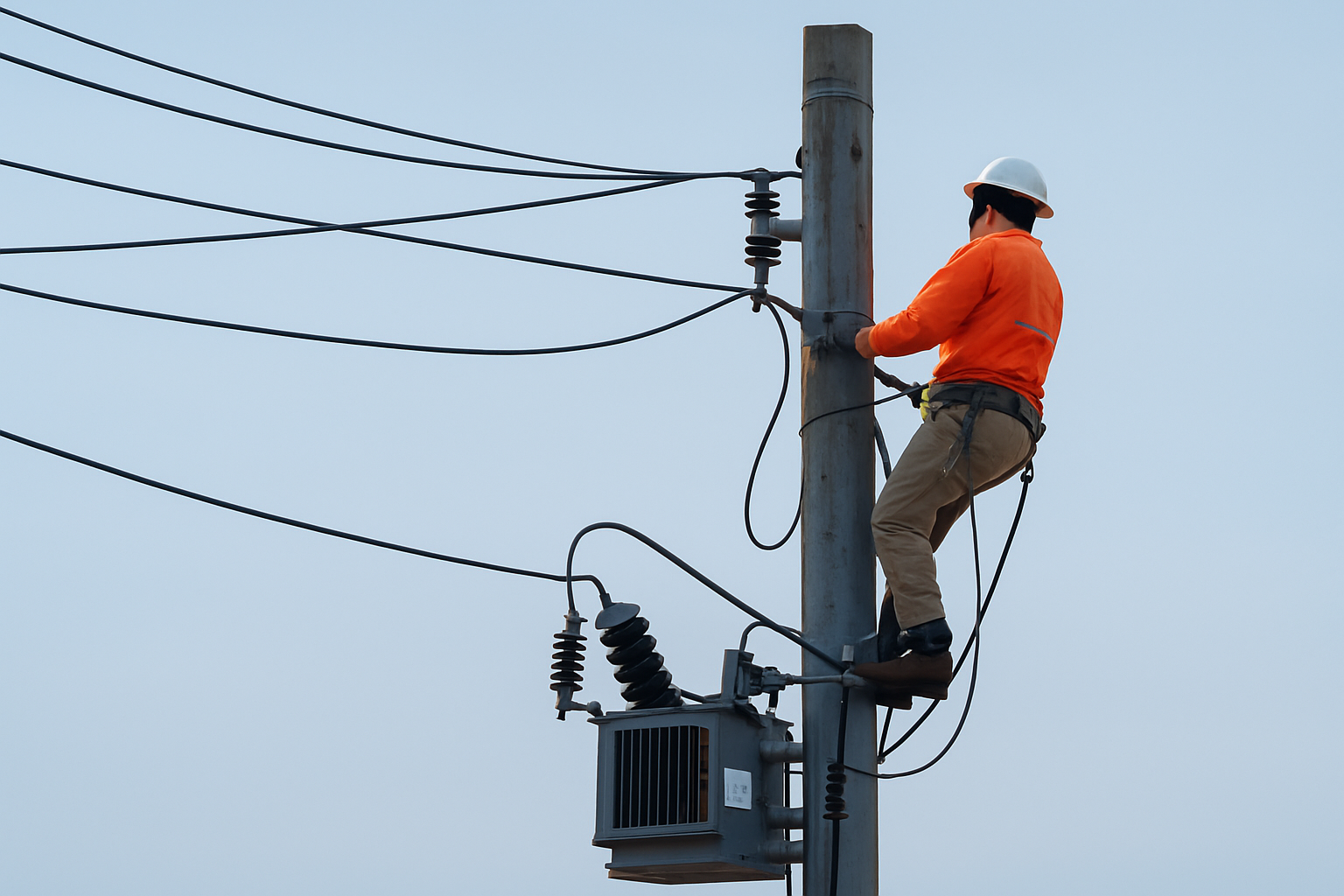
Digital high-fives to Photoshop for introducing the cable and wire removal filter. These common culprits frequently mar otherwise spectacular shots, and getting rid of them has always been a headache. With just one click, the filter wipes out complex wires and cables, honing in on details to clean up your composition.
A Simple Click Away
To remove those pesky wires, again navigate to the “Find Distractions” tool and select “Wires and Cables.” It’s as simple as that. The filter scans the image and identifies the flaws, creating a seamless finish without grueling manual touch-ups. This feature shines particularly bright for landscape photographers and urban exploration aficionados seeking to let nature’s—or the city’s—beauty take center stage.
Choose Your Adventure: AI On or Off?
Another exciting aspect of these new filters is the flexibility they offer. Creatives can choose between different modes based on the task at hand. Whether you lean on the power of generative AI or prefer the trusted content-aware fill, Photoshop 2025 allows you the freedom to pick the tool best suited to your needs.
Customizing for Precision
If you’re meticulous about details, the “Plus” and “Minus” icons enable you to fine-tune the process. These let you add or subtract from the areas targeted for removal, ensuring that nothing—like the shadow of a person or a sneaky walking stick—slips through the cracks. Adjust your brush size using the right and left bracket keys, and you’ve got yourself a highly customizable editing experience.
The Bigger Picture
In a digital world brimming with visuals, the ability to refine images with precision is more critical than ever. Adobe Photoshop 2025, with its enhanced AI capabilities and intuitive retouching tools, places power right at your fingertips. So whether you’re looking to declutter your photographs or just want a new tool to play with, these features prove that Photoshop continues to set the bar in innovative photo editing.
Keep your eyes peeled for more updates and tutorials on how AI continues to shape the landscape of digital creativity. Remember, the future of photo editing is here—it’s interactive, intuitive, and incredibly exciting. Happy editing!





